描述:在三维点云空间中,我们需要裁剪掉不关注的区域
使用open3d库
原始点云输入为:
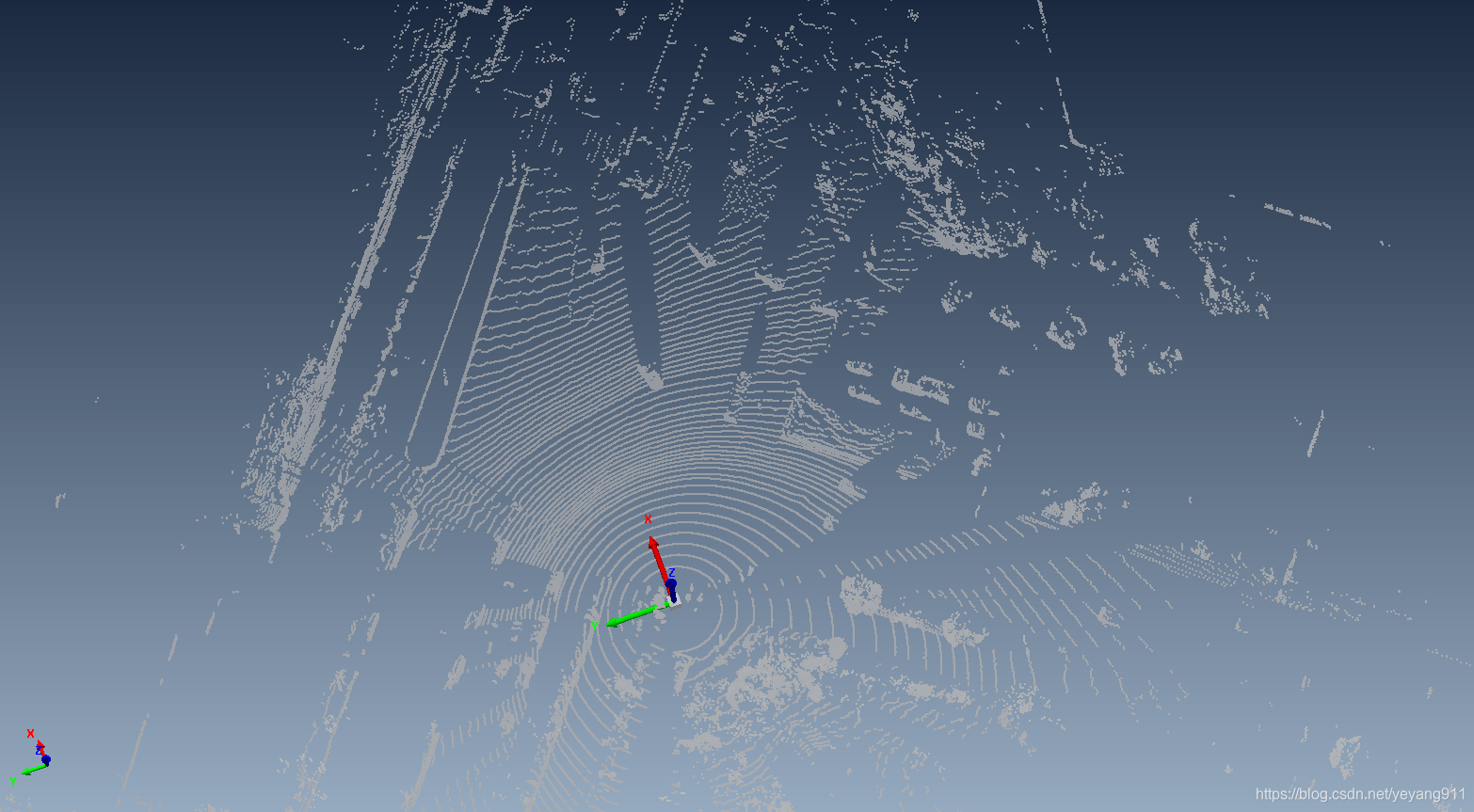
import os
import numpy as np
import open3d as o3d


#load pcd file
pcd_file = '1.pcd'
pcd = o3d.io.read_point_cloud(pcd_file)

print(pcd)

#The region we wanted using x-axis and y-axis
#Like a bird's eye view
bounding_ploy = np.array([
                          [1.3, 6.1, 0],
                          [0.864, -6.518, 0],
                          [15, -41, 0],
                          [42.774, -41.181, 0],
                          [62.1, -33.3, 0],
                          [77.8, -8.2, 0],
                          [23.8, 32.2, 0],
                          [8, 25, 0]
                         ], dtype = np.float32).reshape([-1, 3]).astype("float64")

print(bounding_ploy)

bounding_polygon = np.array(bounding_ploy, dtype = np.float64)

vol = o3d.visualization.SelectionPolygonVolume()

#The Z-axis is used to define the height of the selected region
vol.orthogonal_axis = "Z"
vol.axis_max = 8
vol.axis_min =-16


vol.bounding_polygon = o3d.utility.Vector3dVector(bounding_polygon)
comp = vol.crop_point_cloud(pcd)
print(comp)
xyz_load = np.asarray(comp.points)

#save the cropped region
np.savetxt( '1_' + '.txt', xyz_load)
裁剪后的点云:
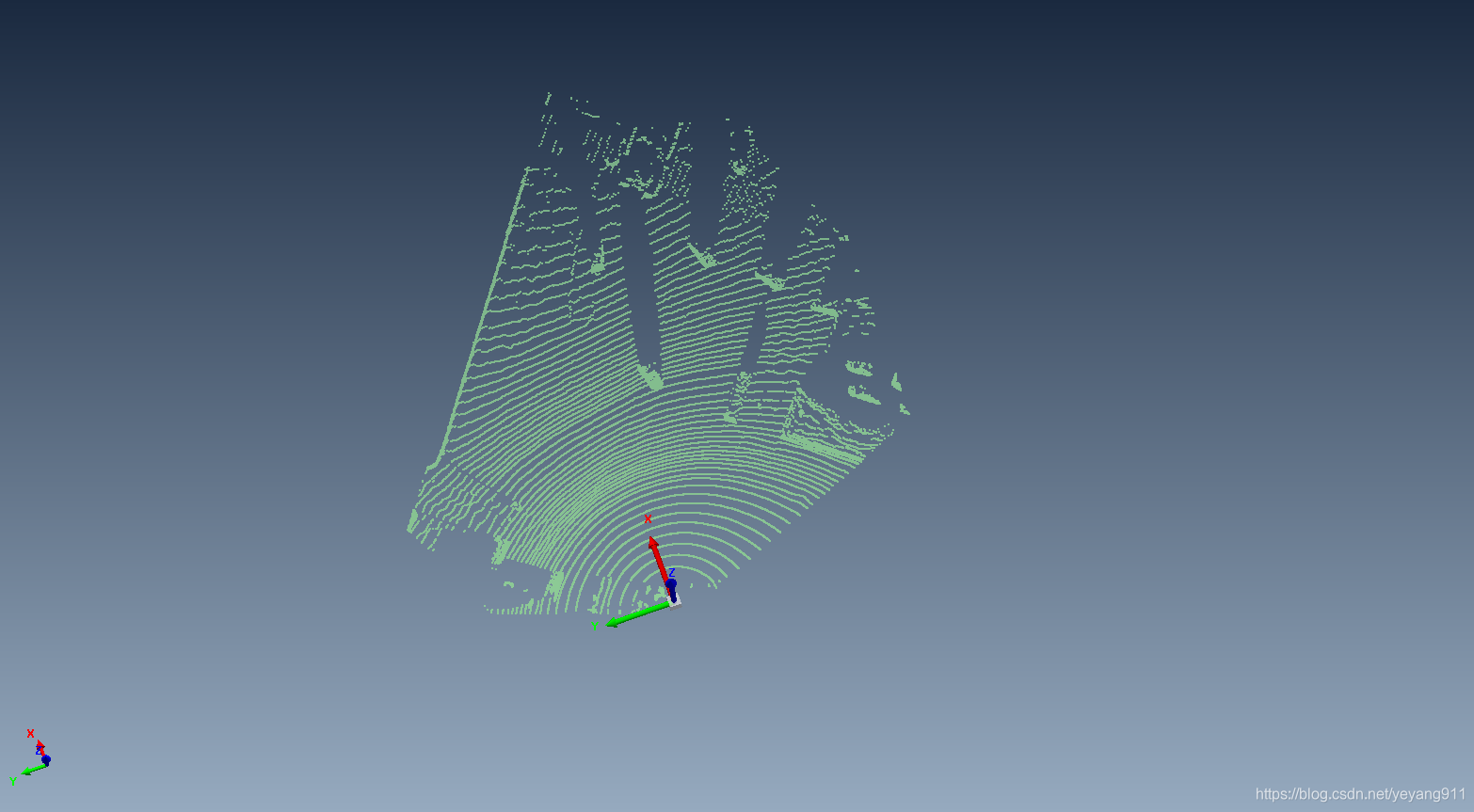
版权声明:本文为yeyang911原创文章,遵循CC 4.0 BY-SA版权协议,转载请附上原文出处链接和本声明。