需求
给前端提供一个接口,可下载文件,如果只是一个文件就直接返回输出流,如果多个就打成一个压缩包返回输出流
参考代码
代码根据自己的业务逻辑进行修改!
controller
/**
	 * 打包下载文档
	 * @param signId
	 */
	@PostMapping("/downloadZip")
	@ApiOperationSupport(order = 5)
	@ApiOperation(value = "下载文档", notes = "传入signId")
	public R download(@ApiParam(value = "签署id", required = true) @RequestParam Long signId) throws Exception {
		return R.data(signDocumentService.downloadZipFile(signId).toString());
	}
service
	/**
	 * 根据id查询签署附件打包并下载
	 *
	 * @param signId
	 * @return FileOutputStream
	 * @throws Exception
	 */
	FileOutputStream downloadZipFile(Long signId) throws Exception;
serviceImpl
 @Override
    public FileOutputStream downloadZipFile(Long signId) throws Exception {
        InputStream input = null;
        //  定义压缩输出流
        ZipOutputStream zipOut = null;
        File zipFile = null;
        List<String> ossList = null;
        String path = null;
        String download = null;
        String localPath = null;
        try {
            ossList = new ArrayList();
            // 根据signId查询签署文档
            List<SignDocumentVO> signDocuments = signDocumentMapper.selectAttachs(signId);
            // 如果不为空
            if (!signDocuments.isEmpty()) {
                // 如果只有一个签署文件就直接下载,如果有多个就打压缩包
                if (signDocuments.size()==FILE_ONE.getCode()) {
                    return downloadDetails(signId);
                }else{
                    for (SignDocument signDocument : signDocuments) {
                        // 根据签署文档的attachId查询对应的附件
                        Attach attach = attachMapper.selectAttachById(signDocument.getAttachId());
                        String link = attach.getLink();
                        // 把oss文件下载到项目本地
                        path = SignDocumentServiceImpl.class.getClass().getResource("/").getPath() +
                                FileUtil.getNameWithoutExtension(link) + "." + PDF;
                        localPath = SignDocumentServiceImpl.class.getClass().getResource("/").getPath();
                        // 把获取到的oss文件链接下载到本地
                        download = download(link, path);
                        ossList.add(download);
                        //  定义压缩文件夹的名称和相关的位置
                        zipFile = new File(localPath + "file.zip");
                        //  实例化压缩输出流  并定制压缩文件的输出路径
                        zipOut = new ZipOutputStream(new FileOutputStream(zipFile));
                    }
                }
            }
            for (String o : ossList) {
                File file = new File(o);
                //  定义输入文件流
                input = new FileInputStream(file);
                // 一个文件对对应一个ZipEntry实体
                zipOut.putNextEntry(new ZipEntry(file.getName()));
                int readsize = 1024 * 1024 * 5;
                byte[] buf = new byte[readsize];
                int temp = 0;
                while ((temp = input.read(buf)) != -1) {
                    zipOut.write(buf, 0, temp);
                }
            }
            //  删除本地文件
           // FileUtil.deleteQuietly(new File(path));
        } catch (IOException e) {
            log.error("打包下载失败!", e);
        } finally {
            if(null != zipOut){
                zipOut.closeEntry();
                zipOut.close();
            }
            if(null != input){
                input.close();
            }
            // 回收资源
            System.gc();
        }
        // 压缩包文件转为FileOutputStream
        FileOutputStream fileOutputStream = new FileOutputStream(String.valueOf(zipOut));
        return fileOutputStream;
    }


    private FileOutputStream downloadDetails(Long signId) throws Exception {
        String path = null;
        String download = null;
        FileOutputStream fileOutputStream = null;
        // 根据signId查询签署文档
        List<SignDocumentVO> signDocuments = signDocumentMapper.selectAttachs(signId);
        // 如果不为空
        if (!signDocuments.isEmpty()) {
            for (SignDocument signDocument : signDocuments) {
                // 根据签署文档的attachId查询对应的附件
                Attach attach = attachMapper.selectAttachById(signDocument.getAttachId());
                String link = attach.getLink();
                // 把oss文件下载到项目本地
                path = SignDocumentServiceImpl.class.getClass().getResource("/").getPath() +
                FileUtil.getNameWithoutExtension(link) + "." + PDF;
                // 把获取到的oss文件链接下载到本地
                download = download(link, path);
                File file = new File(download);
                fileOutputStream = new FileOutputStream(file);
            }
        }
        return fileOutputStream;
    }
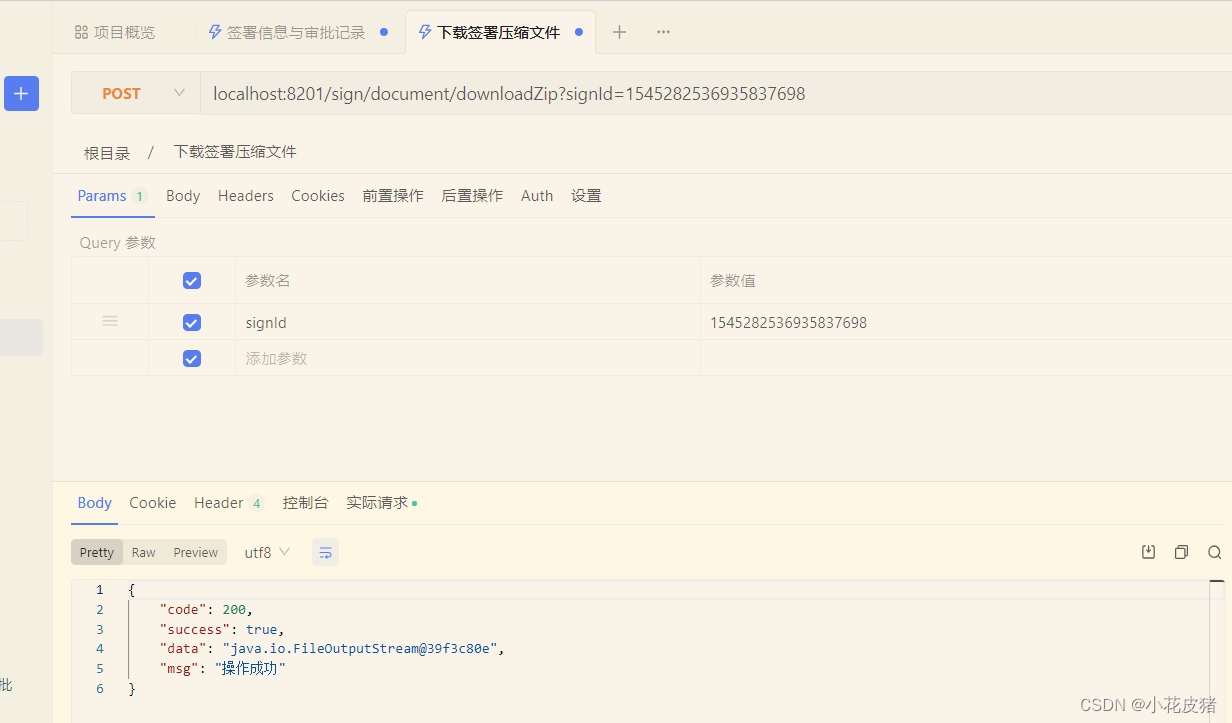
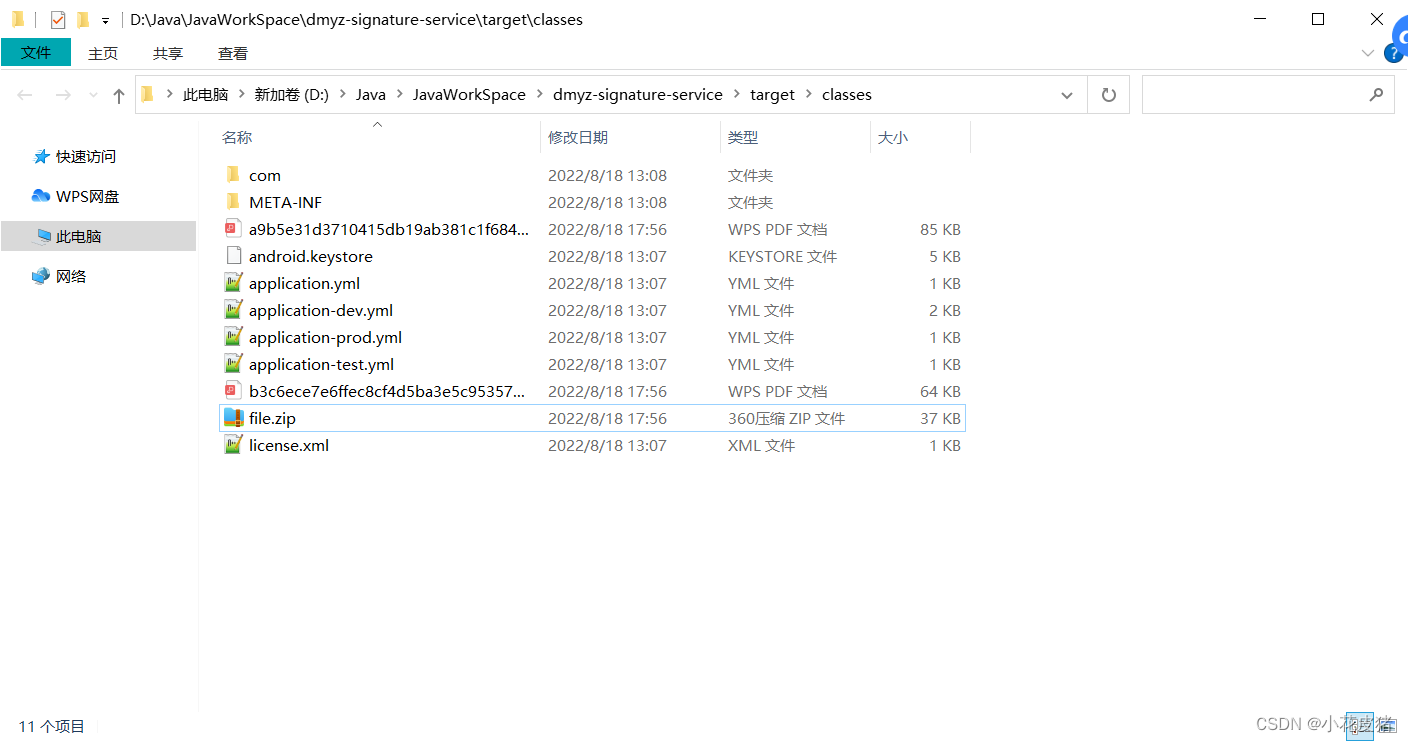
调试效果
解压缩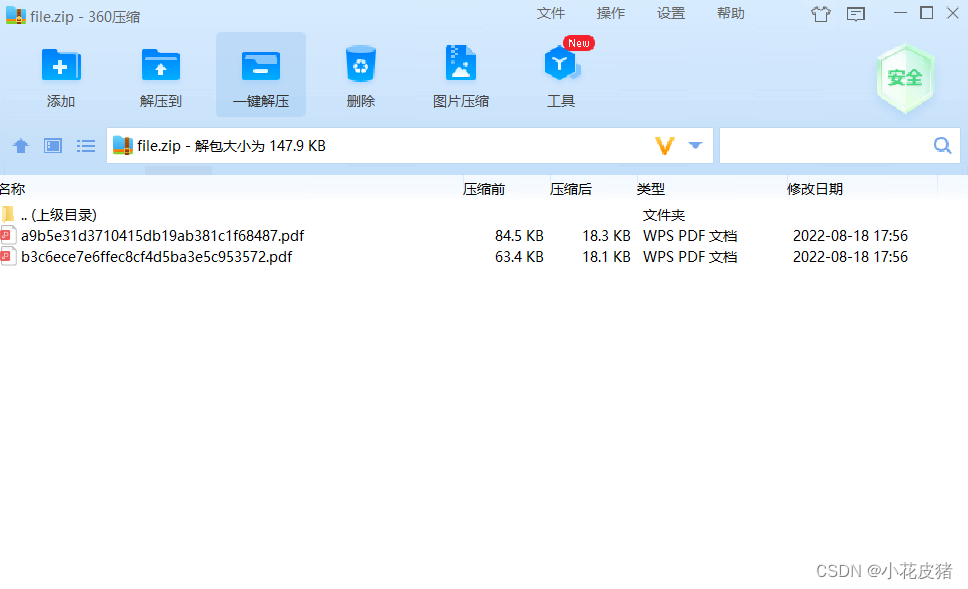
解决文件被JVM占用无法打开
如果遇到这种错误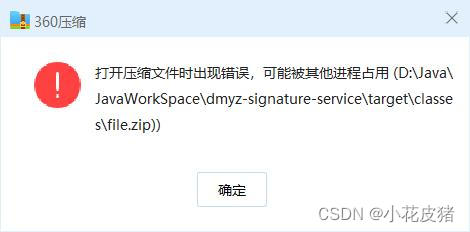
排查代码发现,流都关了,还是会出现这个问题,只能强制使用gc了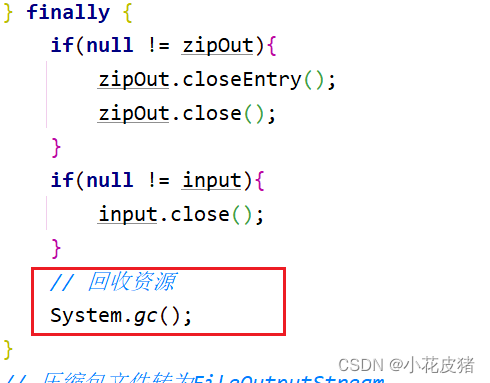
补充
2022.9.5更新
发现这个文章写的比较水,漏洞较多,已重新写了新的文章,建议参考最新文章
https://blog.csdn.net/weixin_46713508/article/details/126628254
版权声明:本文为weixin_46713508原创文章,遵循CC 4.0 BY-SA版权协议,转载请附上原文出处链接和本声明。