1、在项目中安装jquery。
npm install jquery --save-dev2、在项目根目录下的build/webpack.base.conf.js文件中:
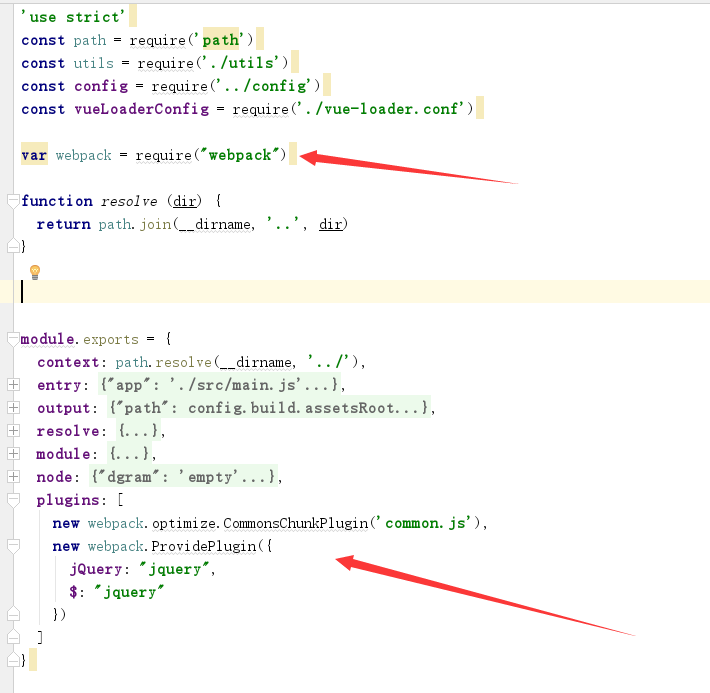
① 先写以下代码
var webpack = require("webpack") ②在module.exports的最后写
plugins: [
    new webpack.optimize.CommonsChunkPlugin('common.js'),
    new webpack.ProvidePlugin({
      jQuery: "jquery",
      $: "jquery"
    })
  ]
3、在根目录下的\src\main.js中引入
import $ from 'jquery'版权声明:本文为hhy1006894859原创文章,遵循CC 4.0 BY-SA版权协议,转载请附上原文出处链接和本声明。