这张图是我遇到问题的状态!
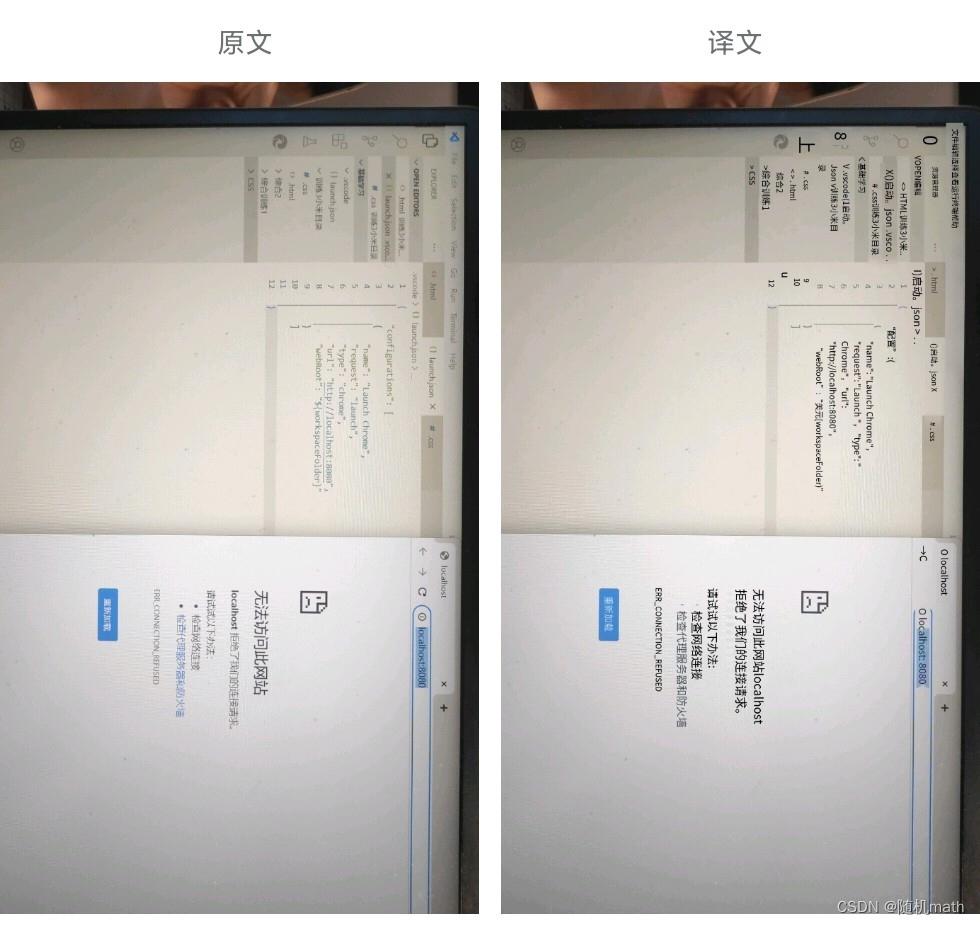
下面是我的纠正,以及除了所展示页面,其他的均一致,文件位置也未曾发生变动。
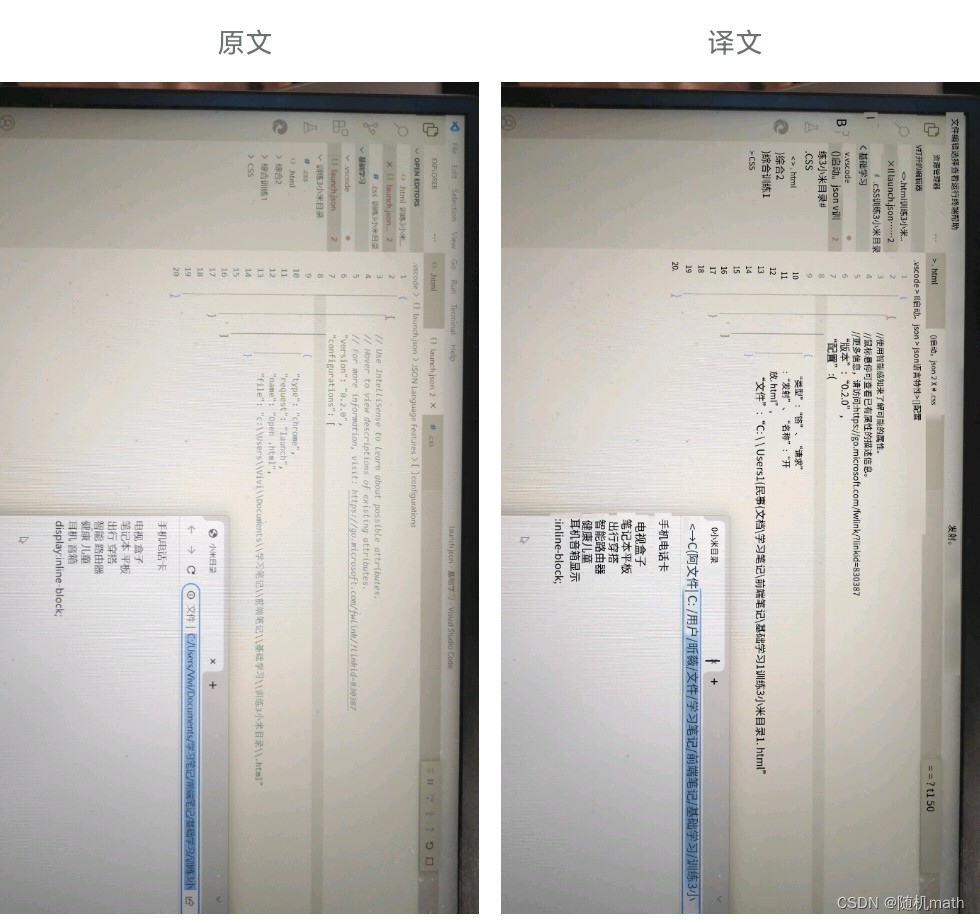
在.json文件的左下方有Add configuration
之前那个错误页面我是这个里面??选择了Chrome lunch,错误原因暂不知
{
    {
        // Use IntelliSense to learn about possible attributes.
        // Hover to view descriptions of existing attributes.
        // For more information, visit: https://go.microsoft.com/fwlink/?linkid=830387
        "version": "0.2.0",
        "configurations": [

            {
                "type": "chrome",
                "request": "launch",
                "name": "Open .html",
                "file": "c:\\.html"  /*具体.html文件的位置*/
            }
        ]
    }
}
可以按照我后面的编写.json 然后就可以run了?
对不起家人,我太菜,满满来,以后就能好些了
版权声明:本文为m0_50925403原创文章,遵循CC 4.0 BY-SA版权协议,转载请附上原文出处链接和本声明。