本人所负责的系统是分布式系统,用到了消息队列rabbitmq。起初为了快速验证业务功能,只简单部署了一台rabbitmq服务器,显然存在着单点故障风险,无法应用于生产环境。本人结合项目实际情况经过一翻研究,决定对rabbitmq服务器进行集群部署,进一步部署nginx负载均衡代理转发,实现服务高可用。此篇为系列第一篇erlang安装。
rabbitmq安装需要erlang环境,并且两者之间的版本需要正确匹配。这里采用的版本为RabbitMQ 3.9.7和Erlang 24.0。安装过程采用root用户进行操作,linux环境为centos版本7。下面描述安装步骤,并配图。
1、到erlang官网(https://www.erlang.org/)下载安装包otp_src_24.0.tar.gz,我下载的版本是24.0
通常情况下erlang安装在/usr/local目录下面,但由于我采用的主机/usr目录空间不足,所以这里安装在/erlang目录下面,因此安装的时候需要指定安装目录,这点需要留意。
2、上传安装包到根目录/,并解压缩,命令如下:
tar zxf otp_src_24.0.tar.gz
解压缩后,安装包同级目录下面会产生目录otp_src_24.0
3、创建安装目录
cd /
mkdir erlang
cd otp_src_24.0/
4、执行configure并指定目录,命令如下:
[root@node20 otp_src_24.0]# ./configure --prefix=/erlang
=== Running configure in /otp_src_24.0/erts ===
./configure '--prefix=/erlang' --disable-option-checking --cache-file=/dev/null --srcdir="/otp_src_24.0/erts"
checking build system type... x86_64-pc-linux-gnu
checking host system type... x86_64-pc-linux-gnu
checking for gcc... gcc
checking whether the C compiler works... yes
......
checking for tgetent in -ltinfo... no
checking for tgetent in -lncurses... no
checking for tgetent in -lcurses... no
checking for tgetent in -ltermcap... no
checking for tgetent in -ltermlib... no
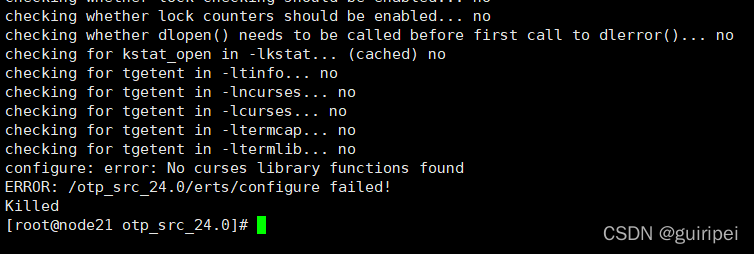
configure: error: No curses library functions found
ERROR: /otp_src_24.0/erts/configure failed!
Killed
[root@node20 otp_src_24.0]#
第一个坑出现:执行失败,提示curses库未找到!解决方法是安装curses库。
5、安装curses库
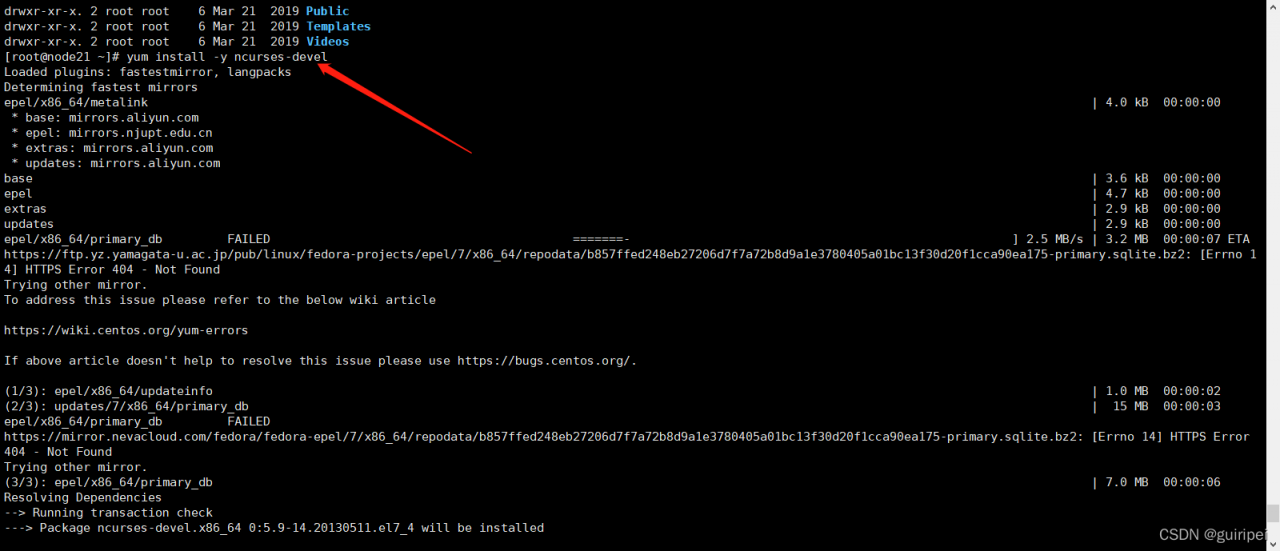
[root@node20 otp_src_24.0]# yum install -y ncurses-devel
6、再次执行configure并指定目录,命令如下:
[root@node20 otp_src_24.0]# ./configure --prefix=/erlang
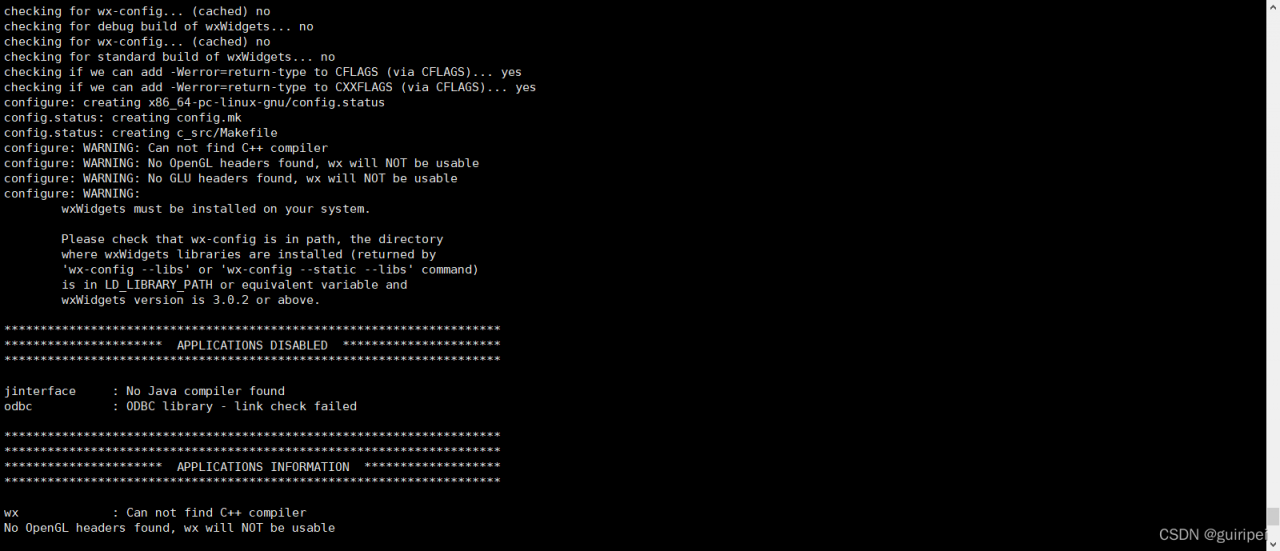
还有几个WARNING,不理会,接着往下安装。
configure: WARNING: Can not find C++ compiler
configure: WARNING: No OpenGL headers found, wx will NOT be usable
configure: WARNING: No GLU headers found, wx will NOT be usable
configure: WARNING:
wxWidgets must be installed on your system.
Please check that wx-config is in path, the directory
where wxWidgets libraries are installed (returned by
'wx-config --libs' or 'wx-config --static --libs' command)
is in LD_LIBRARY_PATH or equivalent variable and
wxWidgets version is 3.0.2 or above.
7、make
[root@node20 otp_src_24.0]# make
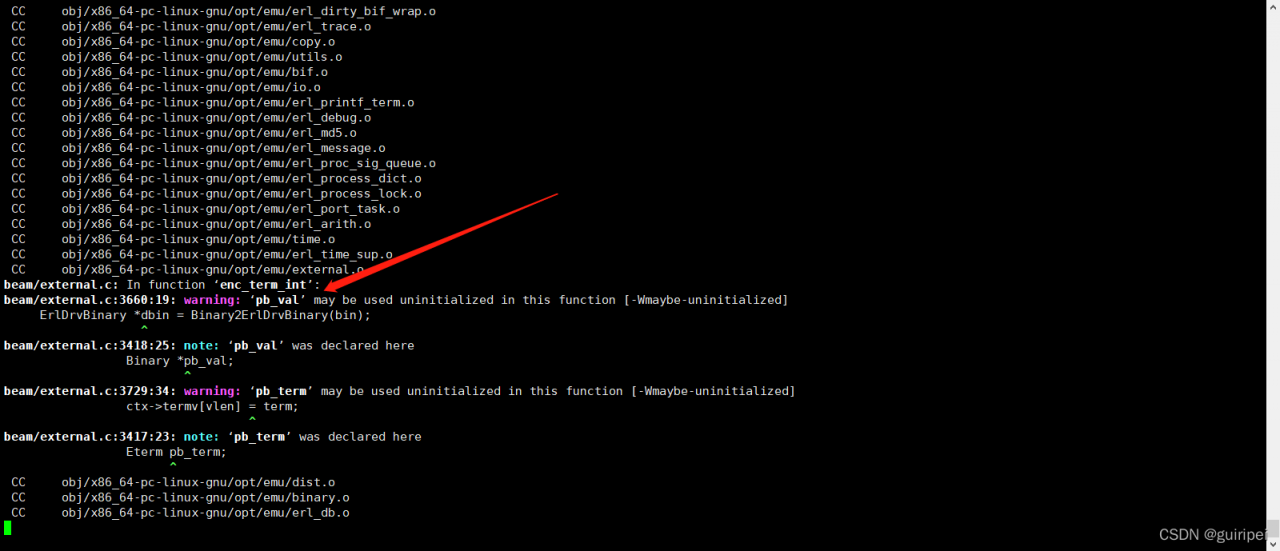
make过程会花几分钟时间,编译过程中出现warning,不用理会,接着往下安装。
8、make install
[root@node20 otp_src_24.0]# make install
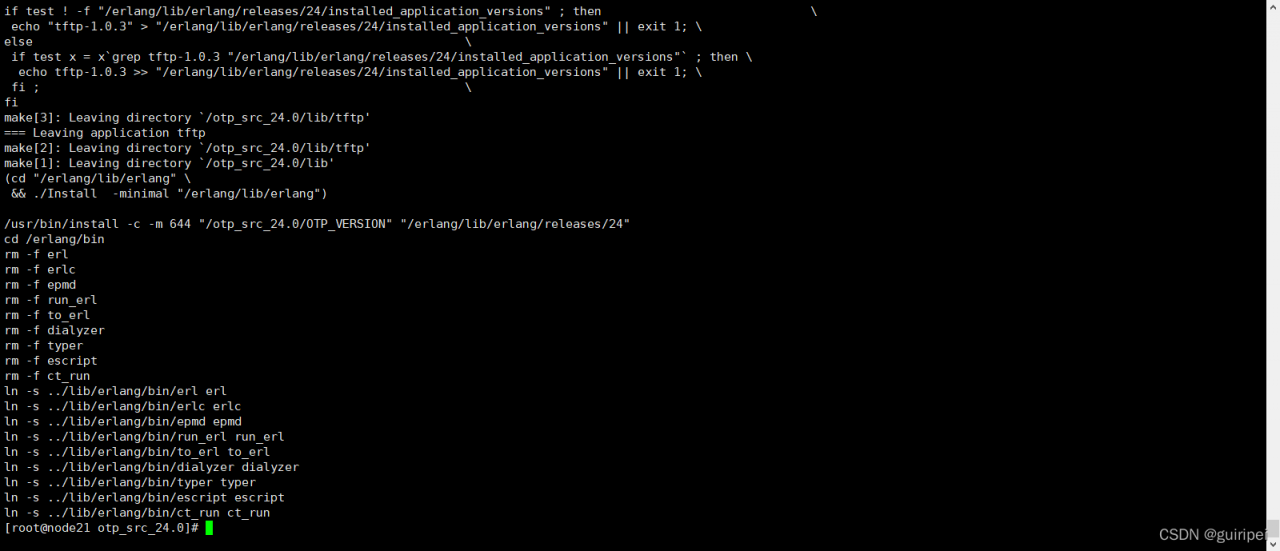
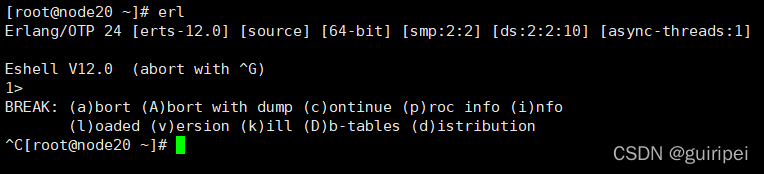
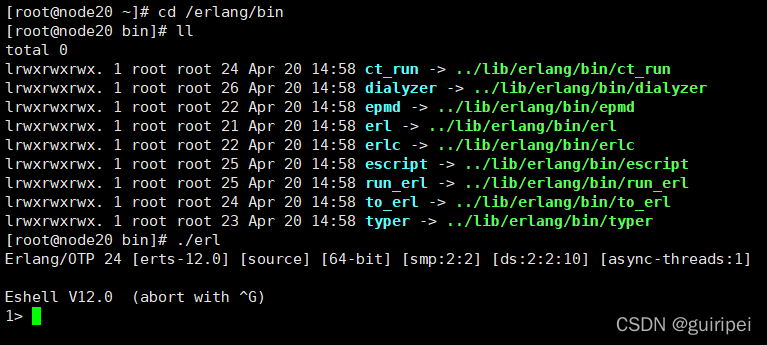
9、验证erlang是否安装成功,如果shell出现erlang命令提示符,则表明安装成功。
cd /erlang/bin
[root@node20 bin]# ./erl
10、配置环境变量
为了在任何目录下输入erl能找到erlang命令,需要配置环境变量。并且关键的是,rabbitmq会找不到erlang,这是第二个坑。
cd /etc
cp profile profile20220421
vim /etc/profile
在末尾添加,:wq保存退出。
export PATH=$PATH:/erlang/bin
使修改生效
source /etc/profile
试着在任意目录下输入erl,成功启动erlang命令提示符。至此,erlang安装成功。