一个xshell 连接centos7服务器的坑
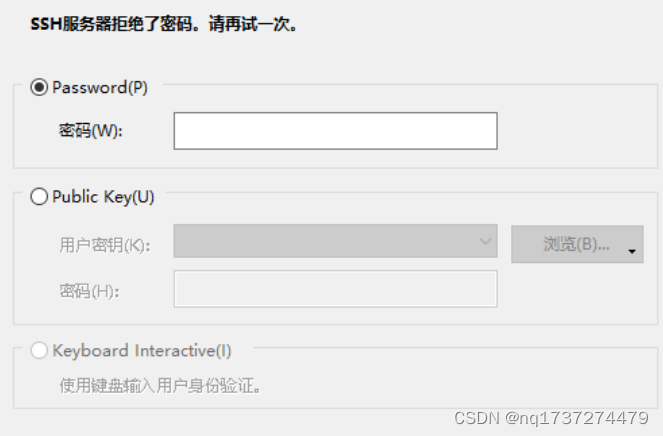
确定服务器用户名和密码都是正确的情况下依然出现错误提示:
1.
在centos终端输入:
su root    ###切换到root用户输入密码
vi /etc/ssh/sshd_config ###编辑sshd_config文件
找到配置文件中的Authentication:
将下面的三行#去掉
#Authentication:
#LoginGraceTime 2m
#PermitRootLogin yes
#StrictModes yes
#MaxAuthTries 6
#MaxSessions 10
改为:
#Authentication:
LoginGraceTime 2m
PermitRootLogin yes
StrictModes yes
#MaxAuthTries 6
#MaxSessions 10
查看selinux状态,Enforcing为开启状态
getenforce ### 查看selinux状态,Enforcing为开启状态
为Enforcing
setenforce 0 ### 临时关闭selinux,状态变为了 Permissive 此方法重启后还会处于开始状态
getenforce ###然后再查看getenforce命令
显示:Permissive
这时再去连接Xshell已经可以连接!
永久关闭Selinux的方法:
#####永久关闭 Selinux
vim /etc/selinux/config         ### 将SELINUX=enforcing改为SELINUX=disabled保存退出,并重启
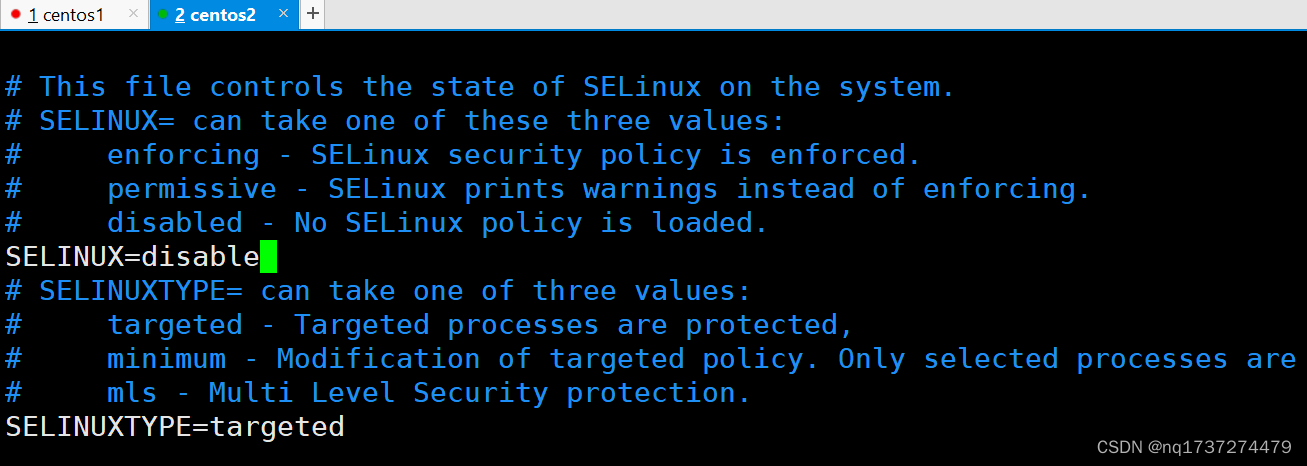
设SELINUX=disable
即可
版权声明:本文为nq1737274479原创文章,遵循CC 4.0 BY-SA版权协议,转载请附上原文出处链接和本声明。