解决springboot使用swagger2时,访问http://localhost:8080/swagger-ui.html页面404
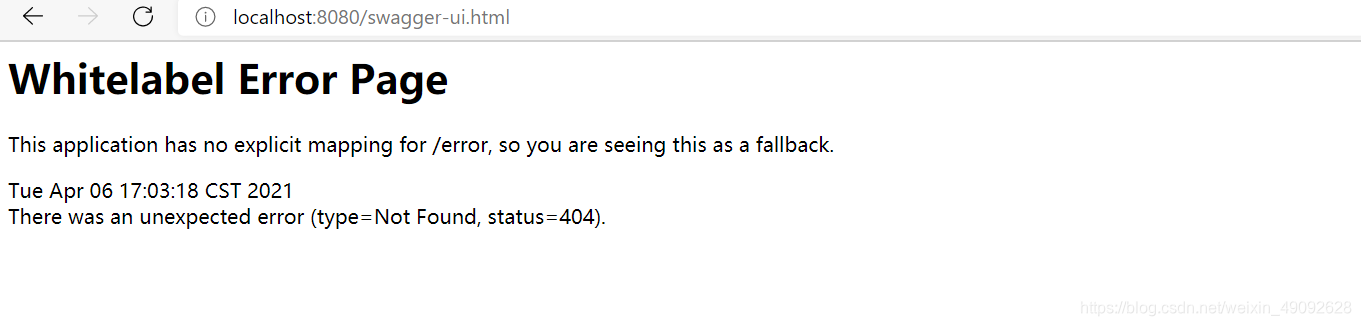
其实还需导入一下依赖
 <dependency>
      <groupId>io.springfox</groupId>
      <artifactId>springfox-boot-starter</artifactId>
      <version>3.0.0</version>
</dependency>
最后还需在启动类添加开启API注解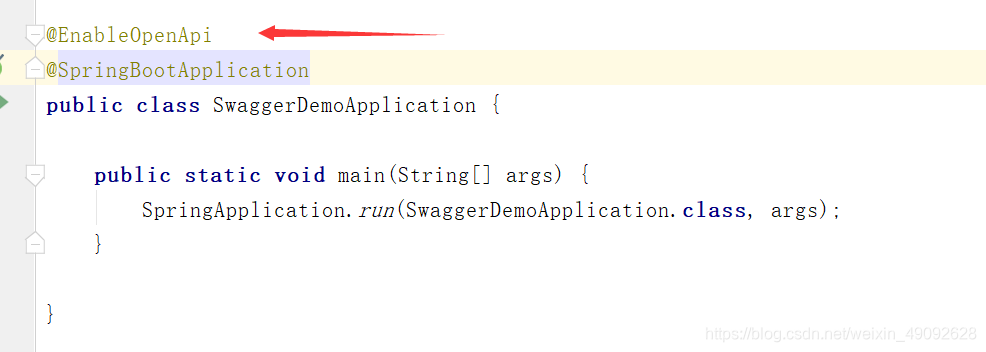
注意:访问地址发生了改变 http://localhost:8080/swagger-ui/index.html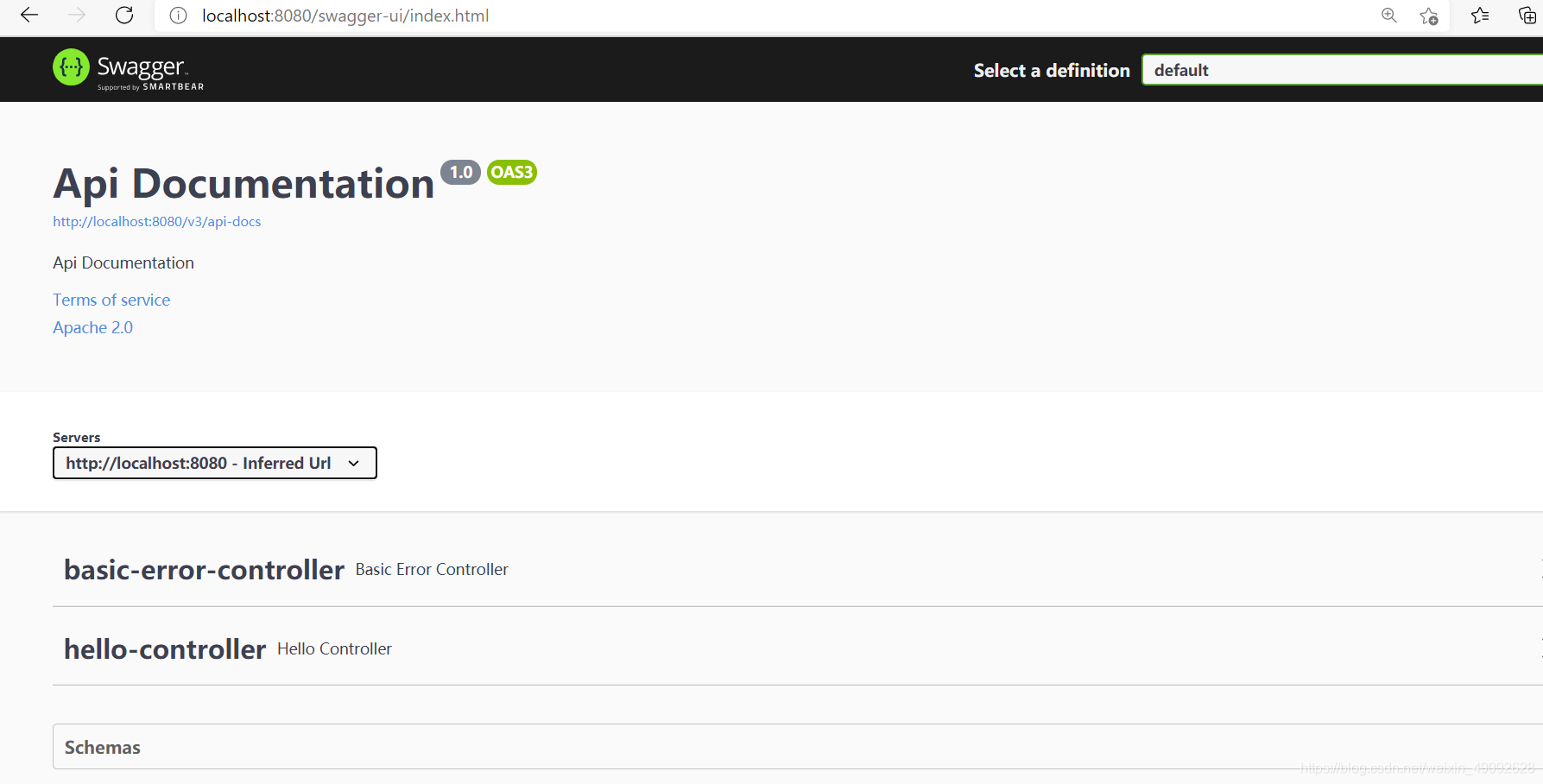
版权声明:本文为weixin_49092628原创文章,遵循CC 4.0 BY-SA版权协议,转载请附上原文出处链接和本声明。