一、Antd(Ant Design)的使用:引入全部Css样式
1.ant design官网
https://ant.design/index-cn
1.2 React中使用Antd
1、在项目根目录安装antd【每个项目都安装一次】:
npm install antd --save / yarn add antd / cnpm install antd --save
2、在您的react项目的css文件中引入Antd的css【会引入所有css样式】
@import '~antd/dist/antd.css';
3、使用具体组件(看文档使用)例如使用Button:
3.1、在对应的组件中引入Antd:
import { Button } from 'antd';
3.2、在render()中写入组件:
<Button type="primary">Primary</Button>
1.3 代码示例
Warning: findDOMNode is deprecated in StrictMode. findDOMNode was passed an instance of Wave which is inside StrictMode. Instead, add a ref directly to the element you want to reference. Learn more about using refs safely here: https://fb.me/react-strict-mode-find-node
    in button (created by Button)
    in Wave (created by Button)
    in Button (at Home.js:17)
    in div (at Home.js:16)
    in Home (at App.js:49)
    in Route (at App.js:46)
    in div (at App.js:30)
    in Router (created by BrowserRouter)
    in BrowserRouter (at App.js:29)
    in App (at src/index.js:18)
    in StrictMode (at src/index.js:17)

警告原因:
是因为 react中的严格模式: StrictMode
解决办法:
在index.js中挂载 App 的外面有这样一个标签
只要把这个标签删除掉就可以了


1.3.1安装
1.3.2.引入antd的css样式
因为在App.js里引入了App.css所以就在App.css头部引入:
@import '~antd/dist/antd.css';
1.3.3.在App.js里使用Antd的按钮组件、小图标组件
在官网查找组件:https://ant.design/docs/react/introduce-cn
Home.js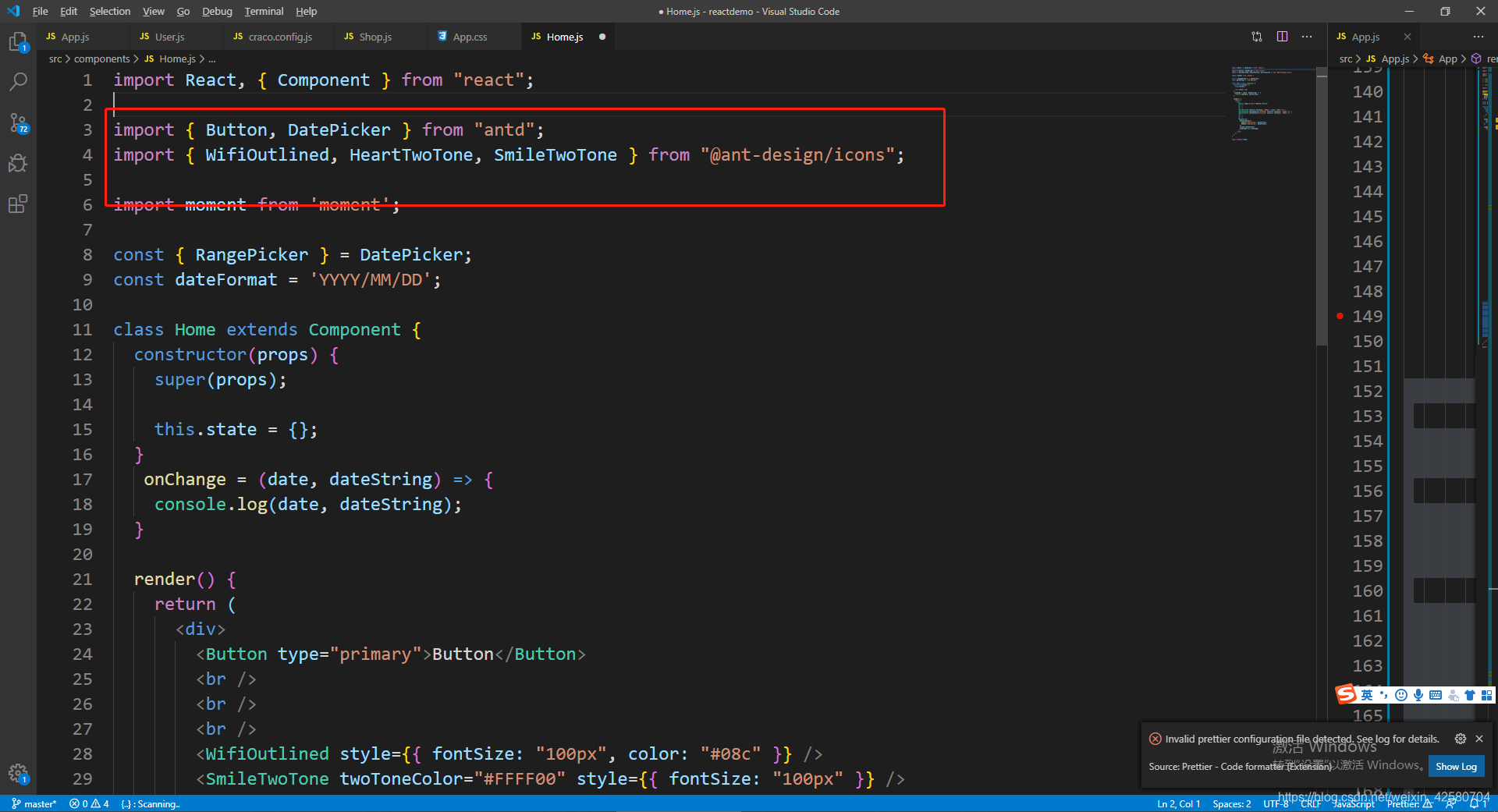

import React, { Component } from "react";

import { Button} from "antd";
import { WifiOutlined, HeartTwoTone, SmileTwoTone } from "@ant-design/icons";

class Home extends Component {
  constructor(props) {
    super(props);

    this.state = {};
  }


  render() {
    return (
      <div>
        <Button type="primary">Button</Button>
        <br />
        <br />
        <br />
        <WifiOutlined style={{ fontSize: "100px", color: "#08c" }} />
        <SmileTwoTone twoToneColor="#FFFF00" style={{ fontSize: "100px" }} />
        <HeartTwoTone twoToneColor="hotpink" style={{ fontSize: "100px" }} />

      </div>
    );
  }
}

export default Home;
1.3.4.使用日历组件
Home.js
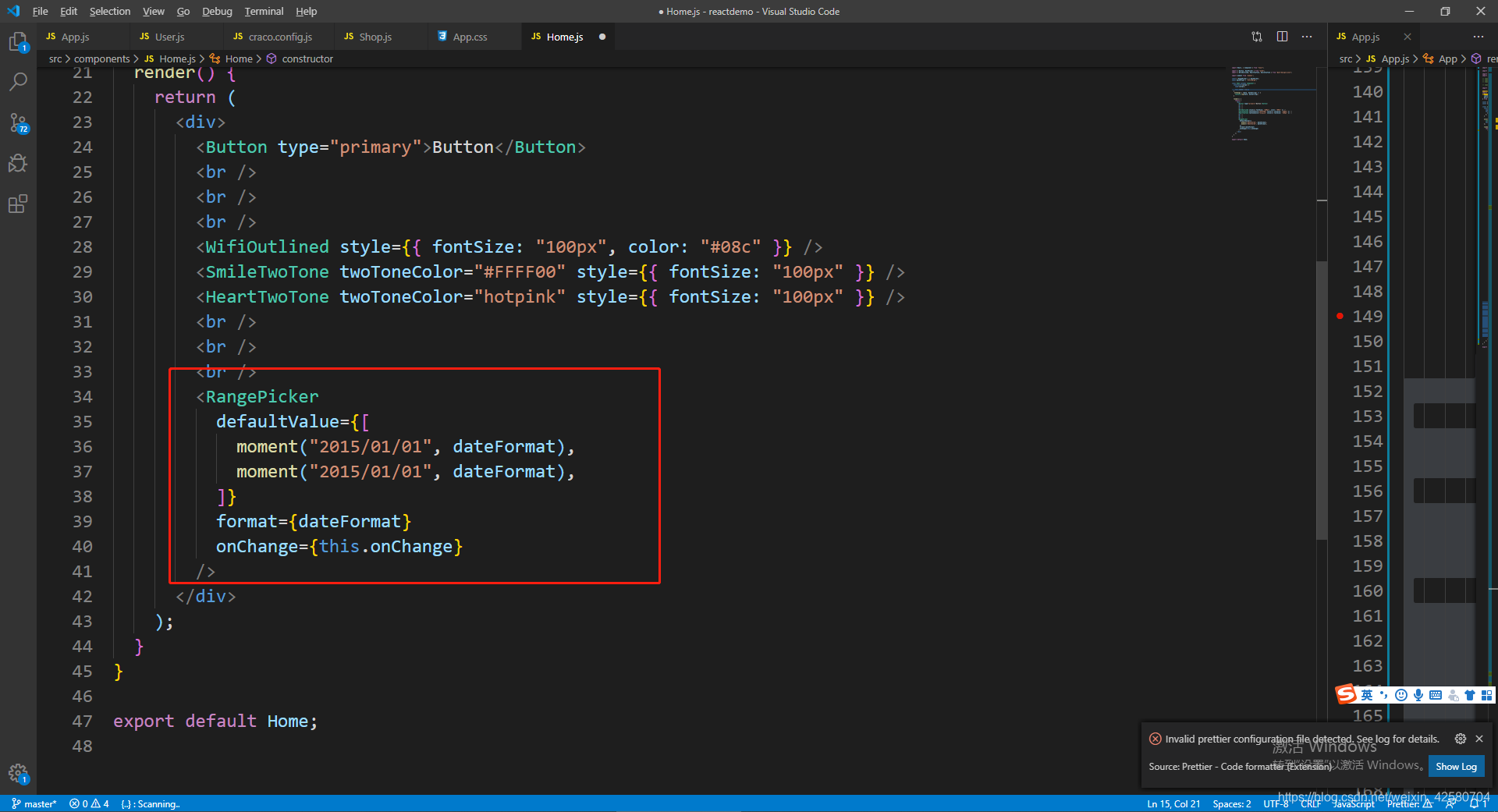

import React, { Component } from "react";

import {  DatePicker } from "antd";

import moment from 'moment';

const { RangePicker } = DatePicker;
const dateFormat = 'YYYY/MM/DD';

class Home extends Component {
  constructor(props) {
    super(props);

    this.state = {};
  }
   onChange = (date, dateString) => {
    console.log(date, dateString);
  }

  render() {
    return (
      <div>

        <RangePicker
          defaultValue={[
            moment("2015/01/01", dateFormat),
            moment("2015/01/01", dateFormat),
          ]}
          format={dateFormat}
          onChange={this.onChange}
        />
      </div>
    );
  }
}

export default Home;
版权声明:本文为weixin_42580704原创文章,遵循CC 4.0 BY-SA版权协议,转载请附上原文出处链接和本声明。