1、将蓝色的png图片变成白色
原图片

-webkit-filter: grayscale(100%) brightness(300%); /* Chrome, Safari, Opera */
filter: grayscale(100%) brightness(300%);
grayscale(100%)是将代码变成灰色
brightness(300%) 将图片设置高亮,不够亮就把百分比再往上调

2、uniapp中的video组件非全屏时默认播放且静音,全屏时播放声音
<template>
	<view class="content">
		<video src="../../static/div3-modal.mp4" autoplay="true" :muted="show" id="video" @fullscreenchange="change"></video>
	</view>
</template>

<script>
	export default {
		data() {
			return {
				show: true
			}
		},
		onLoad() {

		},
		methods: {
			change(e){
				console.log(e)
				this.show = false
			}
		}
	}
</script>
定义一个变量控制是否静音,监听全屏按钮,点击全屏时改变变量的值
3、将带排序的数组对象进行排序输出(按年龄大小顺序输出)
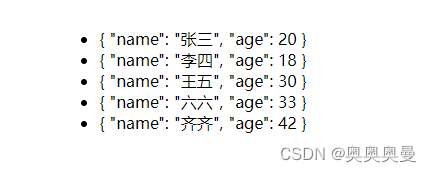
<template>
	<view class="content">
		<ul style="margin-top: 100rpx;">
			<li v-for="(item,index) in arr">{{item}}</li>
		</ul>
	</view>
</template>

<script>
	export default {
		data() {
			return {
				show: true,
				arr:[
					{name:"张三",age:20},
					{name:"李四",age:18},
					{name:"王五",age:30},
					{name:"六六",age:33},
					{name:"齐齐",age:42}
				]
			}
		},
		computed:{
			arrSort(){
				return this.arr.sort(this.sortKey('age'));
			}
		},
		methods: {
            sortKey(key){
				// a,b两两比较
				return function(a,b){
					let value1 = a[key];
					let value2 = b[key];
					return value1 - value2;
				}
			}
		}
	}
</script>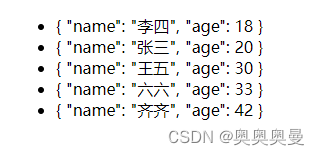
4、点击超链接在新窗口打开
methods:{
    openLink(link) {
	    window.open(link, '_blank');
    }
}
5、uniapp项目选择文字
在需要选择的页面添加如下代码
page{
	-webkit-user-select: text;
}
6、ios保存图片
uniapp中有image标签,但是img也能用
<canvas style="width: 100%;height: 100%;">
	<img class="img" :src="message[0].wx" mode="scaleToFill" @click="longPress(message[0].wx)"  style="-webkit-touch-callout: default;"></img>
</canvas>
7、flex布局
<template>
	<view class="content">
		<view class="flex">
			<view class="flexItem"></view>
			<view class="flexItem"></view>
			<view class="flexItem"></view>
			<view class="flexItem"></view>
			<view class="flexItem"></view>
		</view>
	</view>
</template>

<style>
	.flex{
		width: 70%;
		margin: 0 auto;
		display: flex;
		flex-wrap: wrap;
		justify-content: space-between;
	}

	.flexItem{
		width: 800rpx;
		height: 500rpx;
		margin-bottom: 100rpx;
		background-color: aquamarine;
	}
</style>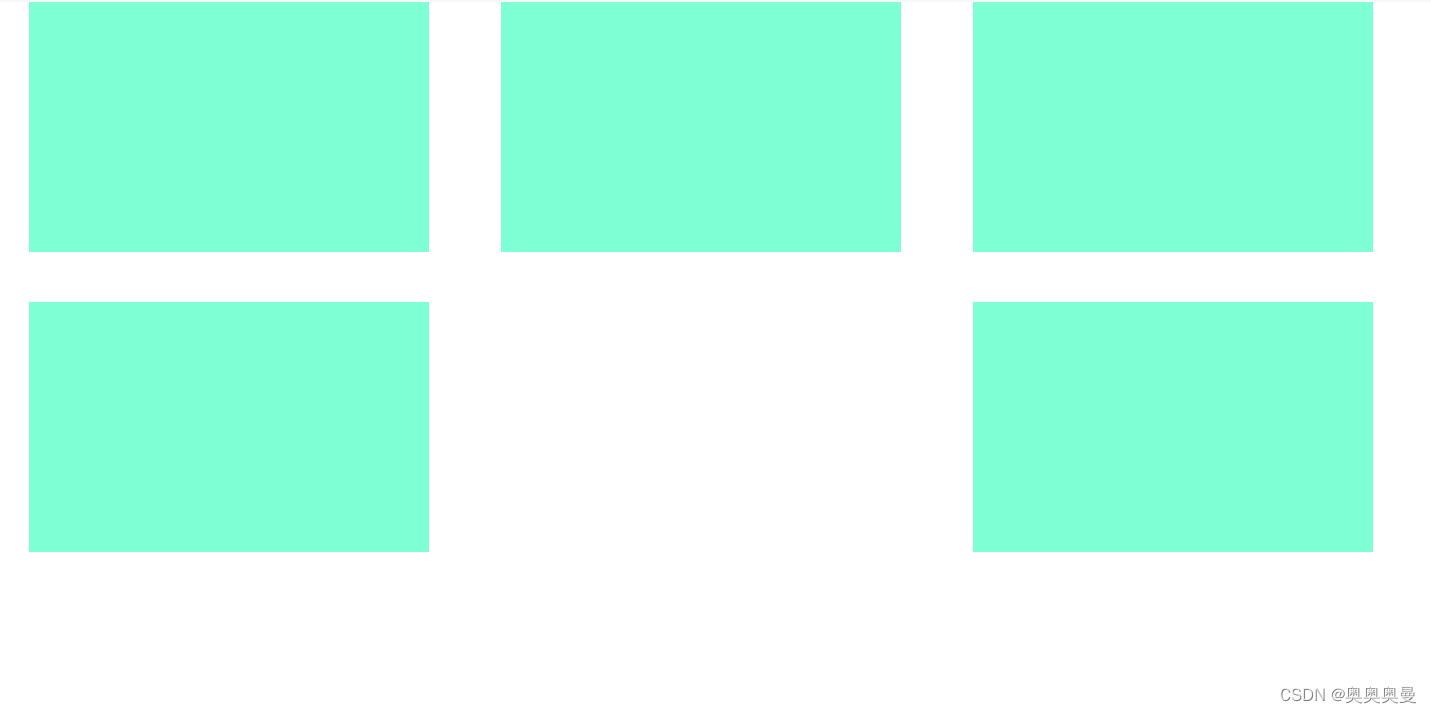
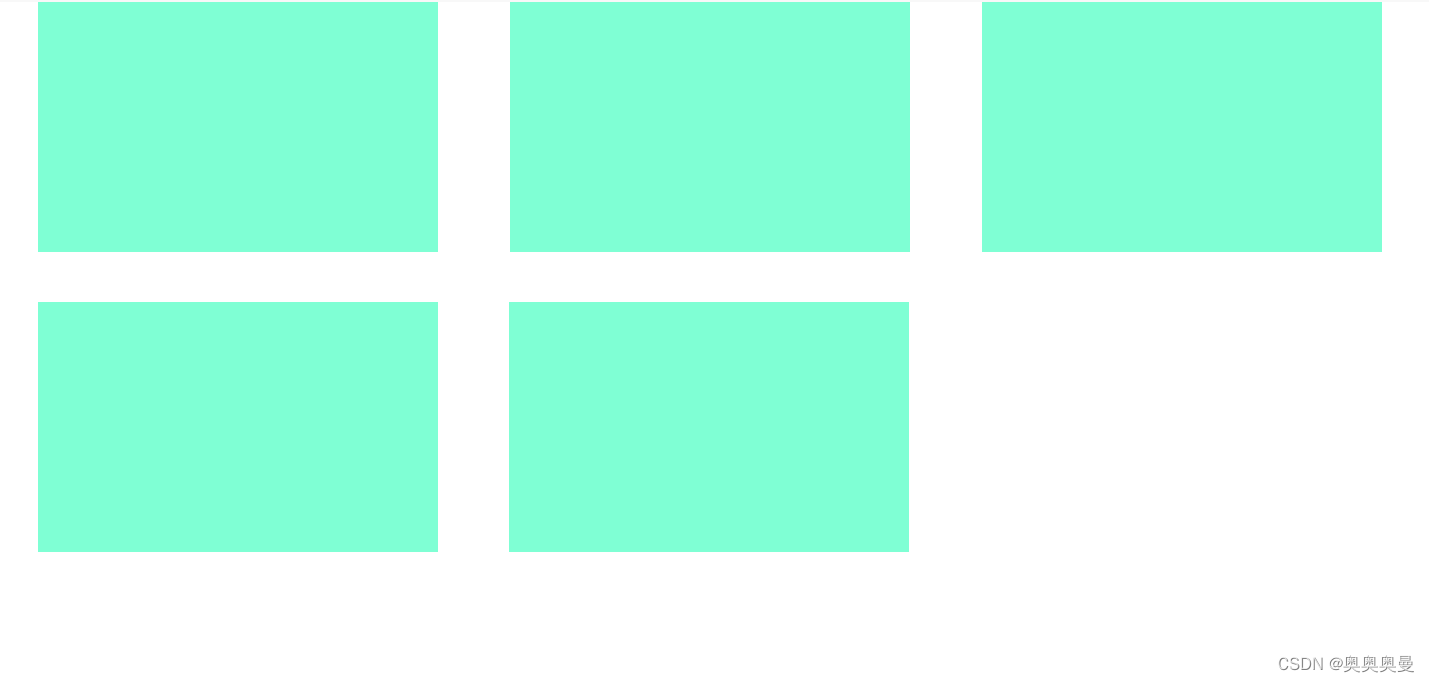
.flex:after{
	content: '';
	width: 800rpx;    // 子元素的宽度
}
版权声明:本文为aoteman_web原创文章,遵循CC 4.0 BY-SA版权协议,转载请附上原文出处链接和本声明。