1. eclipse导入mysql的jar包
链接:https://pan.baidu.com/s/1otq6LfGFpnjy6Vi-UDZGkw 提取码:0lae
导入步骤:https://jingyan.baidu.com/article/2fb0ba4094f51900f3ec5f6a.html
2.建立连接
引用上篇建立的数据库wuhaiboo
https://blog.csdn.net/weixin_40928946
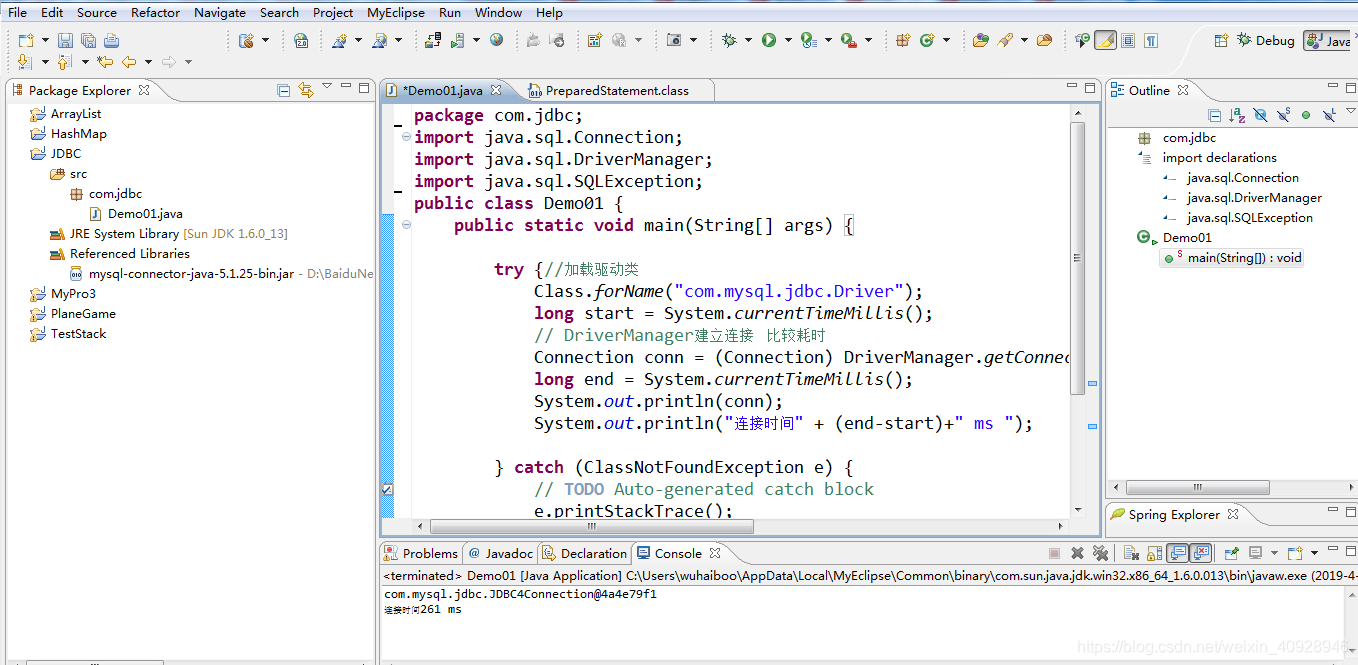
具体测试连接成功代码如下:
package com.jdbc;

import java.sql.Connection;
import java.sql.DriverManager;
import java.sql.SQLException;


public class Demo01 {
	public static void main(String[] args) {

		try {//加载驱动类
			Class.forName("com.mysql.jdbc.Driver");
			long start = System.currentTimeMillis();
			// DriverManager建立连接   比较耗时
			Connection conn = (Connection) DriverManager.getConnection("jdbc:mysql://localhost:3306/wuhaiboo","root","whb9");
			long end = System.currentTimeMillis();
			System.out.println(conn);
			System.out.println("连接时间" + (end-start)+" ms ");

		} catch (ClassNotFoundException e) {
			// TODO Auto-generated catch block
			e.printStackTrace();
		} catch (SQLException e) {
			// TODO Auto-generated catch block
			e.printStackTrace();
		}

	}

}
版权声明:本文为weixin_40928946原创文章,遵循CC 4.0 BY-SA版权协议,转载请附上原文出处链接和本声明。