用openEuler内核编译更新麒麟服务器版的操作系统KylinServerV10SP2

openeuler4.19.90 patch has checked on KylinServerV10SP2
获取openeuler4.19.90 patch
链接:https://pan.baidu.com/s/1rfDbbWzoJksp48UMTojSIA
提取码:dxve
Installation
Patch Build guide
1. Download source code.
Download KylinServerV10SP2 kernel source code:
[kernel-openEuler-1.0-LTS.zip](https://gitee.com/openeuler/kernel/repository/archive/openEuler-1.0-LTS.zip)
2. decompress package.
decompress tools
sudo yum install p7zip-full
sudo 7za x kernel-openEuler-1.0-LTS.zip
you would get kernel source code: ~/kernel-openEuler-1.0-LTS
3. Source code + patch.
 cp All_Zhaoxin_Patch_for_KylinServerV10SP2_openeuler4.19.90_v4.0.8.patch to ~
 cd ~/kernel-openEuler-1.0-LTS
 patch -p1 < ../All_Zhaoxin_Patch_for_KylinServerV10SP2_openeuler4.19.90_v4.0.8.patch
4. Build steps.
1). Configuring the compilation environment
sudo yum install make gcc bison flex libncurses5-dev libelf-dev openssl libssh-dev bc zstd
2). We compiled the kernel in a configuration consistent with the current environment
cp -v /boot/config-$(uname -r) .config
3). Clean up the last generated compiled file
make clean
4). Configuration menu
make menuconfig
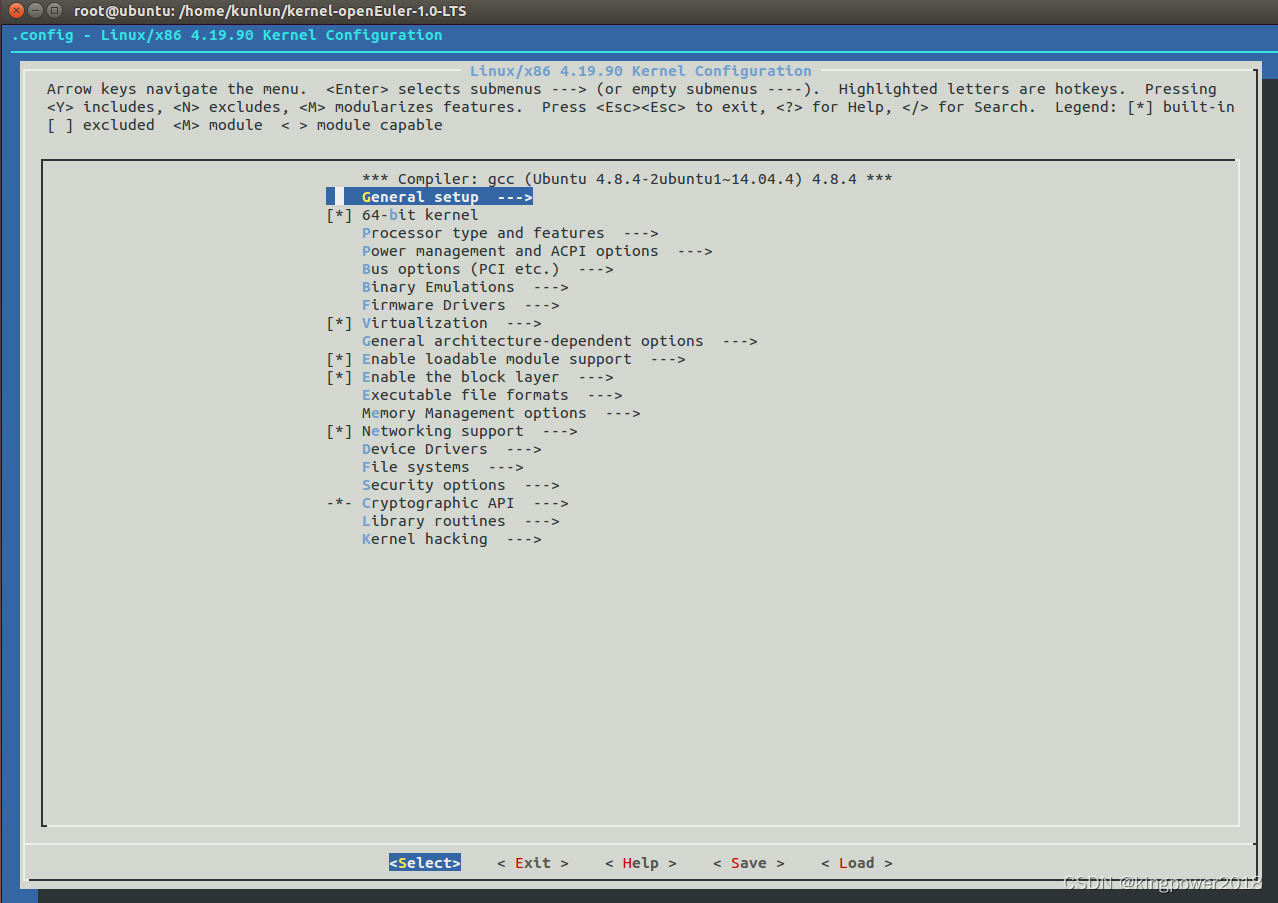
 Load .config and Configure the following items as shown below:
 > \<\*\> Serial ATA and Parallel ATA drivers (libata)  --->
 > \<\*\> Zhaoxin SATA support
 > \<\*\> VIA SATA support
 > \<M\> Zhaoxin HW Random Number Generator support
 > \<M\>  Zhaoxin CPU temperature sensor
 > \<M\>  Support for Zhaoxin ACE
 > \<M\>  Zhaoxin ACE driver for AES algorithm
 >  \<M\>  Zhaoxin ACE driver for SHA1 and SHA256 algorithms
 > \<M\> Zhaoxin I2C controller driver

 you may also need to configure the following items(If not, ignore) as shown below:

 > \(\) Additional X.509 keys for default system keyring
 > \(\) Generate BTF typeinfo

 and save it;
 You can also select what you want to configure, if you need.
5). Generated compiled file
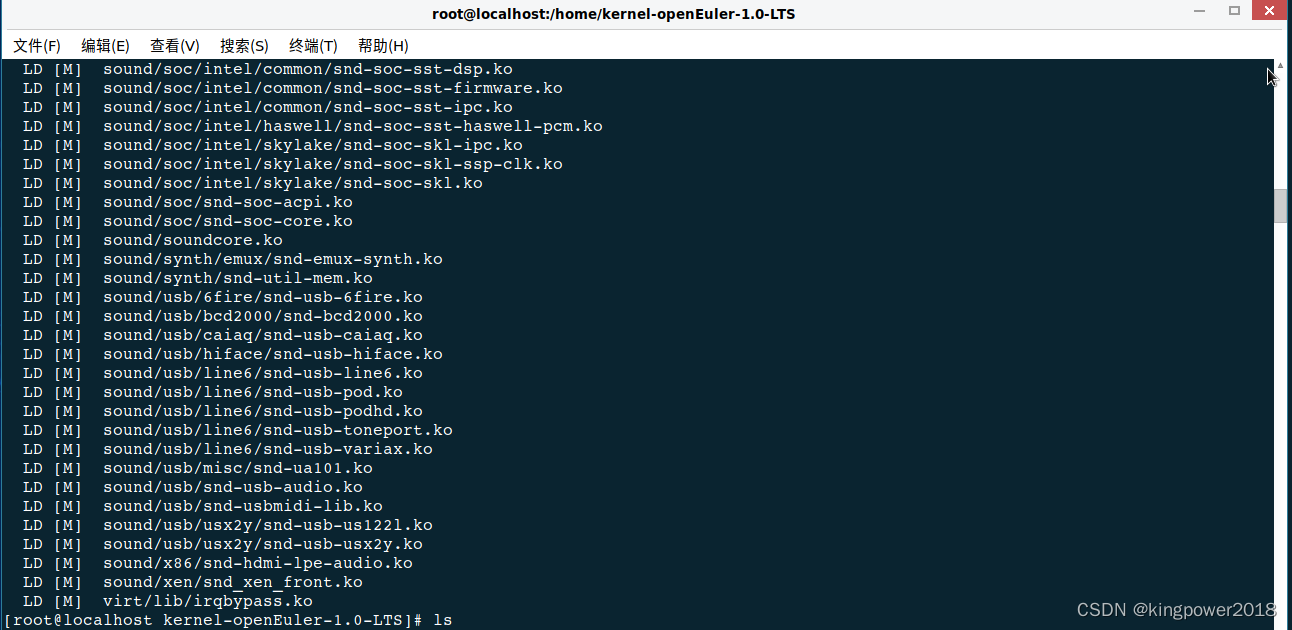
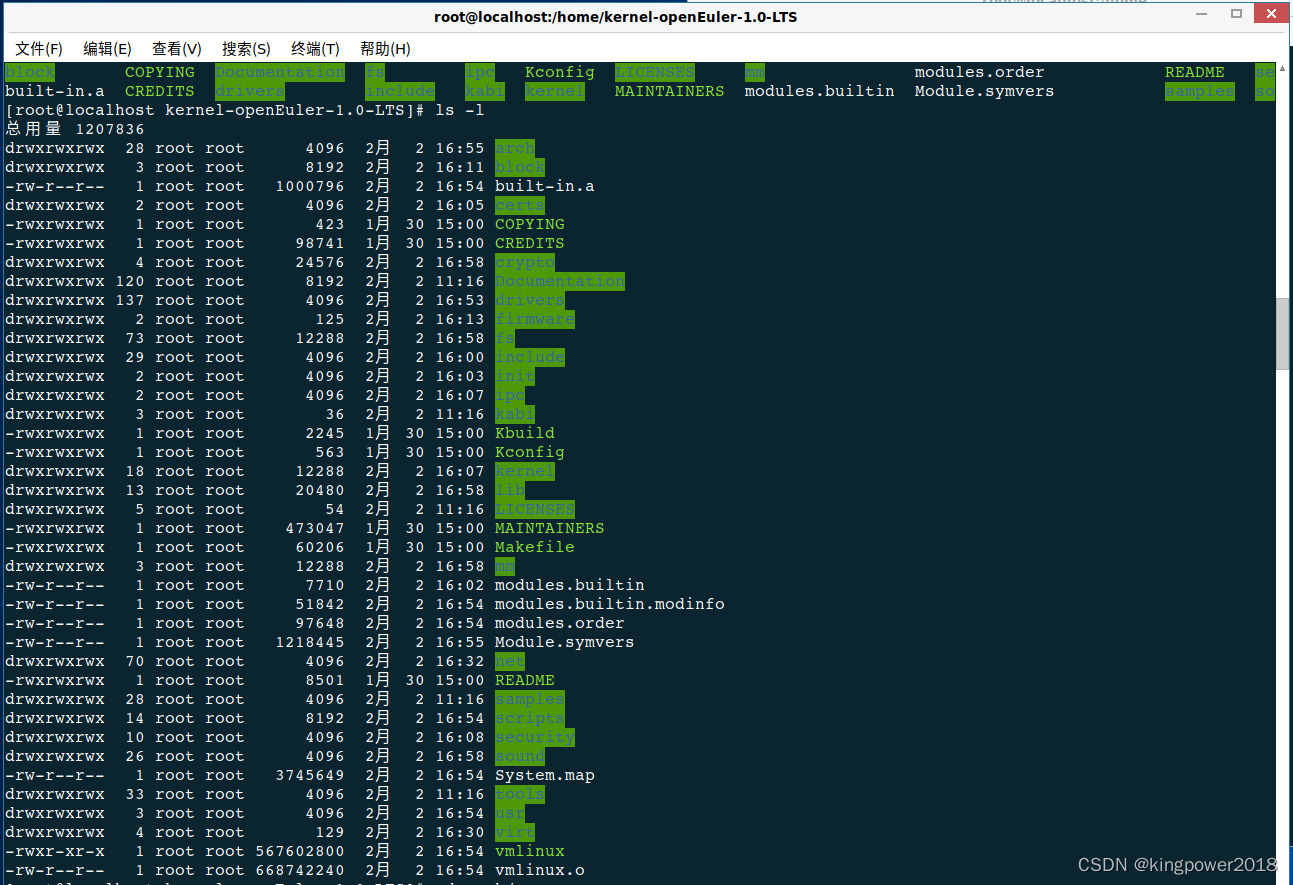
make -j16 # you can replace '16' with the maximum number of CPU cores
  LD [M]  sound/soc/intel/skylake/snd-soc-skl-ssp-clk.ko
  LD [M]  sound/soc/intel/skylake/snd-soc-skl.ko
  LD [M]  sound/soc/snd-soc-acpi.ko
  LD [M]  sound/soc/snd-soc-core.ko
  LD [M]  sound/soundcore.ko
  LD [M]  sound/synth/emux/snd-emux-synth.ko
  LD [M]  sound/synth/snd-util-mem.ko
  LD [M]  sound/usb/6fire/snd-usb-6fire.ko
  LD [M]  sound/usb/bcd2000/snd-bcd2000.ko
  LD [M]  sound/usb/caiaq/snd-usb-caiaq.ko
  LD [M]  sound/usb/hiface/snd-usb-hiface.ko
  LD [M]  sound/usb/line6/snd-usb-line6.ko
  LD [M]  sound/usb/line6/snd-usb-pod.ko
  LD [M]  sound/usb/line6/snd-usb-podhd.ko
  LD [M]  sound/usb/line6/snd-usb-toneport.ko
  LD [M]  sound/usb/line6/snd-usb-variax.ko
  LD [M]  sound/usb/misc/snd-ua101.ko
  LD [M]  sound/usb/snd-usb-audio.ko
  LD [M]  sound/usb/snd-usbmidi-lib.ko
  LD [M]  sound/usb/usx2y/snd-usb-us122l.ko
  LD [M]  sound/usb/usx2y/snd-usb-usx2y.ko
  LD [M]  sound/x86/snd-hdmi-lpe-audio.ko
  LD [M]  sound/xen/snd_xen_front.ko
  LD [M]  virt/lib/irqbypass.ko
[root@localhost kernel-openEuler-1.0-LTS]#
6). Install new kernel
 sudo make modules_install INSTALL_MOD_STRIP=1
 sudo make install
7). Reboot
sudo reboot
给点个赞呗,可以让更多的人看到这篇文章,顺便激励下我,嘻嘻。
版权声明:本文为kingpower2018原创文章,遵循CC 4.0 BY-SA版权协议,转载请附上原文出处链接和本声明。