跟着 http://www.ityouknow.com/ 的SpringCloud config教程的时候出现了好几个问题。 Po一下方便有需要的人能更快解决问题。
Github 代码: https://github.com/cyx441984694/spring-cloud-config
如果要手把手的教学环节,可以直接看纯洁的微笑大大的page: http://www.ityouknow.com/springcloud/2017/05/22/springcloud-config-git.html
1. No custom http config found for URL
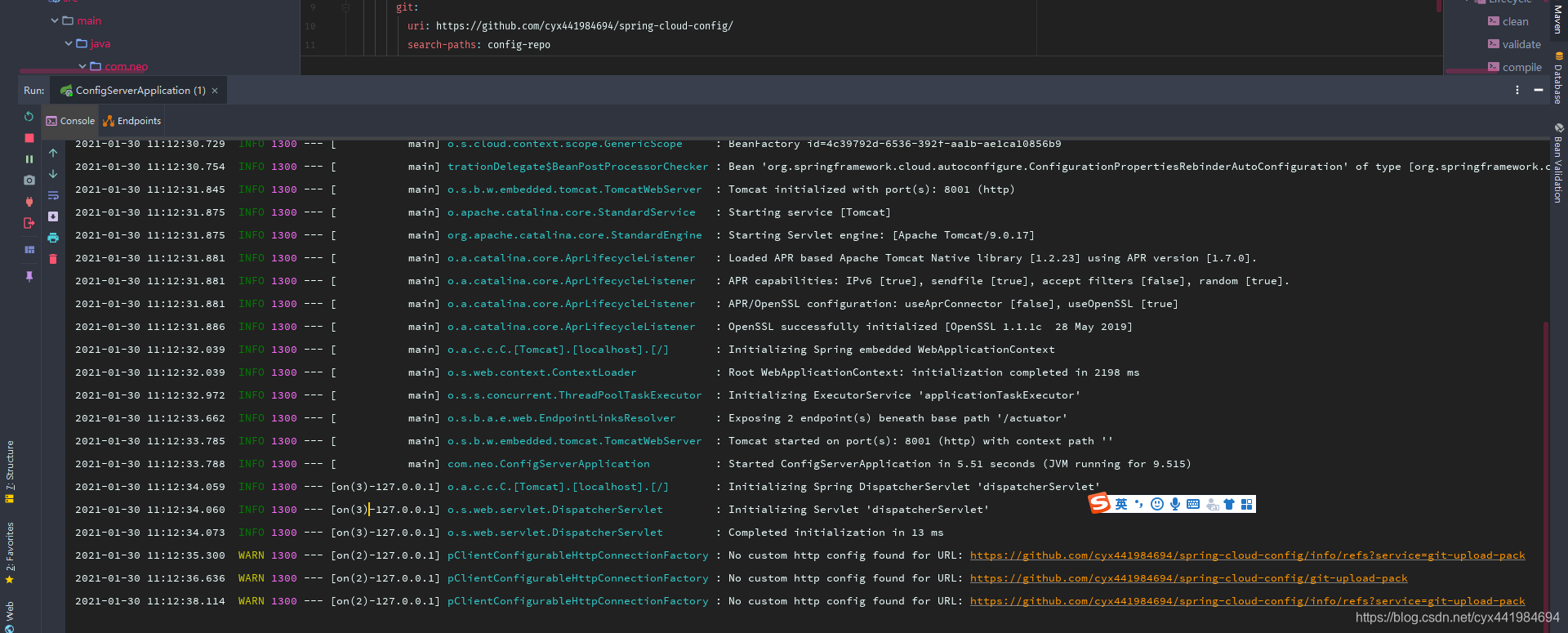
这个你是可以通过troubleshooting 源码ClientConfigurableHttpConnectionFactory可知道index超出, 把"/" 删掉变成:
https://github.com/cyx441984694/spring-cloud-config 不会报错
2. Console 没有报错, 但是无法打开自定义的端口
打开localhost:8001/neoconfig-dev.properties的时候会报错
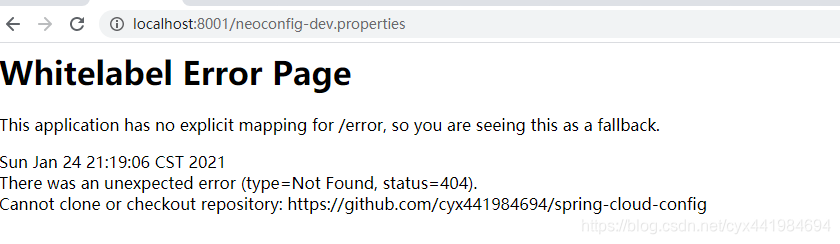
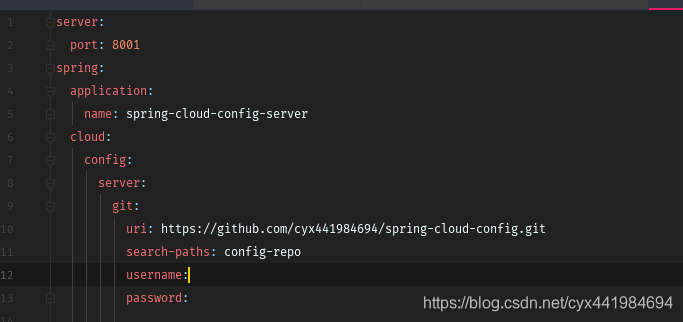
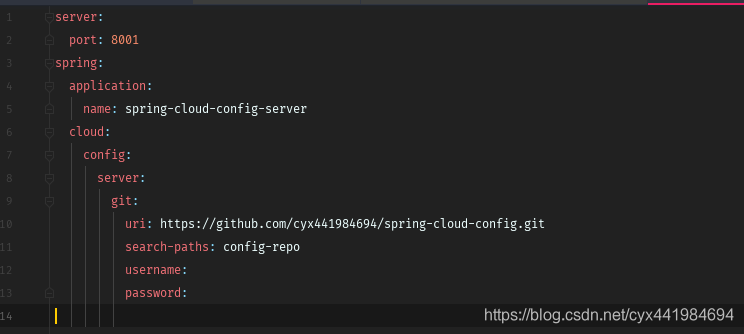
这个时候要注意你的uri。我从最开始的 https://github.com/cyx441984694/spring-cloud-config 改成
https://github.com/cyx441984694/spring-cloud-config.git 问题解决。 当然你要注意本身的spring-cloud-config repository的属性是否为public。我是public的,所以不需要填具体的username跟password
3. No such label master 或者是 cannot open git-upload-pack
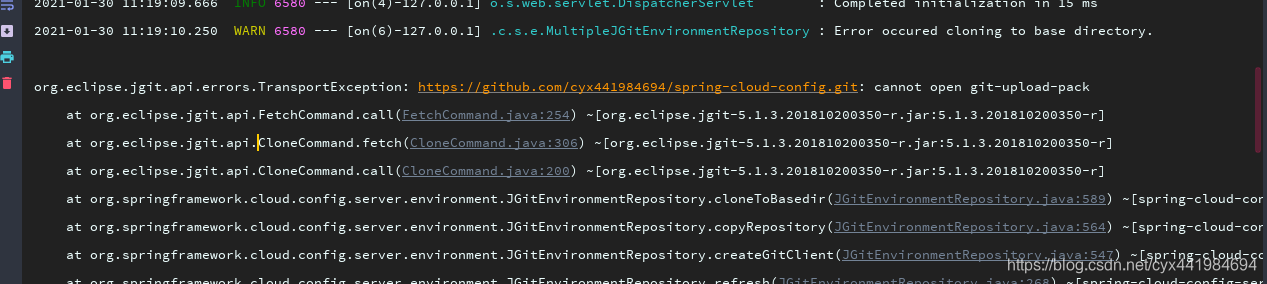
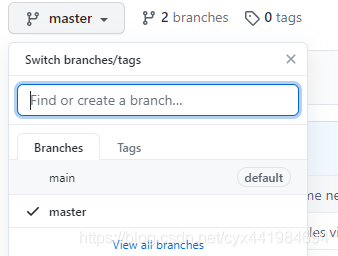
Root cause: github 会默认搜索master branch。 新建个master branch解决:
Reference:
https://stackoverflow.com/questions/40024161/spring-config-server-no-such-label-master
4. Client 端报错: Could not resolve placeholder
看console会看到尝试用8888起来而不是自己自定义的端口
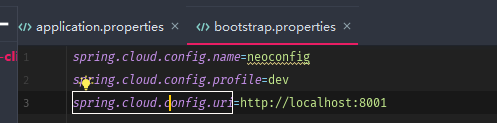
仔细看下自己的boostrap.properties是否拼写对了。
我就是不小心写成了boostrap.properties。改回就好了。
详情可以download 上面的github地址仓库。
server端的resources:
client's resources:

展现:
server 起来后:

启动client后访问:http://localhost:8002/hello,返回:hello im dev update