一、硬件信息
- MacBook Pro
- 16英寸,2021年
- Apple M1 Pro
- 13.2.1 (22D68)
二、软件脚本
2.1 批量删除
- 执行原理:自动点击按钮,一条条删除
- 使用修改:不同版本的 操作系统对应的删除按钮位置不一样,根据实际情况休整
tell application "Messages" to activate
tell application "Messages"
	set chatCount to (count of chats)
end tell
tell application "System Events"
	tell process "Messages"
		set frontmost to true
		repeat chatCount times
			click menu item "删除对话…" of menu "对话" of menu bar 1
			delay 0.2
			click button "删除" of sheet 1 of window 1
			delay 0.2
			try
				click button "Report Junk" of sheet 1 of window 1
				delay 0.2
			on error errMessage number errNumber

			end try
			click menu item "Go to Next Conversation" of menu "Window" of menu bar 1
			delay 0.2
		end repeat
	end tell
end tell
2.2 批量发送
- 执行原理:调启 Imessage 的发送服务
- 脚本缺陷:
- 无法获取回执状态
set recipientName to "%s"
set messageContent to "%s"

tell application "Messages"
	try
		set targetService to 1st account whose service type = iMessage
		set targetBuddy to participant recipientName of targetService
		send messageContent to targetBuddy
		set resultJson to "SUCCESS"
	on error errMsg
		set resultJson to errMsg
	end try
end tell

return resultJson
三、高阶用法
WX交流:17702201250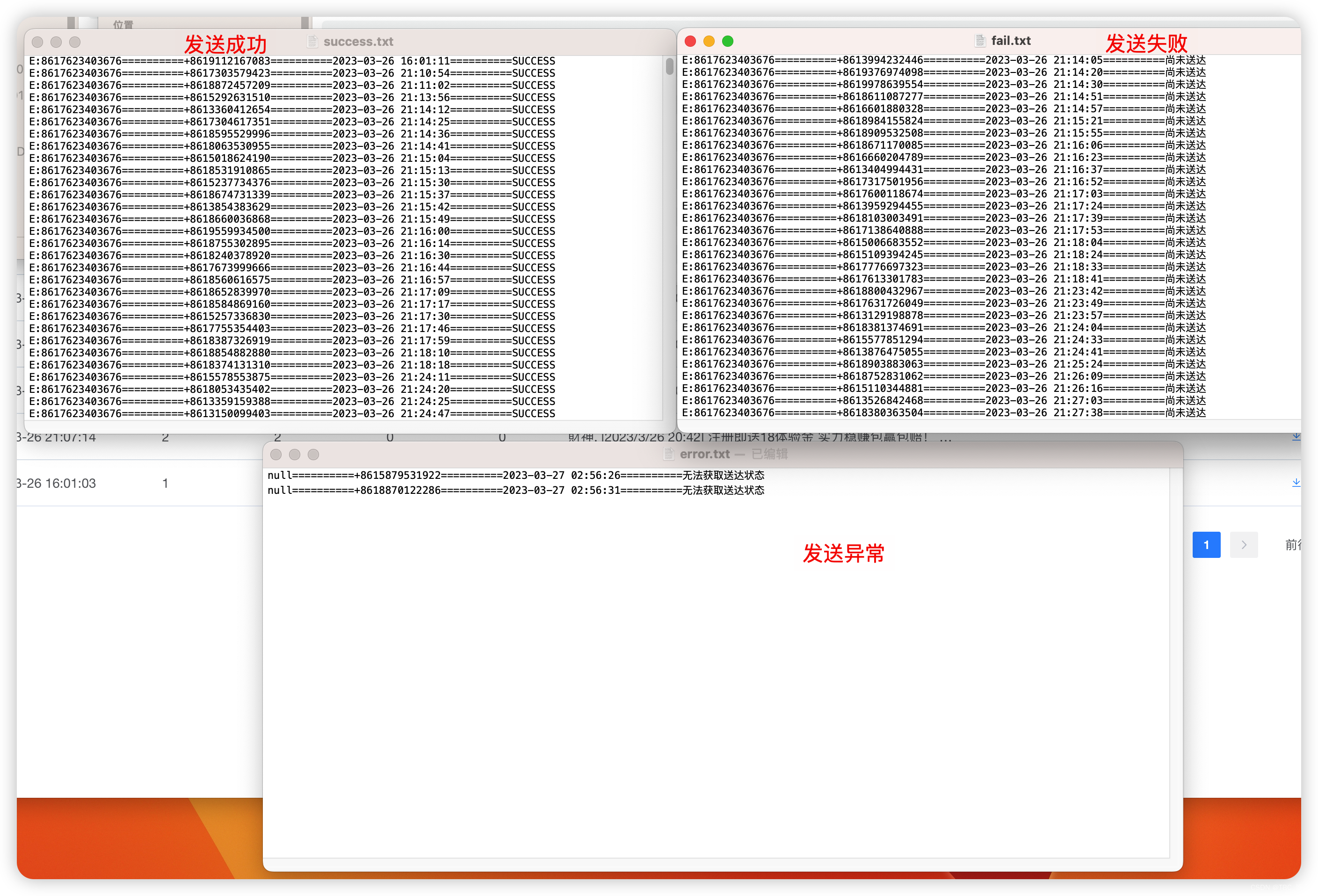
3.1 脚本发送图文
- 待完善
3.2 获取发送回执
- 待完善
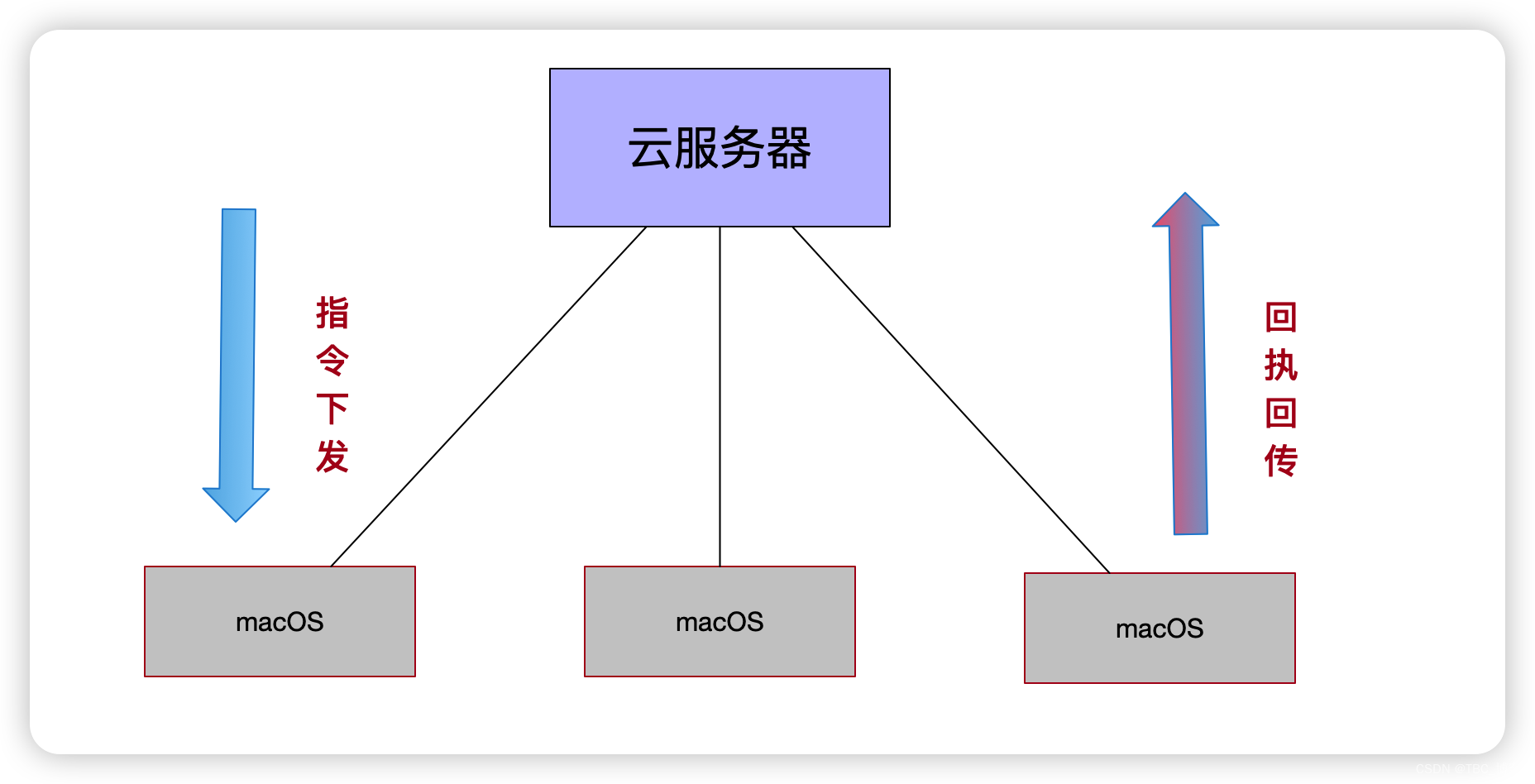
3.3 发送统计
版权声明:本文为sinat_31908303原创文章,遵循CC 4.0 BY-SA版权协议,转载请附上原文出处链接和本声明。