html+css+javascript做一个随机点菜器
html+css+javascript做一个随机点菜器为了解决我每天都在纠结吃什么的问题,做了一个随机点菜器。下图中第一张是随机点菜器的初始画面;当点击“开始”按钮时,js程序中提前准备好的菜单(数组)会随机变化跳动显示,“开始”按钮变成“停止”按钮,且按钮的背景颜色会由之前绿色变成红色,如第二张图所示;当点击“停止”按钮时,显示的名字为随机点击出来的名字,如第三张图所示。
效果图如下: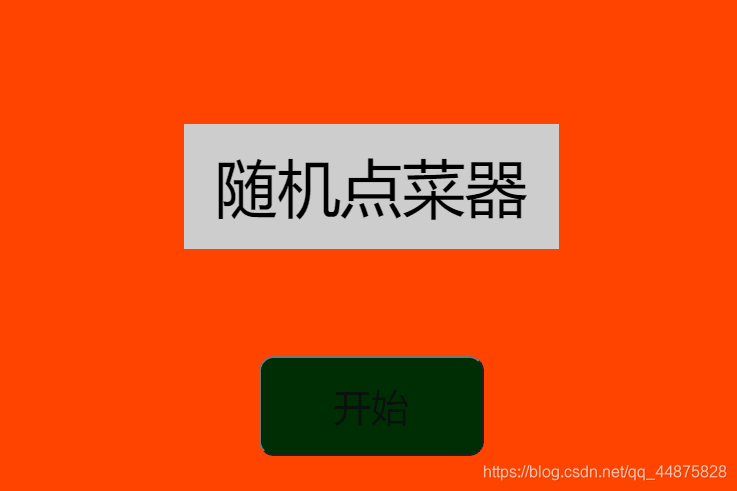
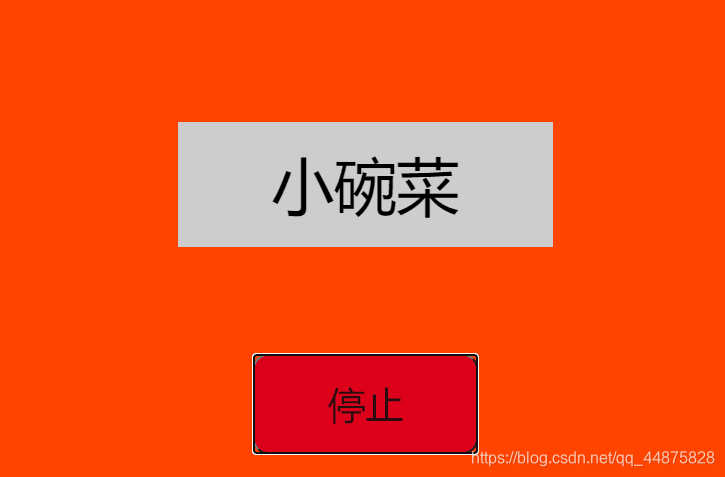
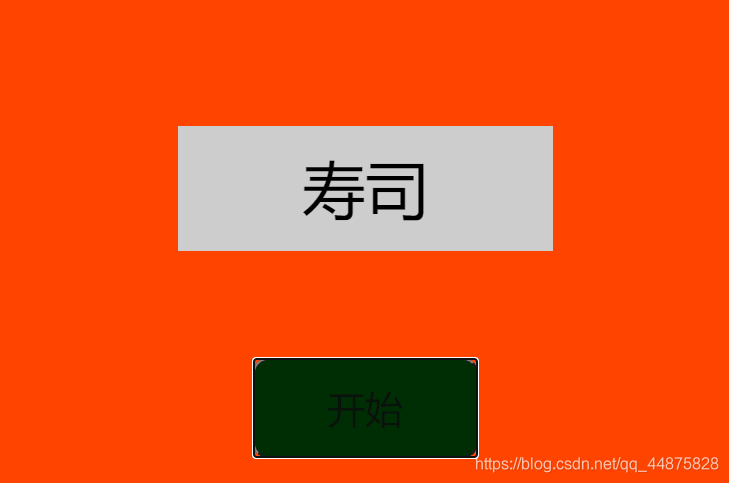
代码如下:
<!DOCTYPE html>
<html lang="en">
<head>
    <meta charset="UTF-8">
    <meta name="viewport" content="width=device-width, initial-scale=1.0">
    <title>随机点名器</title>
    <style>
        #content1{
            width: 600px;
            height: 400px;
            background:#f40;
            margin: 100px auto;
            text-align: center;
            position: relative;
        }

        #content2{
            width: 300px;
            height: 100px;
            background-color: #ccc;
            margin: auto;
            top: 0;
            left: 0;
            right: 0;
            bottom:90px;
            text-align: center;
            position: absolute;
            line-height: 100px;
            font-size:50px;

        }

        #btn{
            background: rgb(1, 46, 4);
            width: 180px;
            height: 80px;
            font-size: 30px;
            color: #0d0e0dda;
            border-radius: 12px;
            position: absolute;
            bottom: 30px;
            left: 50%;
            margin-left: -90px;

        }

    </style>
</head>
<body>
    <div id="content1">
        <div id="content2">
            <span id="span">
                随机点菜器
            </span>
        </div>
        <button id="btn">
            开始
        </button>

    </div>

    <script>
        var arr = ['刁四','热干面','荞麦面','五谷鱼粉','黄焖鸡','小碗菜','豆腐脑','花甲粉','煲仔饭','生煎包','鸭血粉丝汤','围辣','锅盔','关东煮','鸡叉骨','寿司','毛血旺','华莱士'];
        var btn = document.getElementById('btn');
        var content = document.getElementById('content');
        var span = document.getElementById('span');
        var timer;//计时器
        var testNum = true;
        btn.onclick = function(){
            if(testNum){
                // console.log(1);
                start();
                btn.innerHTML = '停止';
                btn.style.backgroundColor = "#DD001B";
                testNum = false;
            }
            else{
                // console.log(0);
                stop();
                btn.innerHTML = '开始';
                btn.style.backgroundColor ="";
                testNum = true;
            }
        }
        function start(){
                timer = setInterval(function(){
                    var num = random(0,arr.length - 1);
                    span.innerHTML = arr[num];
                },50)
        }
        function stop(){
                clearInterval(timer);
        }
        // 随机函数
        function random(a,b){
            var randomNum = Math.round(Math.random() * (b - a) + a);
            return randomNum;
        }
    </script>
</body>
</html>
版权声明:本文为qq_44875828原创文章,遵循CC 4.0 BY-SA版权协议,转载请附上原文出处链接和本声明。