一、设置编辑器的编码
打开DbVisualizer 9.1.1
Tools->Tools Properties ->General->File Encoding 设置为UTF-8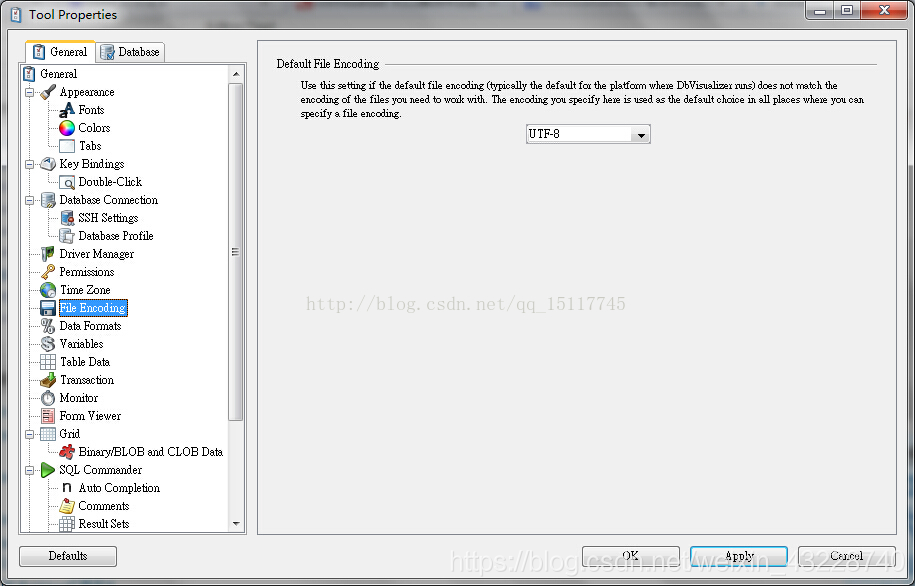
二、显示设置
Tools->tool Properties->General->Appearance->Fonts
FontSettings
Set the fonts that are used in DbVisualizer
->Grid选择PMingLiU,Plain,12
->SQL Editor/Text Editor选择PMingLiU,Plain,12
->Application(Rest of UI)选择PMingLiU,Plain,12
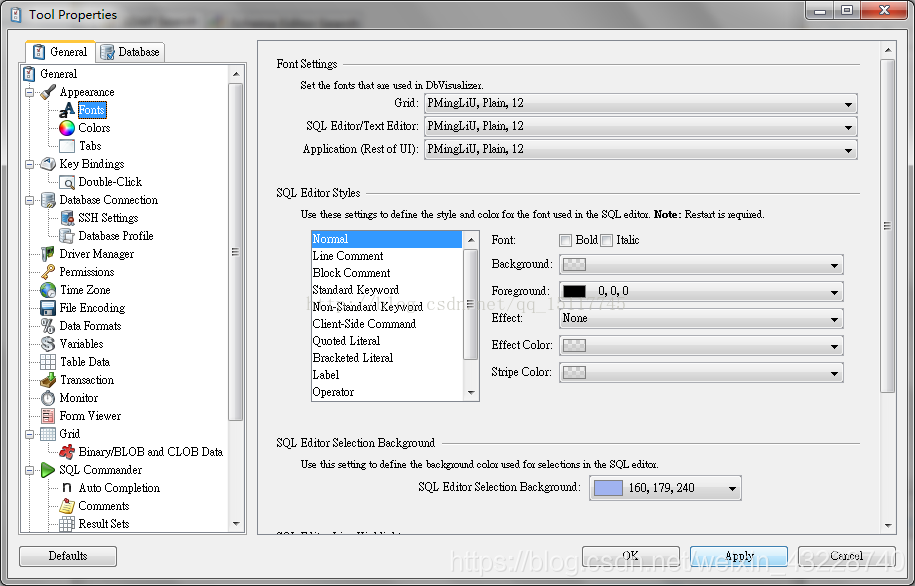
Apply结束重启。