1.vue cli构建Vue项目
vue init webpack element_project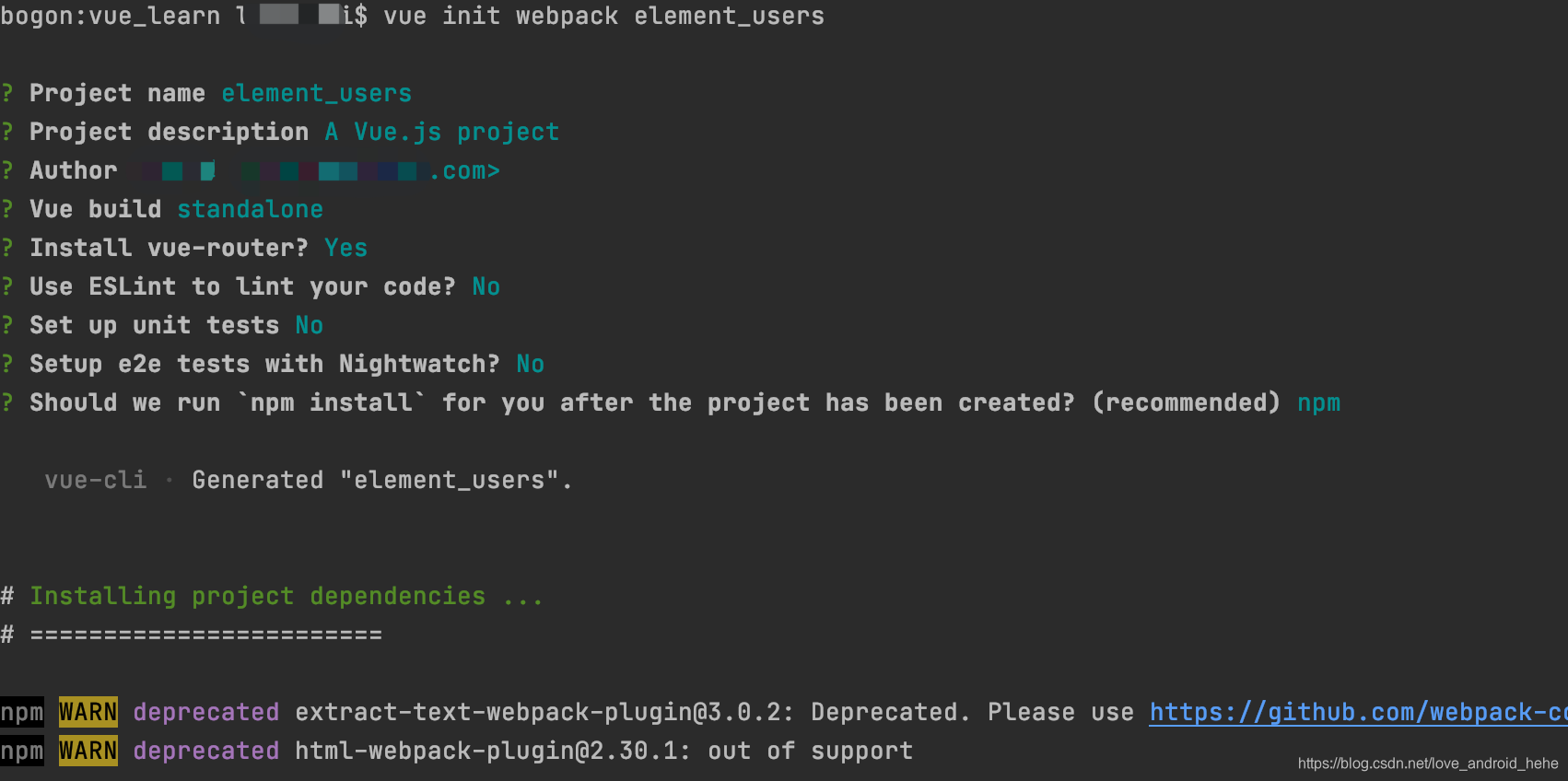
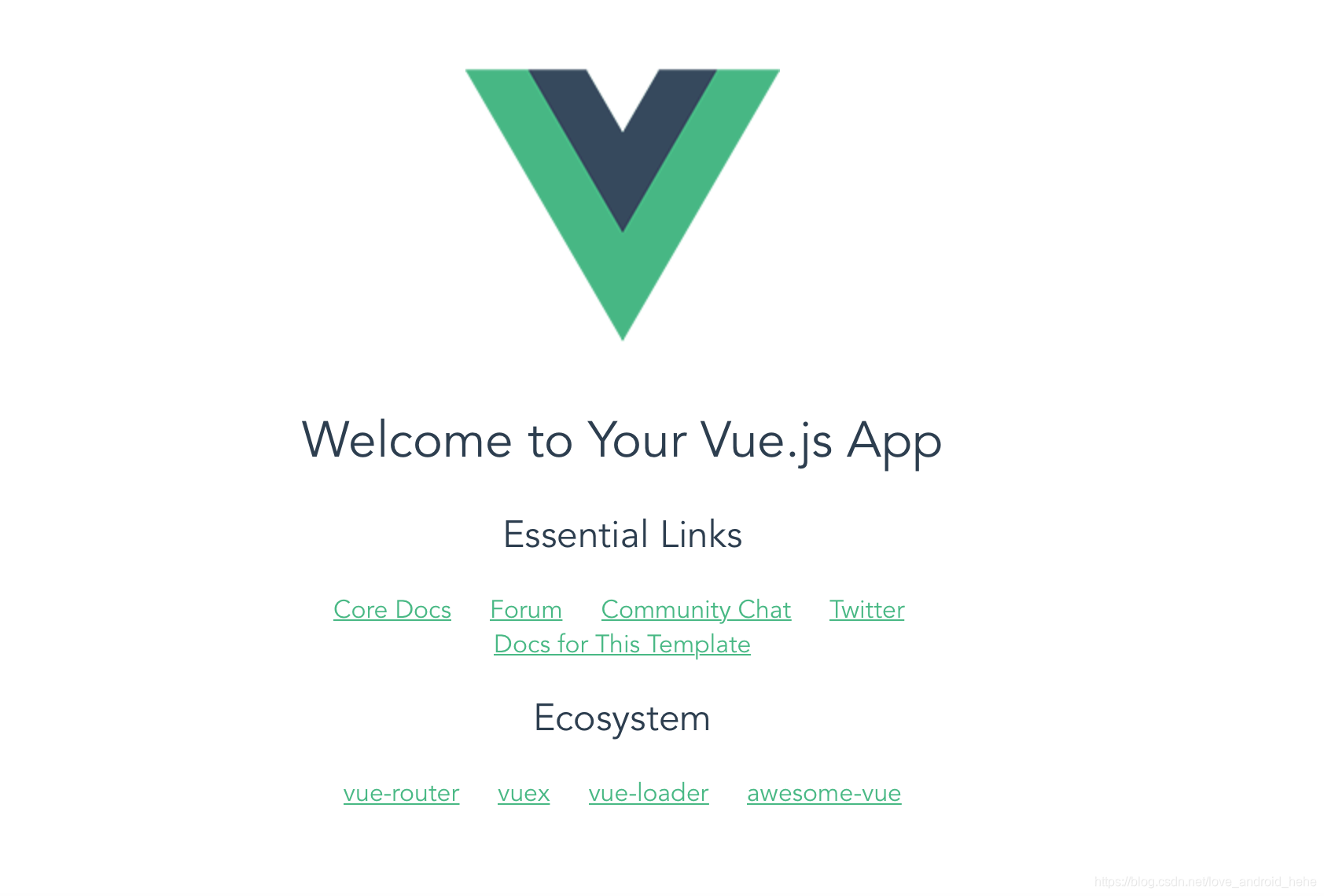
2.运行项目npm run dev
http://localhost:8080
3.安装element ui框架
npm i element-ui -S4.在项目中使用element-ui
引入 Element,在 main.js 中写入以下内容:
import Vue from 'vue';
import ElementUI from 'element-ui';
import 'element-ui/lib/theme-chalk/index.css';
import App from './App.vue';

Vue.use(ElementUI);

new Vue({
  el: '#app',
  render: h => h(App)
});
5.重新启动项目
在helloworld中添加以下代码
 <el-row>
      <el-button>默认按钮</el-button>
      <el-button type="primary">主要按钮</el-button>
      <el-button type="success">成功按钮</el-button>
      <el-button type="info">信息按钮</el-button>
      <el-button type="warning">警告按钮</el-button>
      <el-button type="danger">危险按钮</el-button>
    </el-row>
重新启动项目
npm start
版权声明:本文为love_android_hehe原创文章,遵循CC 4.0 BY-SA版权协议,转载请附上原文出处链接和本声明。