一、安装python
1、参考 Windows python下载安装_冷漠中的孤傲的博客-CSDN博客
二、安装PyPDF2库
1、Win+R运行输入cmd回车进入控制台窗口
2、输入相关命令安装PyPDF2库
pip install PyPDF2 -i https://pypi.tuna.tsinghua.edu.cn/simple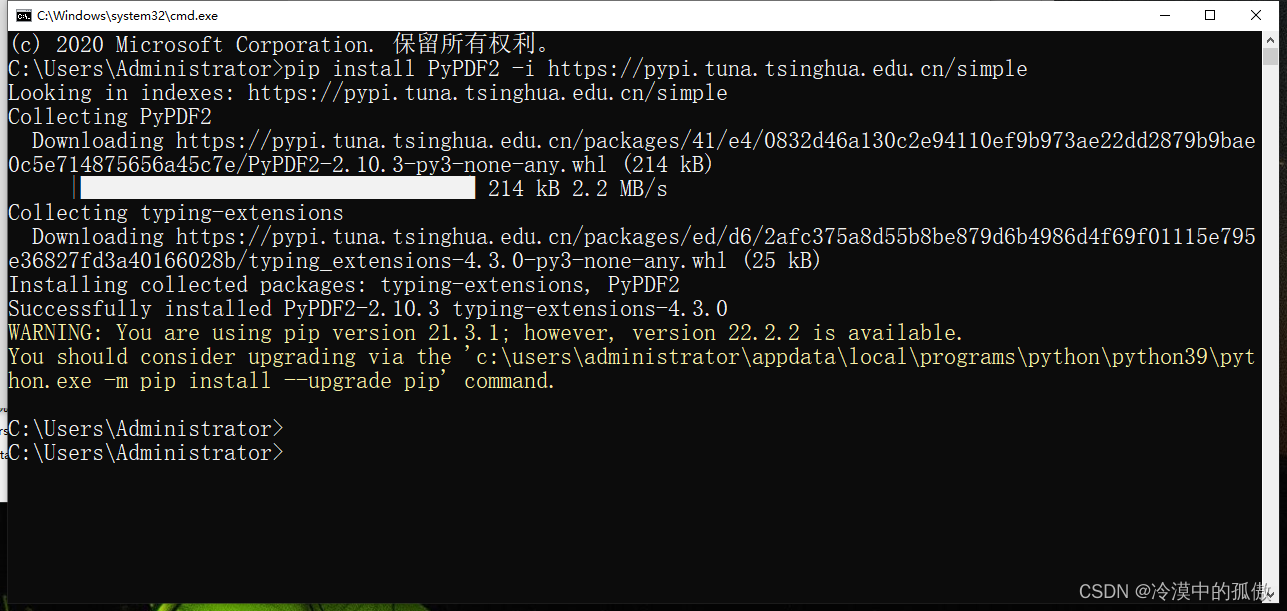
三、编写脚本文件
1、在桌面新建“合并pdf文件”文件夹并将需要合并的pdf文件复制进来
2、在文件夹中新建merge.py文件,文件内容为
import os
from PyPDF2 import PdfFileMerger

#target_path = r'C:\Users\Administrator\Desktop\合并pdf文件'  # pdf目录文件

path = __file__
target_path = os.path.dirname(path)
pdf_lst = [f for f in os.listdir(target_path) if f.endswith('.pdf')]
pdf_lst = [os.path.join(target_path, filename) for filename in pdf_lst]

file_merger = PdfFileMerger()
for pdf in pdf_lst:
    file_merger.append(pdf,import_outline=False)     # 合并pdf文件

file_merger.write(r"合并文件.pdf")
四、执行脚本合并pdf文件
1、Win+R运行输入cmd回车进入控制台窗口
2、cd+目录切换到pdf存放的目录下,我这里是“C:\Users\Administrator\Desktop\合并pdf文件”
3、输入以下命令后回车
python merge.py 
至此文件合并成功,合并后的文件名为“合并文件.pdf”
