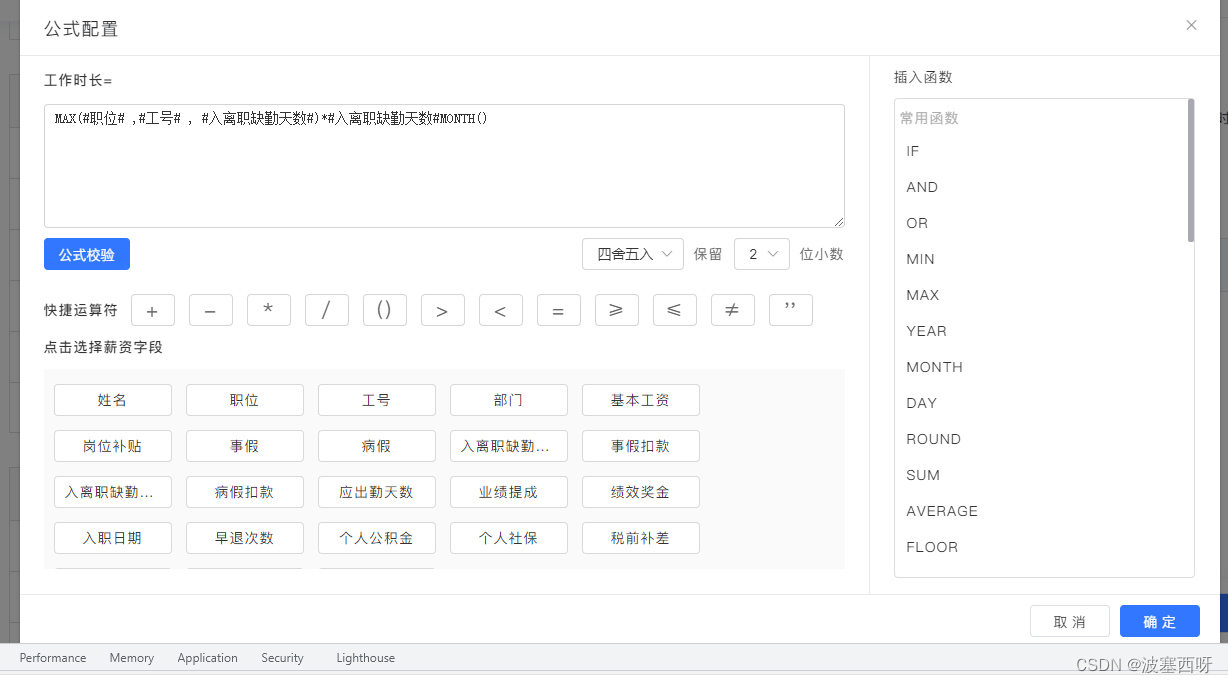
<el-form-item label="模板说明:" v-if="form.news_type==='1'">
   <el-row class="templateCode">
       <el-col :span="8">
         <div class="grid-content bg-purple" style="color:#666" @click="makeActive('$Username$')"> 用户名:$Username$</div>
       </el-col>
       <el-col :span="8">
         <div class="grid-content bg-purple-light" @click="insertAtCursor('$OrderId$')">订单号:$OrderId$</div>
       </el-col>
       <el-col :span="8">
         <div class="grid-content bg-purple" @click="insertAtCursor('$Total$')">订单金额:$Total$</div>
       </el-col>
     </el-row>
     <el-row>
       <el-col :span="8">
         <div class="grid-content bg-purple" @click="insertAtCursor('$Product_name$')">产品名称:$Product_name$</div>
       </el-col>
     </el-row>
   </el-form-item>

   <el-form-item label="编辑模板:" prop="message" v-if="form.news_type==='1'">
     <el-input
       type="textarea"
       id="configInput" ref="configInput"
       maxlength="300"
       show-word-limit
       :autosize="{ minRows: 4, maxRows: 8}"
       v-model="form.message"
       placeholder="1111"
     ></el-input>
   </el-form-item>

    /**
    *插入模板说明的变量
    */
     // 获取光标位置
        async insertAtCursor(myValue) {
            const myField = document.querySelector('#configInput');
            // const myField = this.$refs.configInput;
            // console.log(myField)
            if (myField.selectionStart || myField.selectionStart === 0) {
                var startPos = myField.selectionStart
                var endPos = myField.selectionEnd
                this.formulaValue = myField.value.substring(0, startPos) + myValue
                            + myField.value.substring(endPos, myField.value.length)
                await this.$nextTick() // 这句是重点, 圈起来
                myField.focus()
                // 检测函数是否下一次插入点位置 设置光标位置
                if(myValue.indexOf('(') !== -1) {
                    let arr = myValue.split('')
                    let index = arr.findIndex(o=>{return o=='('})
                    // myField.setSelectionRange(endPos + myValue.length, endPos + myValue.length)
                    myField.setSelectionRange(endPos + index+1, endPos + index+1)
                } else {
                    myField.setSelectionRange(endPos + myValue.length, endPos + myValue.length)
                }
            } else {
                this.formulaValue += myValue
            }
        },
版权声明:本文为qq_1307495原创文章,遵循CC 4.0 BY-SA版权协议,转载请附上原文出处链接和本声明。