一、pth->wts(Python)
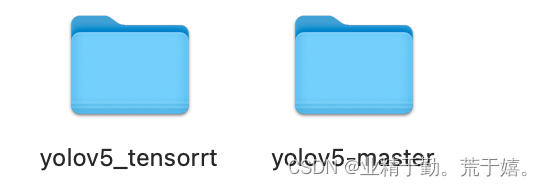
- 将pth文件移动到yolov5-master文件夹中
- 将yolov5_tensorrt中的gen_wts移动到yolov5-master文件夹中
- 执行以下语句
python gen_wts.py -w yolov5s.pt -o yolov5s.wts二、wts->engine(C++)
- 将wts文件移动到yolov5_tensorrt中
- 更改yololayer.h中的参数
    static constexpr int CLASS_NUM = 80;
    static constexpr int INPUT_H = 240;  // yolov5's input height and width must be divisible by 32.
static constexpr int INPUT_W = 320;- 执行以下命令
cd build
cmake ..
make -j10
cd ..
./yolov5 -s model.wts model.engine s版权声明:本文为weixin_50980847原创文章,遵循CC 4.0 BY-SA版权协议,转载请附上原文出处链接和本声明。