一、需求:
给定一张图片的http地址,如http://127.0.0.1:6080/15/314169583-366746.jpg;
或本地图片的路径,如D:\User\1.jpg和一个坐标,
1、根据该坐标从原图上将该坐标图片截取下来
2、根据该坐标在原图上对该坐标区域打上矩形框
3、输出到本地指定路径
二、截取图片
注意:如果传入的图片地址为http地址时,应该这样读取参数值:
BufferedImage bi = ImageIO.read(new URL(imgUrl));
如果传入的图片地址为路径时,应该这样读取参数值:
BufferedImage bi = ImageIO.read(new FileInputStream(new File(imgUrl)));
完整代码:
public static String editImage(String outputPath, String imgUrl, int x, int y, int width, int height) {
        try {
            String[] imageName = new String[imgUrl.length()];
            String out = "";
            long timeMillis = System.currentTimeMillis();
            //传入文件所在路径:如D:\User\1.jpg
            BufferedImage bi = ImageIO.read(new FileInputStream(new File(imgUrl)));
            //传入文件http地址
            //BufferedImage bi = ImageIO.read(new URL(imgUrl));
            Image image = bi.getScaledInstance(bi.getWidth(), bi.getHeight(), Image.SCALE_DEFAULT);
            //要截取图片的大小
            ImageFilter cropFilter = new CropImageFilter(x, y, width, height);
            // 原始到目标图片进行过滤
            Image img = Toolkit.getDefaultToolkit().createImage(new FilteredImageSource(image.getSource(), cropFilter));

            BufferedImage tag = new BufferedImage(width, height, BufferedImage.TYPE_INT_RGB);
            Graphics g = tag.getGraphics();
            g.drawImage(img, 0, 0, Color.WHITE, null);
            g.dispose();

            ByteArrayOutputStream outputStream = new ByteArrayOutputStream();
            if (imgUrl.contains("/")) {
                imageName = imgUrl.split("/");
                //传入的imgUrl为本地地址:如D:\User\1.jpg
            } else if (imgUrl.contains("\\")) {
                //根据\字符分割字符需要进行多次转义
                imageName = imgUrl.split("\\\\");
            }
            //输出路径
            out = outputPath + "\\" + timeMillis + "-" + imageName[imageName.length - 1];
            File file = new File(out);
            ImageIO.write(tag, "jpg", new FileOutputStream(file));
        } catch (Exception e) {
            e.printStackTrace();
        }
        return null;
    }
三、给图片画矩形框
 public static String getRectangleImage(String outputPath, String imgUrl, int x, int y, int width, int height) {
        try {
            String[] imageName = new String[imgUrl.length()];
            String out = "";
            long timeMillis = System.currentTimeMillis();
            //传入文件所在路径:如D:\User\1.jpg
            BufferedImage bi = ImageIO.read(new FileInputStream(new File(imgUrl)));
            //传入文件http地址
            //BufferedImage bi = ImageIO.read(new URL(imgUrl));
            Image image = bi.getScaledInstance(bi.getWidth(), bi.getHeight(), Image.SCALE_DEFAULT);
            BufferedImage newBi = new BufferedImage(image.getWidth(null), image.getHeight(null), BufferedImage.TYPE_INT_RGB);
            Graphics graphics = newBi.getGraphics();
            graphics.drawImage(image, 0, 0, null);
            graphics.setColor(Color.RED);// 画笔颜色
            graphics.drawRect(x, y, width, height);// 矩形框(原点x坐标,原点y坐标,矩形的长,矩形的宽)
            graphics.dispose();
            ByteArrayOutputStream outputStream = new ByteArrayOutputStream();
            if (imgUrl.contains("/")) {
                imageName = imgUrl.split("/");
                //传入的imgUrl为本地地址:如D:\User\1.jpg
            } else if (imgUrl.contains("\\")) {
                imageName = imgUrl.split("\\\\");
            }
            //输出路径
            out = outputPath + "\\" + timeMillis + "-" + imageName[imageName.length - 1];
            File file = new File(out);
            ImageIO.write(newBi, "jpg", new FileOutputStream(file));
        } catch (IOException e) {
            e.printStackTrace();
        }
        return null;
    }
四、测试
 public static void main(String[] args) {
        String outImagePath = "D:\\User\\Image\\";
        String httpUrl = "http://127.0.0.1:6080/15/314169583-366746.jpg";
        String imagePath = "D:\\User\\1.jpg";
        //坐标
        int[] face = new int[]{282, 156, 58, 70};
        //editImage(outImagePath,httpUrl,face[0],face[1],face[2],face[3]);
        //getRectangleImage(outImagePath, httpUrl, face[0], face[1], face[2], face[3]);
        editImage(outImagePath, imagePath, face[0], face[1], face[2], face[3]);
        getRectangleImage(outImagePath, imagePath, face[0], face[1], face[2], face[3]);
    }
}
五、效果
1、输出的两张图片展示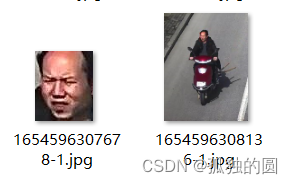
2、根据坐标截取的图片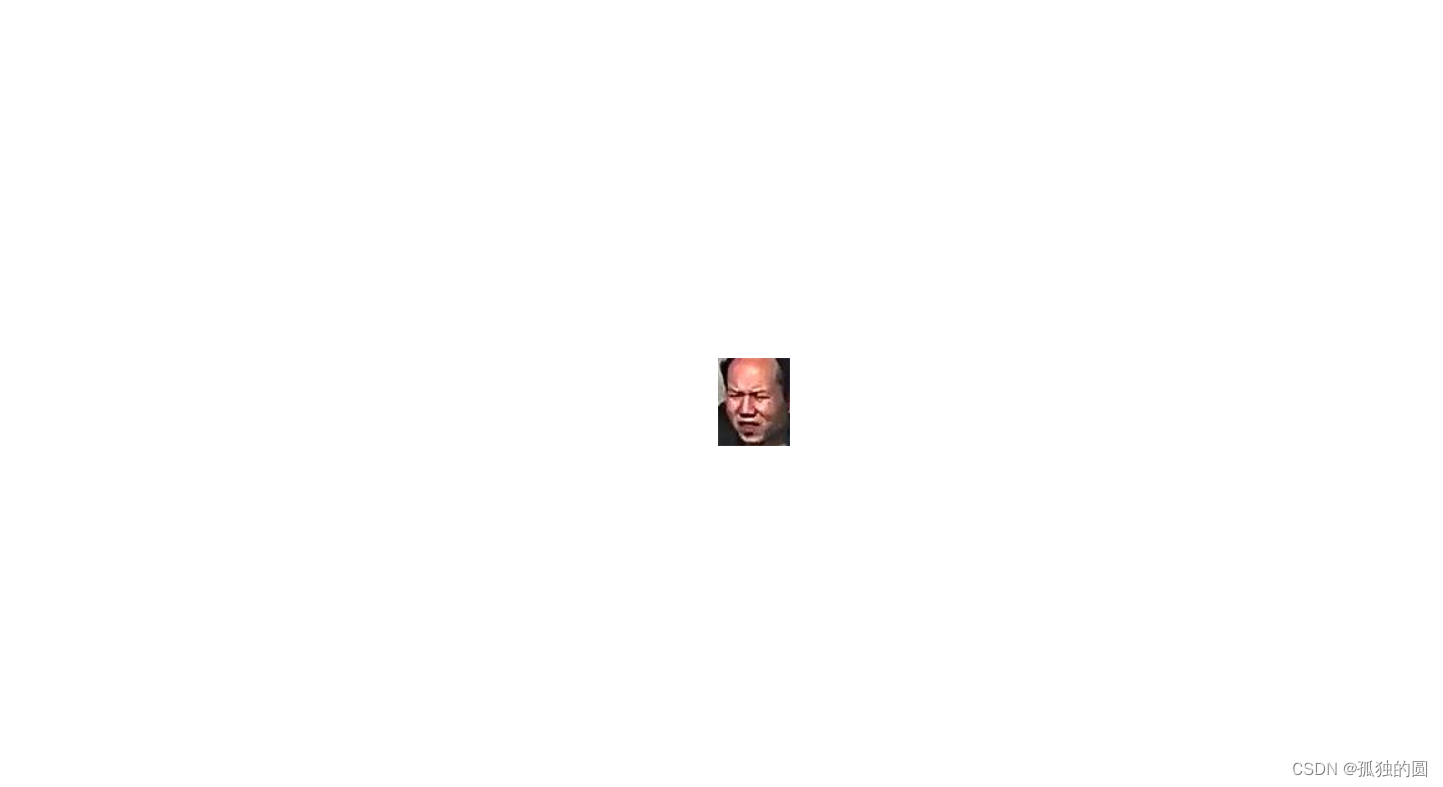
3、根据坐标给原图片打上矩形框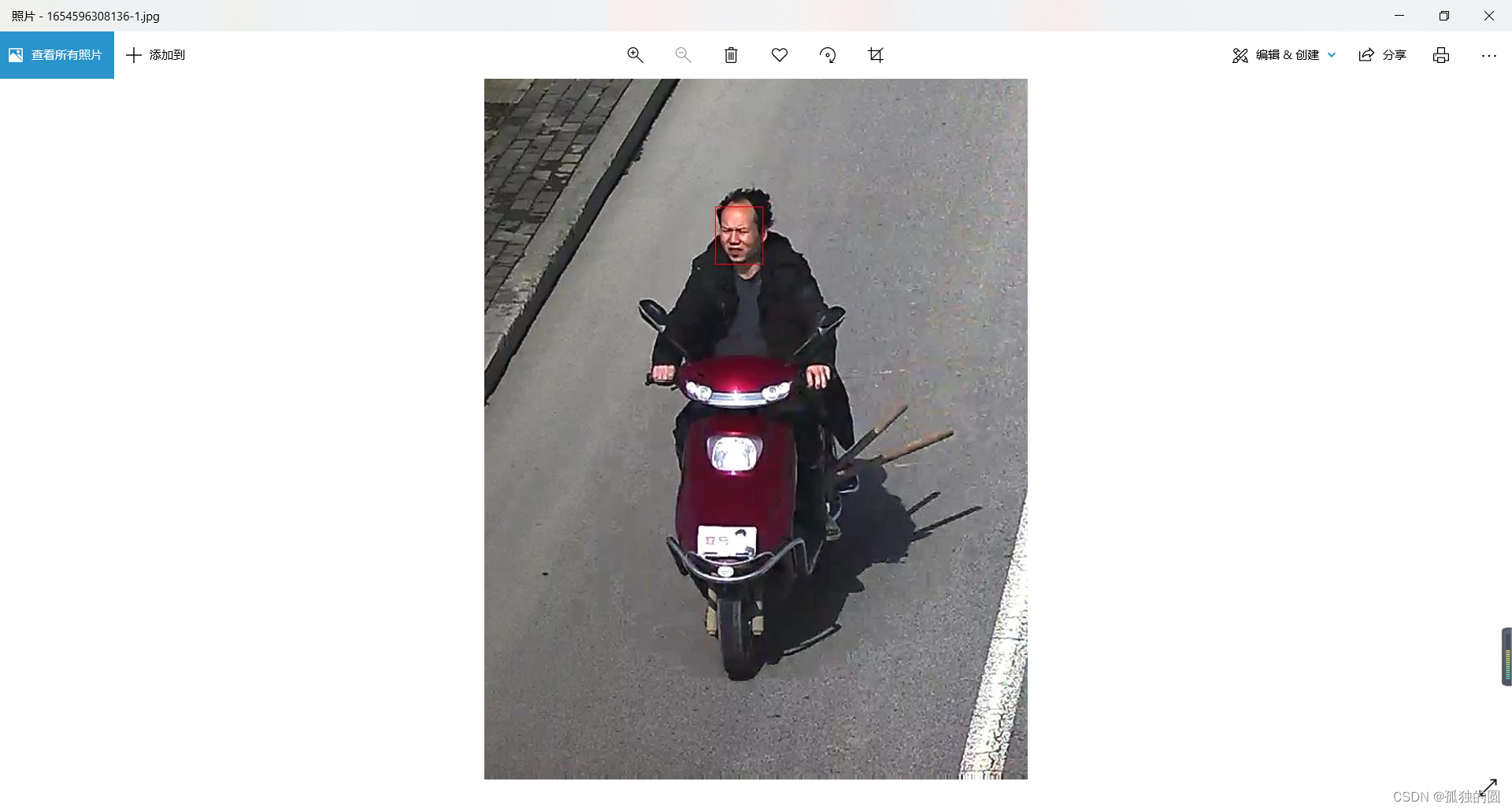
版权声明:本文为qq_36649744原创文章,遵循CC 4.0 BY-SA版权协议,转载请附上原文出处链接和本声明。