1、安装homebrew
在中断执行命令 /bin/bash -c “$(curl -fsSL https://raw.githubusercontent.com/Homebrew/install/master/install.sh)”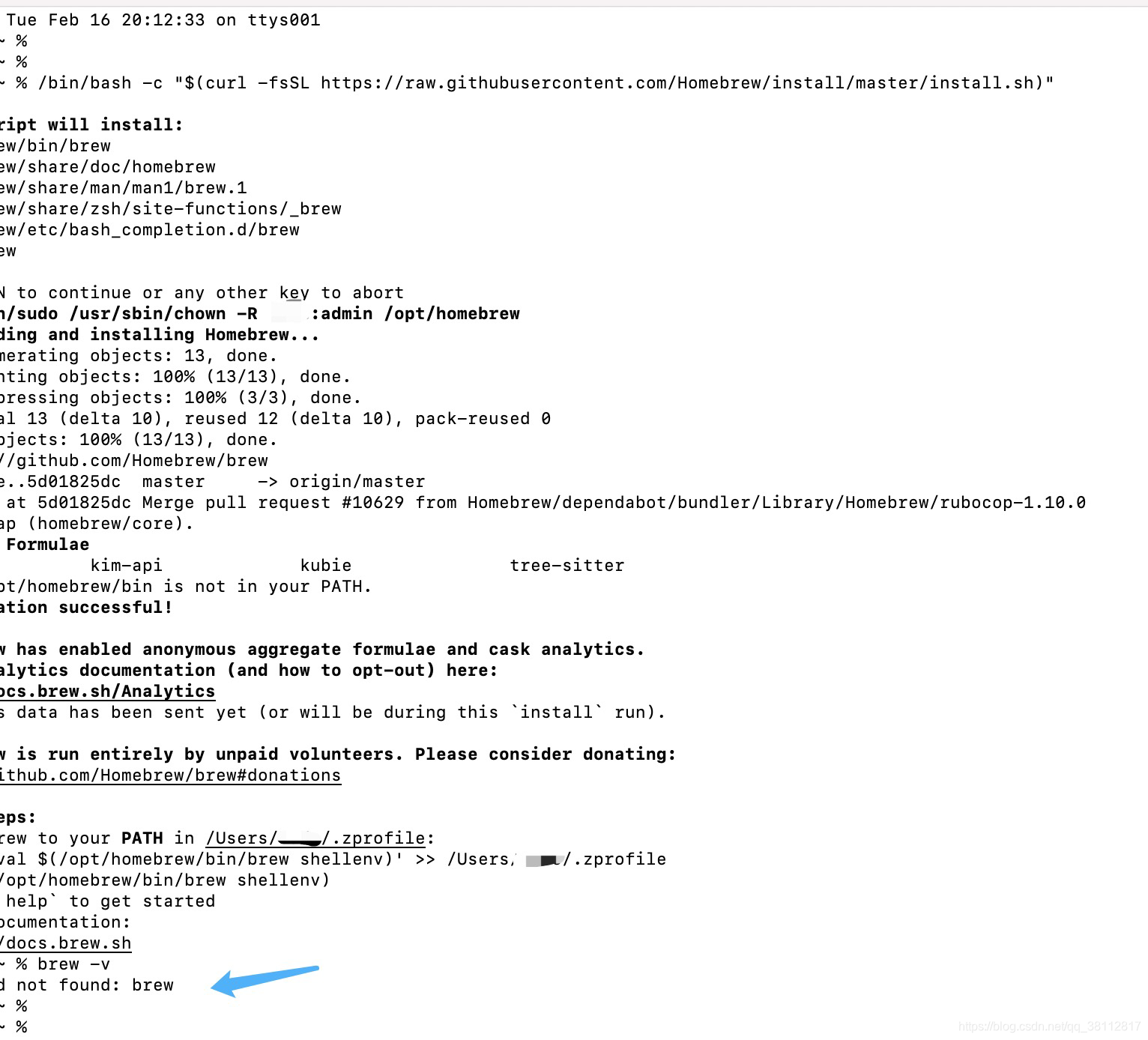
执行上面的命令后发现,还是提示 zsh: command not found brew
于是根据终端上的提示,执行:brew help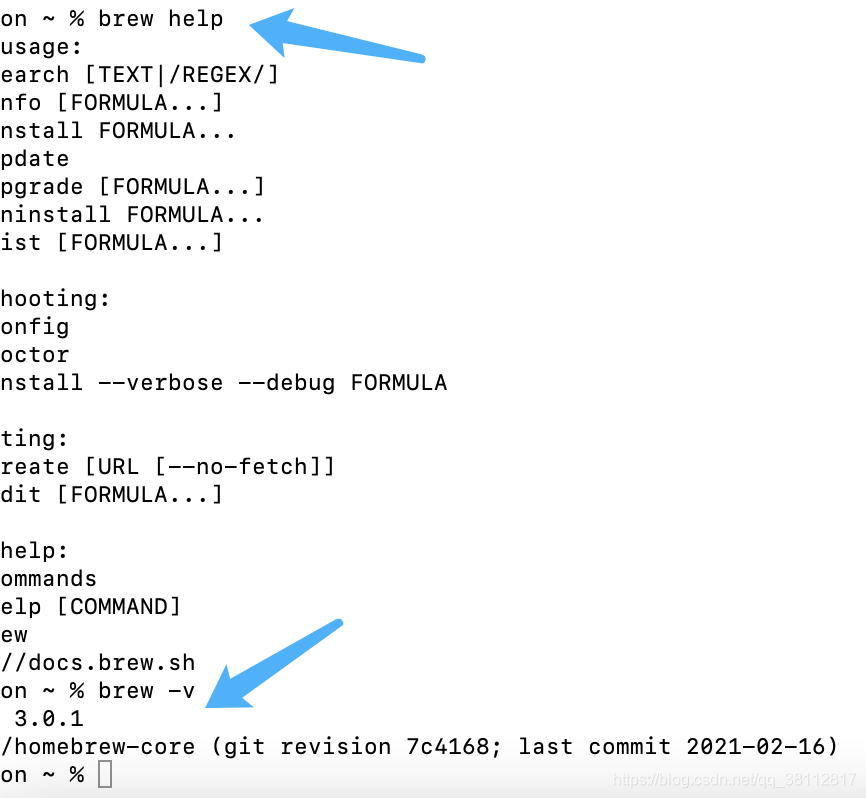
然后再执行 brew -v 就显示版本号啦,代表安装成功
2、使用brew 安装 node
执行 brew install node 就可以啦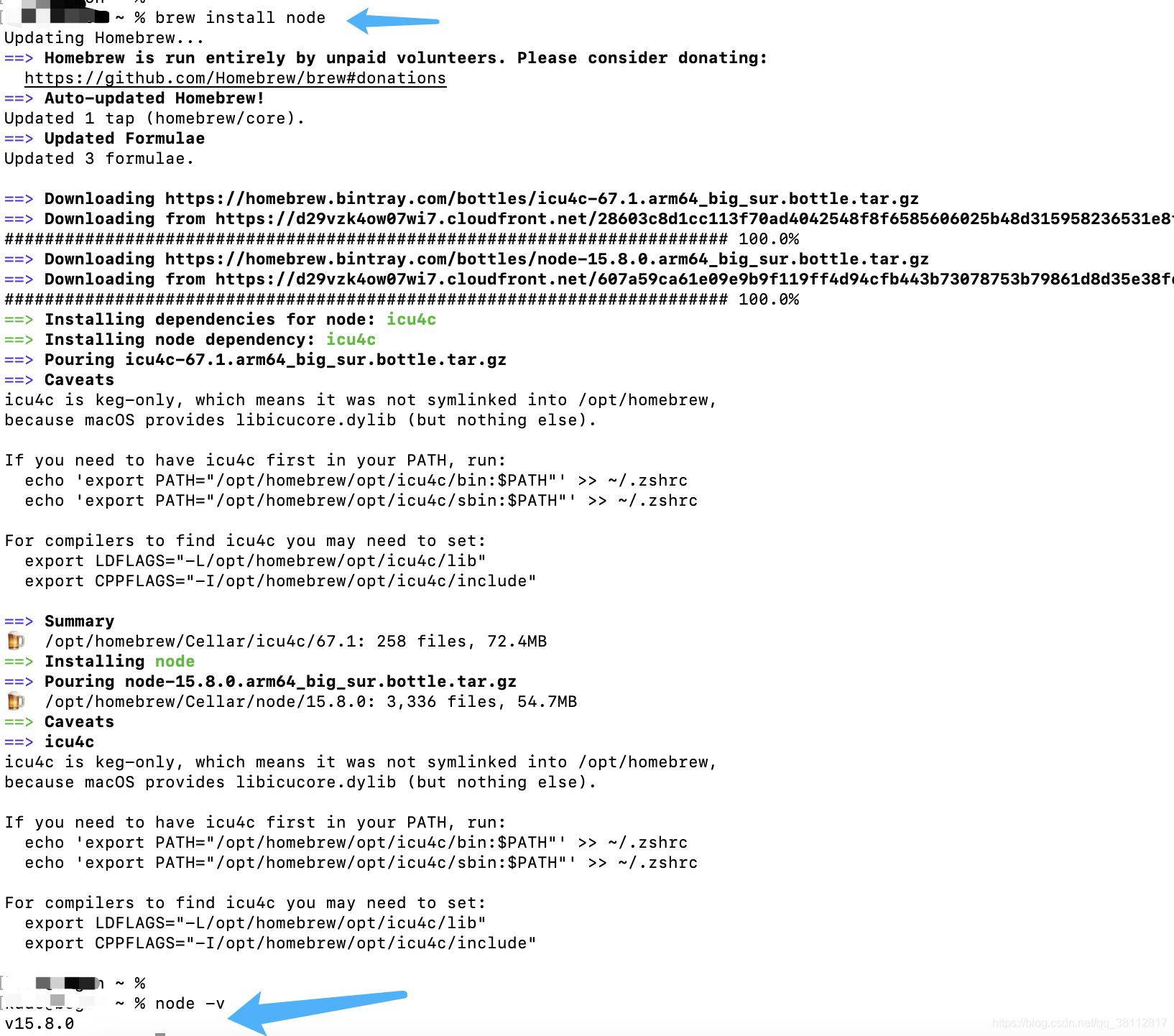
版权声明:本文为qq_38112817原创文章,遵循CC 4.0 BY-SA版权协议,转载请附上原文出处链接和本声明。