解决pyinstaller打包后报错FileNotFoundError: ‘cacert.pem’ resource not found in ‘certifi’
pyinstaller打包exe文件后,打开显示FileNotFoundError: ‘cacert.pem’ resource not found in ‘certifi’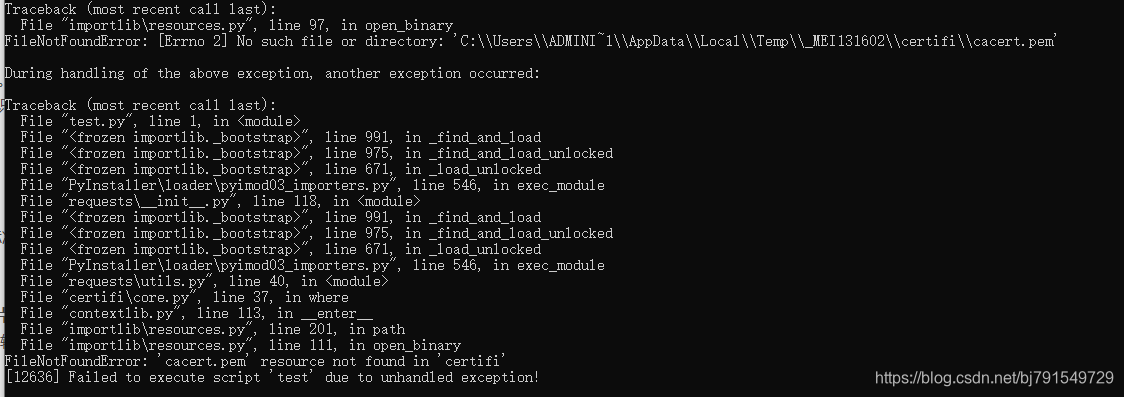
解决办法
- 新建一个 hook-certifi.py 的文件
- 写入以下代码 并保存
from PyInstaller.utils.hooks import collect_data_files

datas = collect_data_files("certifi")
把" hook-certifi.py "放进 python根目录\Lib\site-packages\PyInstaller\hooks 文件夹下

删除pyinstaller生成的build文件夹
重新使用pyinstaller打包后 文件正常运行了
版权声明:本文为bj791549729原创文章,遵循CC 4.0 BY-SA版权协议,转载请附上原文出处链接和本声明。