报错信息
TypeScript intellisense is disabled on template. To enable, configure `"jsx": "preserve"` in the `"compilerOptions"` property of tsconfig or jsconfig. To disable this prompt instead, configure `"experimentalDisableTemplateSupport": true` in `"vueCompilerOptions"` property.volar
跟着它的报错信息去改就行
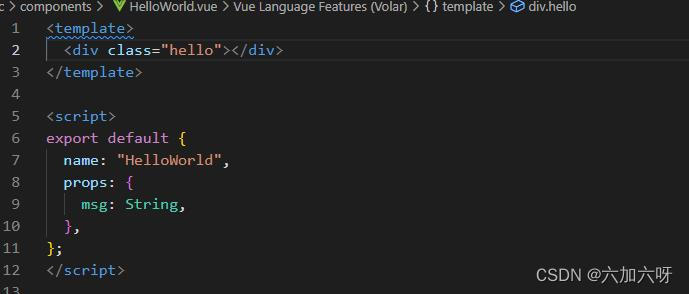
第一步找到jsconfig.json文件在里面添加
"jsx": "preserve", 
第二步找到vue.config.js文件在里面添加
experimentalDisableTemplateSupport: true,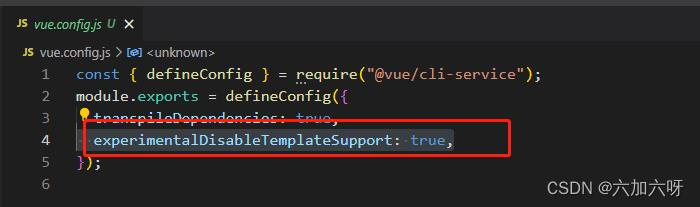
就欧克了
版权声明:本文为weixin_44761131原创文章,遵循CC 4.0 BY-SA版权协议,转载请附上原文出处链接和本声明。