vantweapp里面的上传组件看起来挺简单,用起来还是花了不少时间去做业务,现在记录下遇到的问题
1.开发环境下,没有https域名的图片,在小程序模拟器里看不到上传的缩略图,但是官网确实可以显示的,问题不知道出现在哪里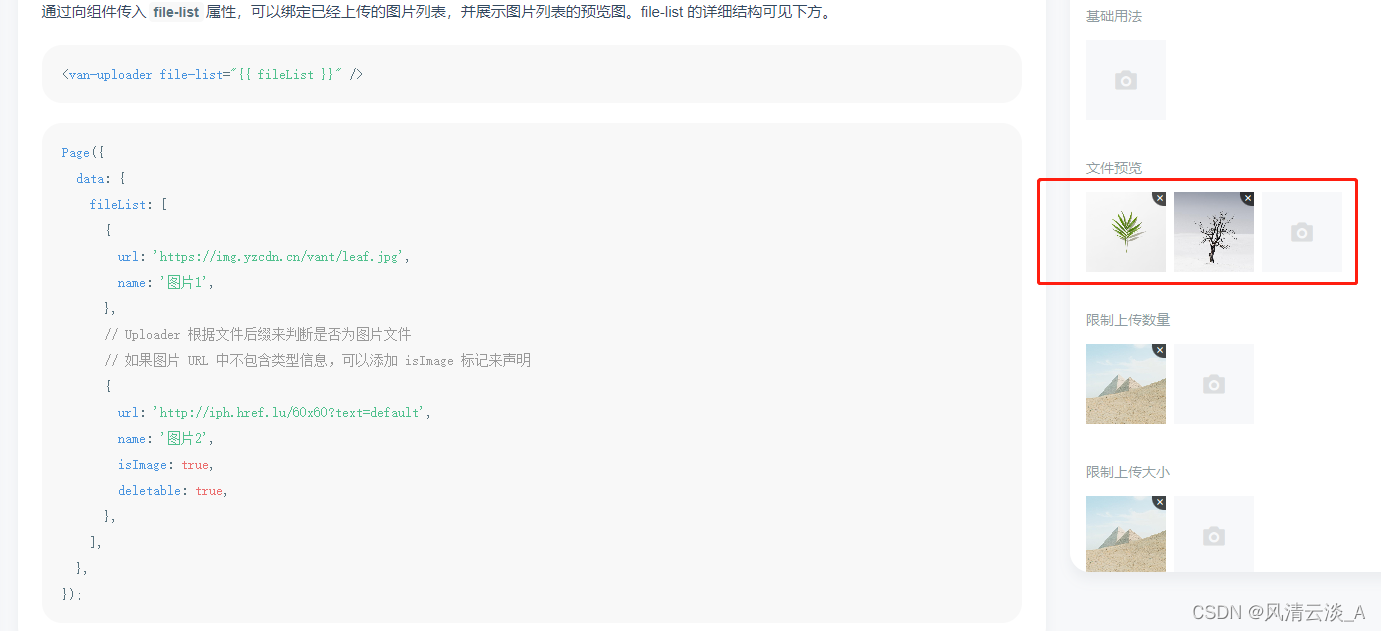
<view class="my-upload">
          <van-uploader file-list="{{ fileList }}" deletable="{{ true }}" accept="image" max-count="5"
            bind:delete="deletPicHandle" bind:after-read="afterRead" multiple="{{true}}" />
        </view>
2.删除图片不是简单写个deletable实行就可以,还要实现对应的删除方法
deletPicHandle(event) {
    console.log(event.detail.index, 'event.detail.index')
    const index = event.detail.index
    this.data.fileList.splice(index, 1)
    this.setData({
      fileList: this.data.fileList
    })
  },
3.上传单张图片的方法与多图是有区别的
//丹徒上传,这里就够用了
function uploadFile(uploadFile) {

    return new Promise((resolve, reject) => {

        wx.uploadFile({

            url: `${app.globalData.baseUrl}/file/upload`, // 上传的服务器接口地址

            filePath: uploadFile,

            name: 'file', //上传的所需字段,后端提供

            success: (res) => {
                // 上传完成操作
                let data = JSON.parse(res.data)
                resolve({
                    url: uploadFile,  //重点,这是前端需要现实的缩略图
                    endUrl: data.result, //这是后端需要的图片id,提交的时候需要提交这个给后端接口
                })

            },

            fail: (err) => {

                //上传失败:修改pedding为reject

                reject(err)

            }

        });
    })

}
//2.多图同时上传,产品不让一张一张上传的话必须有这步
async afterRead(event) {
    const { file } = event.detail
    console.log(file, 'file')
    // 当设置 mutiple 为 true 时, file 为数组格式,否则为对象格式
    let uploadPromiseTask = [] //定义上传的promise任务栈

    for (let i = 0; i < file.length; i++) {

      uploadPromiseTask.push(uploadFile(file[i].url)) //push进每一张所需要的上传的图片promise栈

    }

    Promise.all(uploadPromiseTask).then(res => {

      //全部上传完毕

      this.setData({

        fileList: this.data.fileList.concat(res)

      })

      wx.hideLoading()

    }).catch(error => {

      //存在有上传失败的文件

      wx.hideLoading()

      wx.showToast({

        title: '上传失败!',

        icon: 'none',

      })

    })

  }
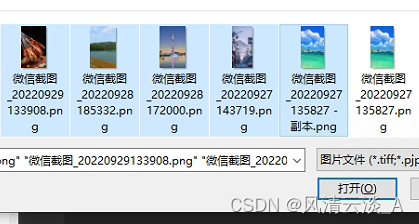
这样就可以同时上传多张
4.我这里没做上传前校验,可以上按照文档做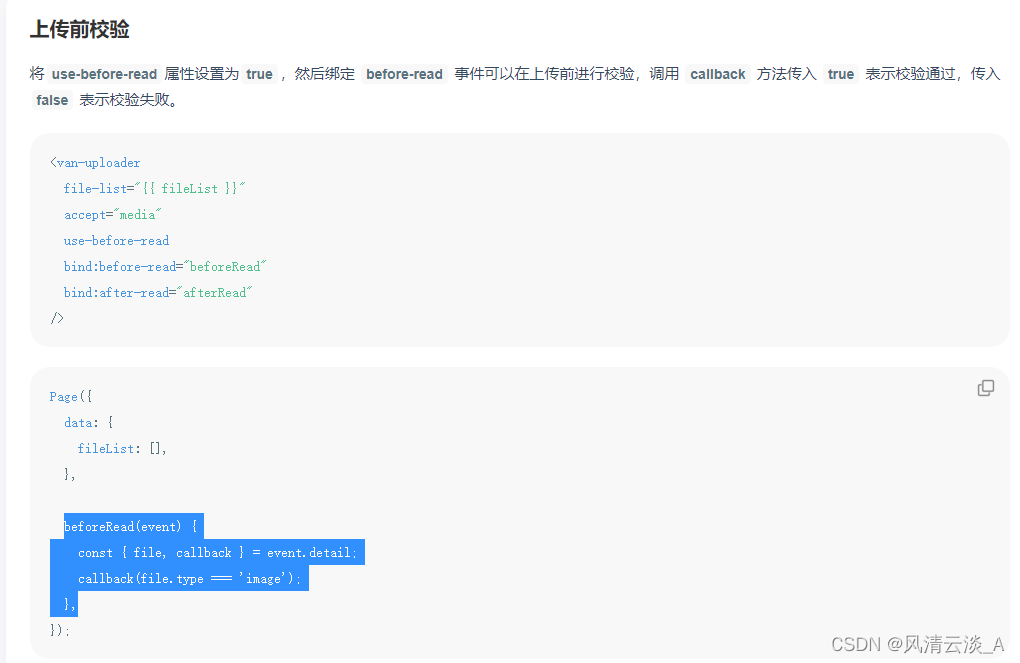
常见的功能就整理完毕了~~
参考文档:
https://vant-contrib.gitee.io/vant-weapp/#/uploader
vantweapp中修改框架的默认样式的几种方法
https://blog.csdn.net/mouday/article/details/121740935
版权声明:本文为qq_27702739原创文章,遵循CC 4.0 BY-SA版权协议,转载请附上原文出处链接和本声明。