路由配置文件
加入children属性配置方式与路由类似
const routes: Routes = [
  {
    path:'',
    redirectTo:'/Father/ChildrenOne',
    pathMatch:'full'
  },
  {
    path: 'Father',
    component:FatherComponent,
    children: [
      {
        path: 'ChildrenOne',
        component:ChildrenOneComponent,
        children: []
      },
      {
        path: 'ChildrenTwo',
        component:ChildrenTwoComponent,
        children: []
      }
    ]
  },

];
一级html页面代码
<router-outlet></router-outlet>
二级html页面(FatherComponent组件的页面)
<p>一级路由</p>
<a [routerLink]="['./ChildrenOne']" >二级路由1</a>
<a [routerLink]="['./ChildrenTwo']" >二级路由2</a>
<router-outlet></router-outlet>
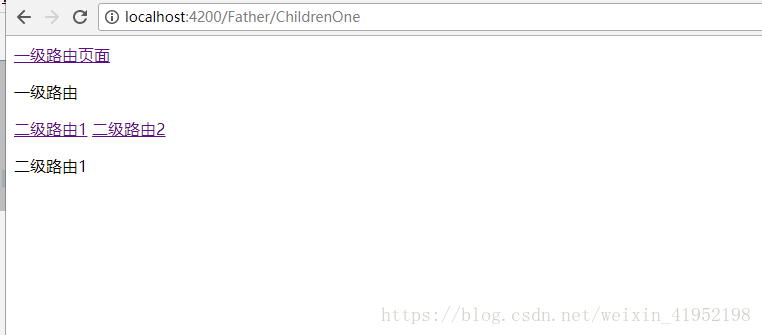
浏览器中展示
版权声明:本文为weixin_41952198原创文章,遵循CC 4.0 BY-SA版权协议,转载请附上原文出处链接和本声明。