ubuntu设置topbar透明
reference
https://blog.csdn.net/qiuchengjia/article/details/52923276
https://blog.csdn.net/m0_37407587/article/details/87911749
https://extensions.gnome.org/extension/19/user-themes/
调整的前提是你安装了apt-get install gnome-tweak-tool这个插件
安装之后可以通过搜索"优化"或者"Tweaks"打开
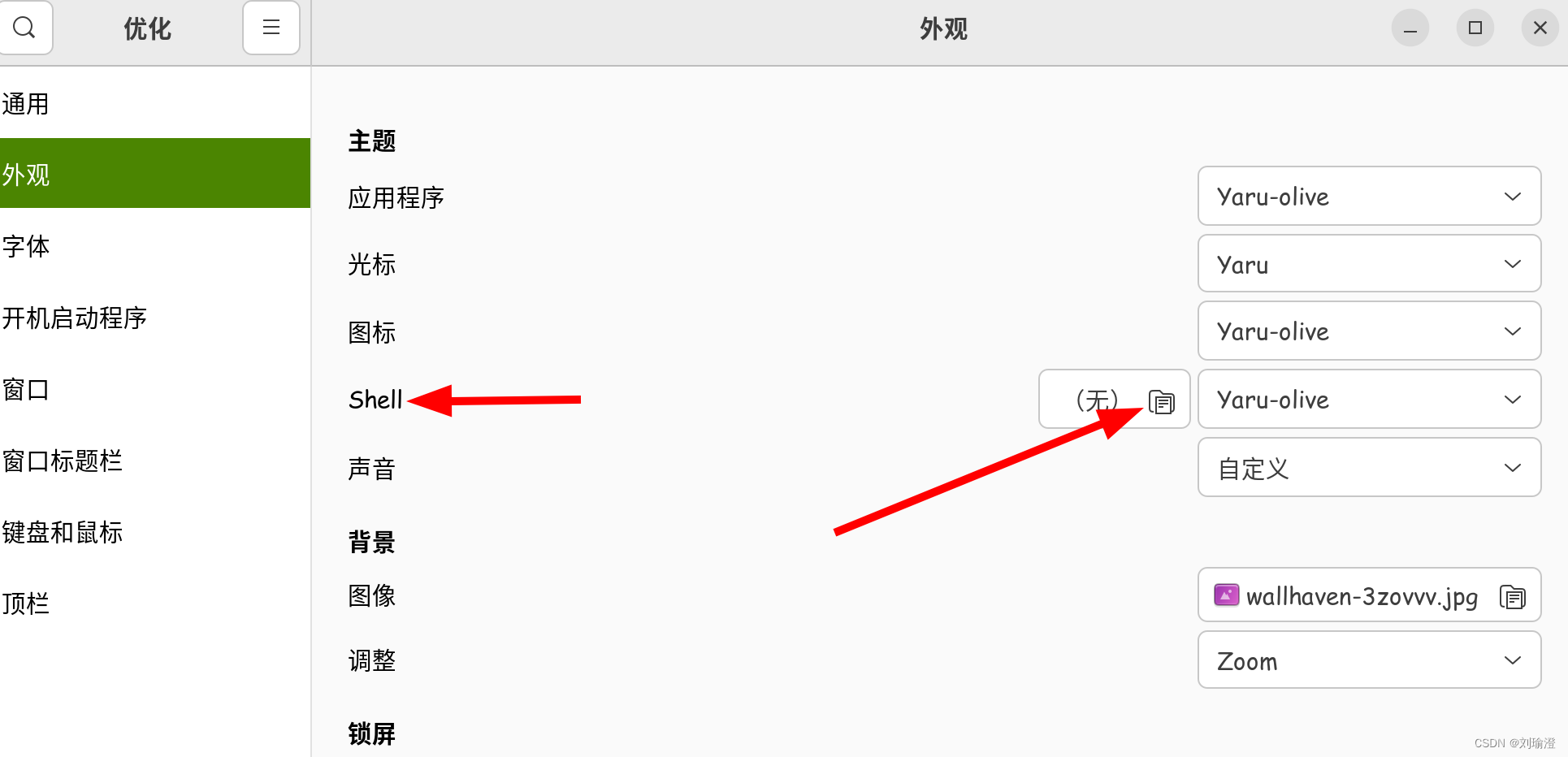
注意,如果这个shell处于未启用状态,可以浏览器打开https://extensions.gnome.org/extension/19/user-themes/,安装下, 如果你不会这个,可以参见https://blog.csdn.net/m0_37407587/article/details/87911749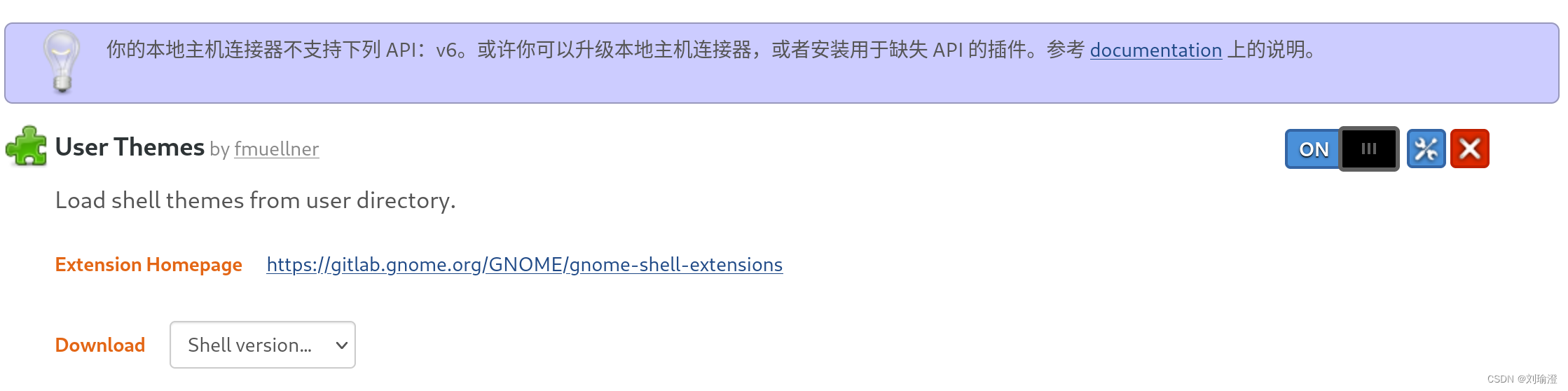
然后重新打开这个"优化"即可选择对应主题
然后我们就可以去修改这个对应主题的一些css样式
cd到/usr/share/gnome-shell/theme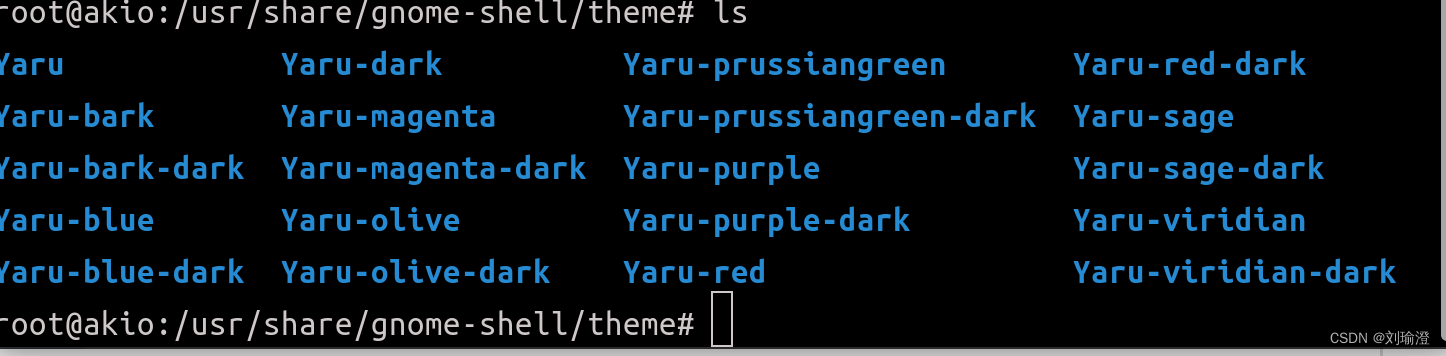
找到你的主题,修改gnome-shell.css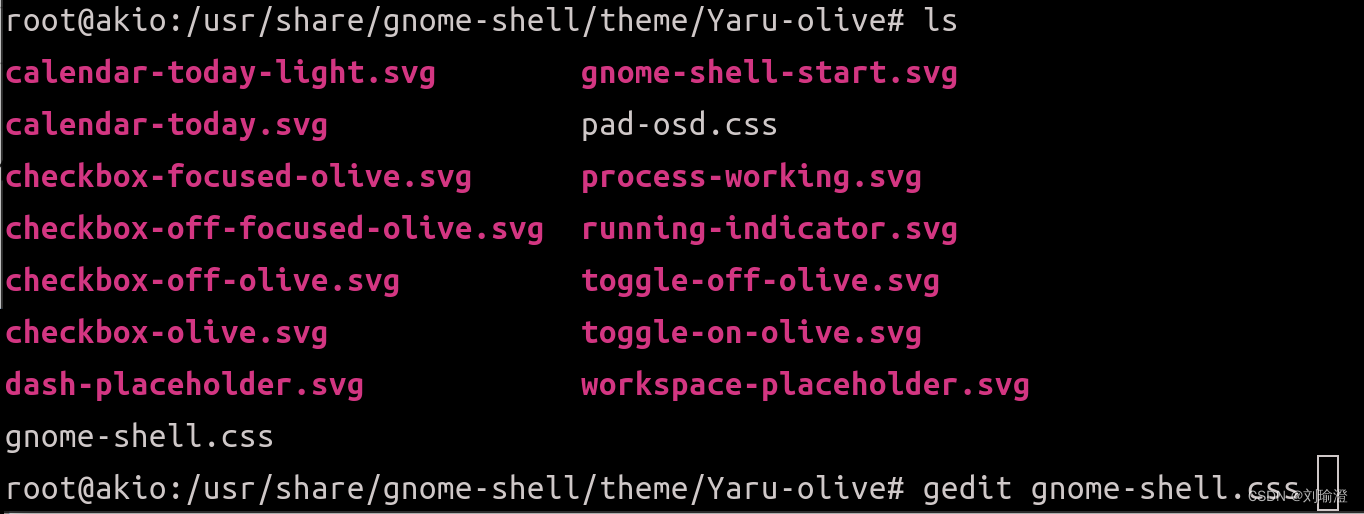 修改这个background-color即可
然后重新应用shell主题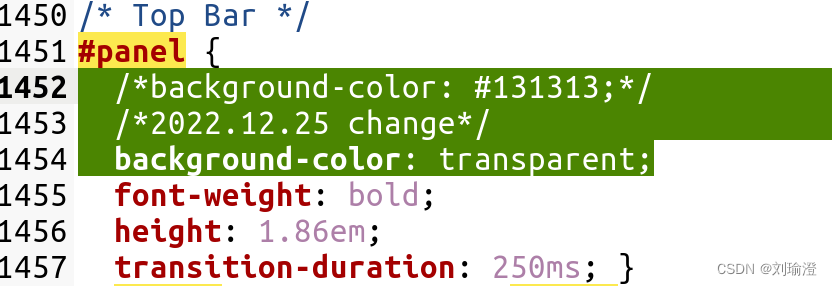
最终效果