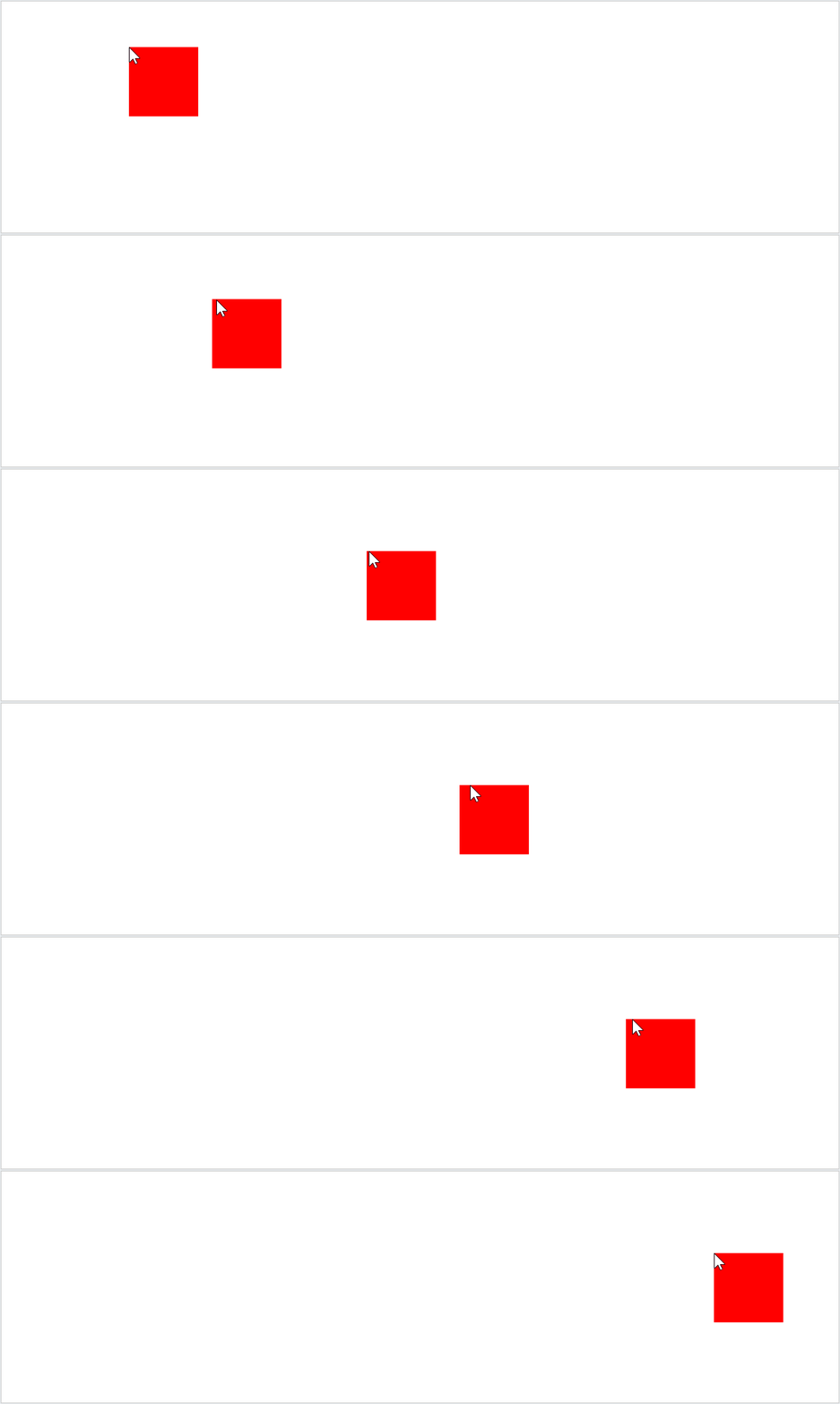
div跟随鼠标移动
我们先了解这个小练习
实现div跟随鼠标移动
<!doctype html>
<html>
<head>
<meta charset="utf-8">
<title>div跟随鼠标移动</title>
	<style>
		#box1{
			width: 100px;
			height:100px;
			background-color: red;
			position: absolute;
		}
	</style>
	<script>
		window.onload=function(){
			/*
			使div可以跟随鼠标移动
			*/
			//获取box1
			var box1=document.getElementById("box1");
			//绑定鼠标移动事件
			document.onmousemove=function(event){

			//获取滚动条滚动的距离
			/*
			chrome认为浏览器的滚动条是body的,可以通过body.scrollTop来获取
			火狐,IE等浏览器认为浏览器的滚动条是HTML的
			*/
			//垂直滚动条距离
			var st=document.body.scrollTop||document.documentElement.scrollTop;
			//水平滚动条距离
			var sl=document.body.scrollLeft||document.documentElement.scrollLeft;

				//获取到鼠标的坐标
				//clientX和clientY用于获取鼠标在当前的可见窗口的坐标
				//div的偏移量是相对于整个页面的
				var left=event.clientX;
				var top=event.clientY;

				//pageX和pageY可以获取鼠标相对于当前页面的坐标
				//var left=event.pageX;
				//var top=event.pageY;

				//设置div的偏移量
				box1.style.left=left+sl+"px";
				box1.style.top=top+st+"px";
			}
		}
	</script>
</head>
<body style="height: 1000px; width: 1500px;">
	<div id="box1"></div>
</body>
</html>
拖拽
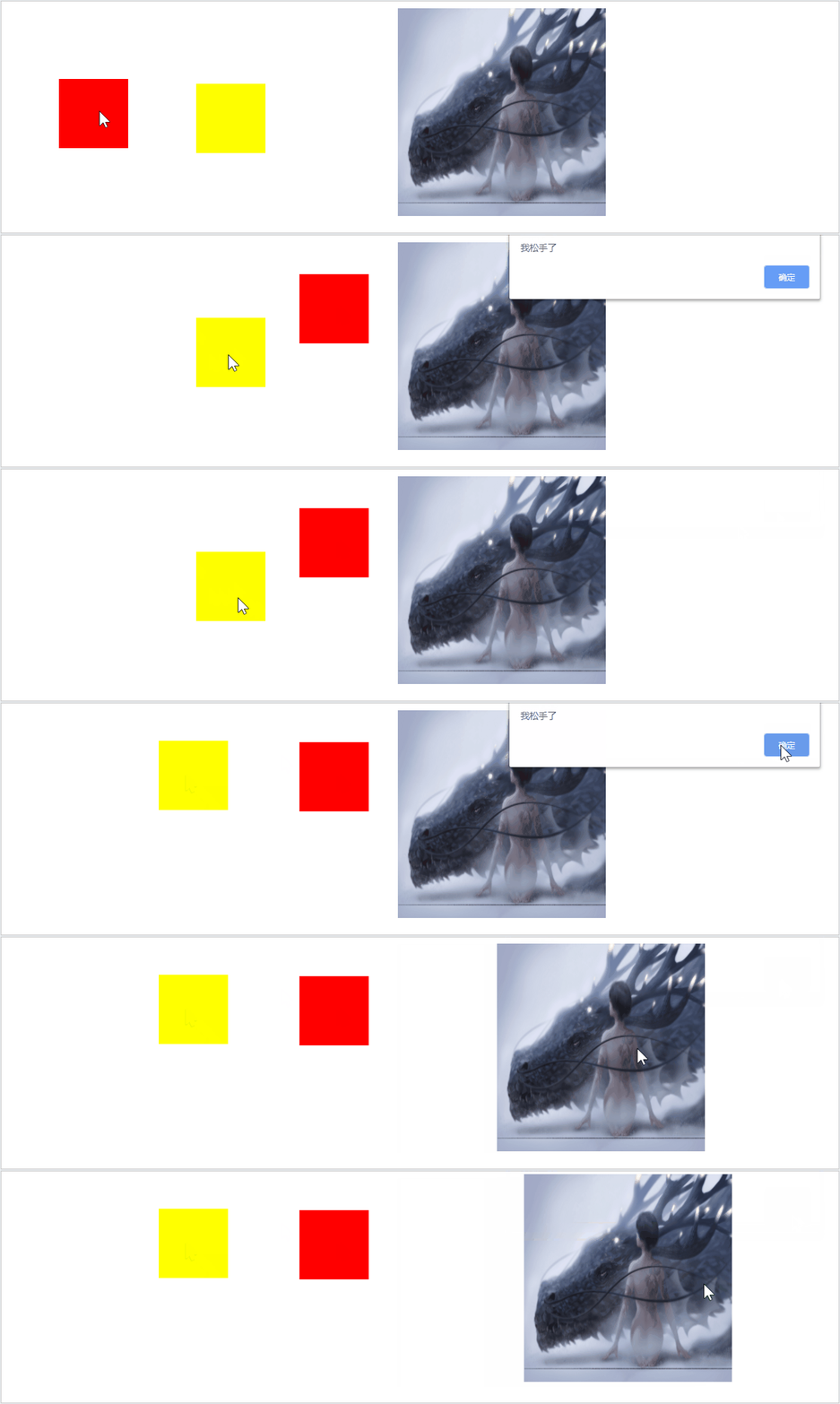
实现当我们按下鼠标时,图片可以跟随我们鼠标的移动而移动,松开鼠标的时候可以使图片停在鼠标停止的地方
拖拽流程
1.当鼠标在被拖拽元素上按下时,开始拖拽 onmousedown
2.当鼠标移动时被拖拽元素跟随鼠标移动 onmousemove
3.当鼠标松开时,被拖拽元素固定在当前位置 onmouseup
<!doctype html>
<html>
<head>
<meta charset="utf-8">
<title>拖拽</title>
	<style>
		#box1{
			width: 100px;
			height:100px;
			background-color: red;
			position: absolute;
		}
		#box2{
			width: 100px;
			height:100px;
			background-color: yellow;
			position: absolute;
			left: 200px;
			top:200px;
		}
		#img1{
			 width: 300px;
			 height:300px;
			left: 400px;
			position: absolute;
		}
	</style>

	<script>
		window.onload=function(){
			//获取box1 2
			var box1=document.getElementById("box1");
			var box2=document.getElementById("box2");
			var img1=document.getElementById("img1");

			//开启box1 2
			drag(box1);
			drag(box2);
			drag(img1);
		}

			function drag(obj){
				obj.onmousedown=function(event){    //鼠标被按下
				//alert("我动了");
				 event = event || window.event;

				//div的水平偏移量  鼠标.clentX-元素.offsetLeft
				//div的垂直偏移量  鼠标.clentY-元素.offsetTop
				var ol=event.clientX-obj.offsetLeft;
				var ot=event.clientY-obj.offsetTop;

			//绑定鼠标移动事件
			document.onmousemove=function(event){
				event = event || window.event;
				var left=event.clientX-ol;
				var top=event.clientY-ot;
				obj.style.left=left+"px";
				obj.style.top=top+"px";
			}

			//为document绑定一个鼠标松开事件
			document.onmouseup=function(){
				//当鼠标松开时,被拖拽元素固定在当前位置
				//取消document.onmousemove事件
				document.onmousemove=null;
				document.onmouseup=null;
				alert("我松手了");
				}
			}
	}
	</script>
</head>
<body>
	<div id="box1"></div>
	<div id="box2"></div>
	<img src="./img/1.jpg"  id="img1" >
</body>
</html>
版权声明:本文为weixin_43409765原创文章,遵循CC 4.0 BY-SA版权协议,转载请附上原文出处链接和本声明。