ASCII Art
Real-Time ASCII Art Rendering Library - Live demo: https://art.pixlab.io
ASCII Art is a single file C/C++ library that let you transform an input image or video frame into printable ASCII characters at real-time using a single decision tree. Real-time performance is achieved by using pixel intensity comparison inside internal nodes of the tree.
For a general overview on how the algorithm works, check the bottom of the demo page.
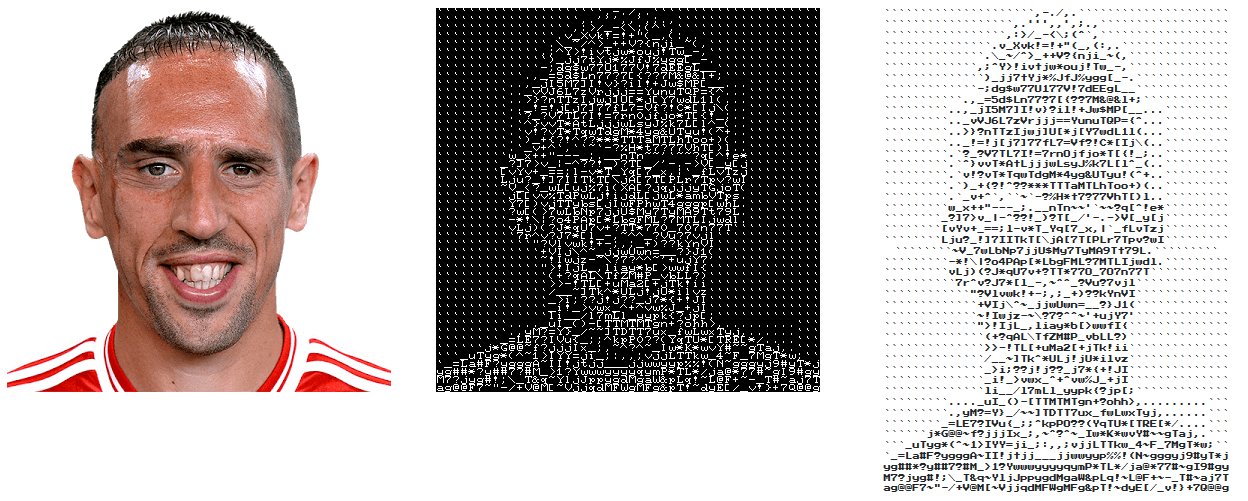
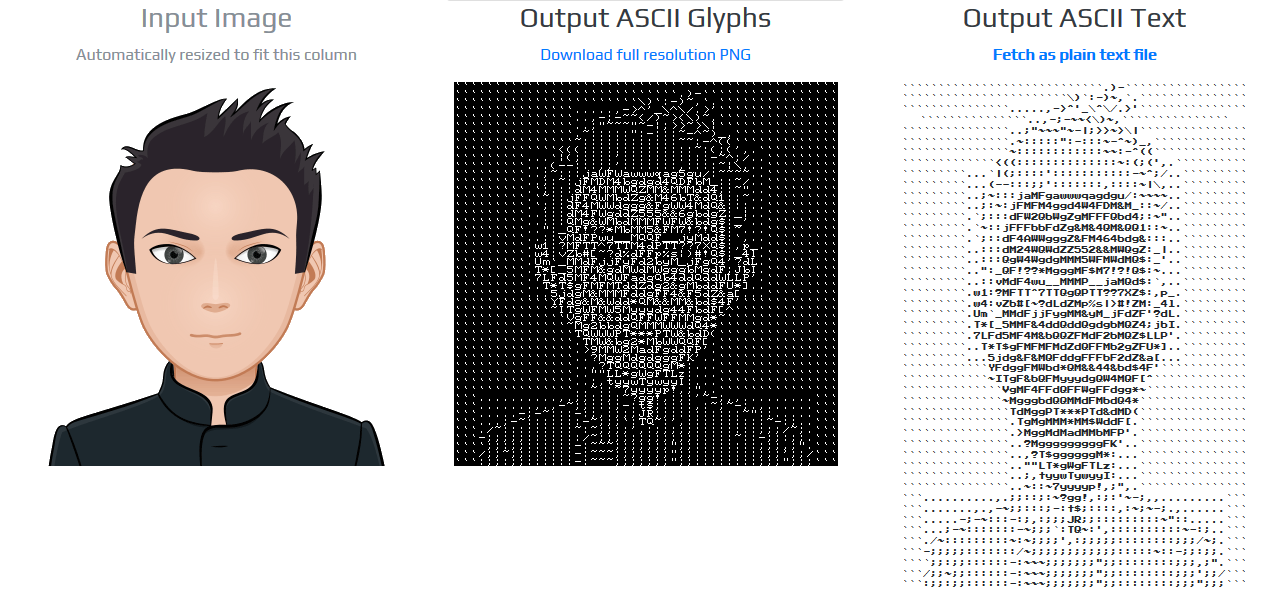 ASCII art is a related (and older) graphic design technique for producing images from printable characters. This implementation is based on the paper:
N. Markus, M. Fratarcangeli, I. S. Pandzic and J. Ahlberg, "Fast Rendering of Image Mosaics and ASCII Art", Computer Graphics Forum, 2015, http://dx.doi.org/10.1111/cgf.12597
Getting started
Embedding the library in your application is straightforward. All you have to do is drop the ascii_art.c and its header file in your source tree plus the hex model that can be downloaded here and perform the following API calls successively:
Call AsciiArtInit first to initialize the ascii_render structure defined in the ascii_art.h header file.
Prepare the image to be processed by converting it to the grayscale colorspace. You can rely on some external library like OpenCV cvtColor or the built-in AsciiArtLoadImage interface.
Allocate a buffer big enough to hold the entire ASCII text output. The amount of bytes needed is returned via the AsciiArtTextBufSize interface. This step is optional if you do not want a text output but instead a binary ASCII glyphs image.
Finally, transform the input image into ASCII glyphs/text via AsciiArtRender.
Below is a simple C program that demonstrates a typical usage of the ASCII Art C/C++ interfaces.
#include "ascii_art.h"
ascii_render sRender; /* Stack allocated */
/* Initialize the render structure */
AsciiArtInit(&sRender);
/* Load an image from disk */
int width, height;
unsigned char *zBlob = AsciiArtLoadImage(argv[1],&width,&height);
if( zBlob == 0 ){
puts("Cannot load image");
return;
}
/* Allocate a buffer big enough to hold the entire text output */
size_t nBytes = AsciiArtTextBufSize(&sRender, width, height);
unsigned char *zText = malloc(nBytes);
/* Finally, process */
AsciiArtRender(&sRender, zBlob, &width, &height, zText,1);
/* zBlob[] hold the binary ASCII glyphs now */
/* Output the result */
fwrite(zText, sizeof(char), nBytes, stdout);
/* Release memory */
free(zText);
free(zBlob);
Resources
The C/C++ API reference (Only three interfaces are exported plus another optional), the hex model are all available on the official PixLab page at: https://pixlab.io/art
Please report any issue or feature request here on Github.