简介
在通常的管理系统中都是上左右的分布,最上面是系统的标题等,左侧是操作的一些功能菜单,右侧是功能菜单对应的操作内容。
实现最主要的就是在iframe中加入name属性,并在其他的链接处指定target指向iframe的name属性即可。如下:
1)指定iframe的name属性.
<%@ page language="java" import="java.util.*" pageEncoding="UTF-8"%>
<% String path = request.getContextPath(); String basePath = request.getScheme()+"://"+request.getServerName()+":"+request.getServerPort()+path+"/"; %>

<!DOCTYPE HTML PUBLIC "-//W3C//DTD HTML 4.01 Transitional//EN">
<html>
  <head>
    <base href="<%=basePath%>">
    <title>测试iframe的使用</title>
  </head>
  <body>
      <iframe align="top" width="100%" height="60px" scrolling="no" src="<%=request.getContextPath()%>/page/header.jsp"></iframe>
      <iframe align="left" width="18%" height="80%" scrolling="no" src="<%=request.getContextPath()%>/page/left.jsp"></iframe>
      <iframe align="right" name="mainframe" width="80%" height="80%" scrolling="auto" src="<%=request.getContextPath()%>/page/right.jsp"></iframe>
  </body>
</html>
2)在使用的地方指定链接的target属性。
<%@ page language="java" import="java.util.*" pageEncoding="UTF-8"%>
<% String path = request.getContextPath(); String basePath = request.getScheme()+"://"+request.getServerName()+":"+request.getServerPort()+path+"/"; %>

<!DOCTYPE HTML PUBLIC "-//W3C//DTD HTML 4.01 Transitional//EN">
<html>
  <head>
    <base href="<%=basePath%>">

    <title>测试iframe的使用</title>

    <meta http-equiv="pragma" content="no-cache">
    <meta http-equiv="cache-control" content="no-cache">
    <meta http-equiv="expires" content="0">
    <meta http-equiv="keywords" content="keyword1,keyword2,keyword3">
    <meta http-equiv="description" content="This is my page">
    <!-- <link rel="stylesheet" type="text/css" href="styles.css"> -->

  </head>

  <body>
    <div style="width: 100%;height: 100%;background-color: #E6E6FA;text-align: center;padding-top: 30px;font-size: 40px;">
        <a target="mainframe" href="<%=request.getContextPath()%>/other/msg.jsp">show msg</a><br>
        <a target="mainframe" href="<%=basePath%>/other/img.jsp">show img</a><br>
        <a target="mainframe" href="<%=basePath%>/other/paper.jsp">show pap</a><br>
        <a target="mainframe" href="<%=basePath%>/other/multipage.jsp">show mul</a><br>
    </div>
  </body>
</html>
【注】如果在iframe里的页面还有链接并且没有指定target属性则会把返回的页面在当前的iframe里显示。
演示界面
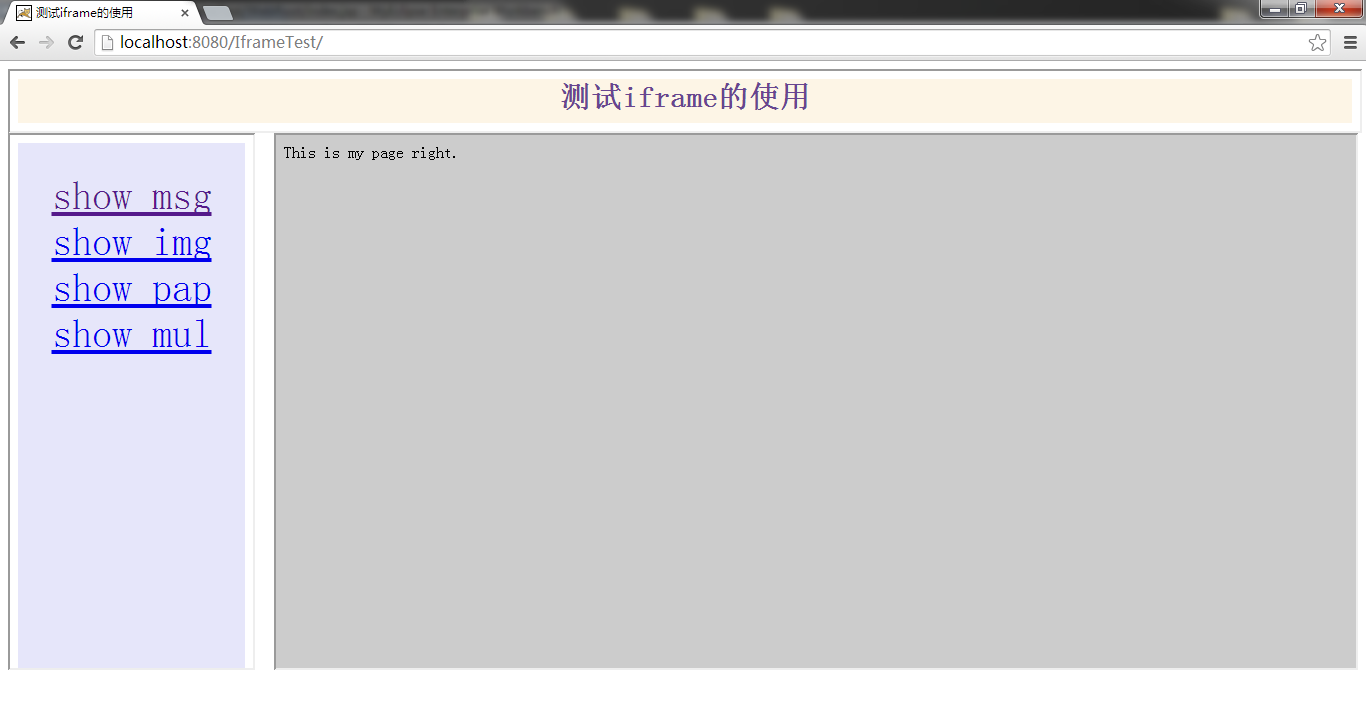
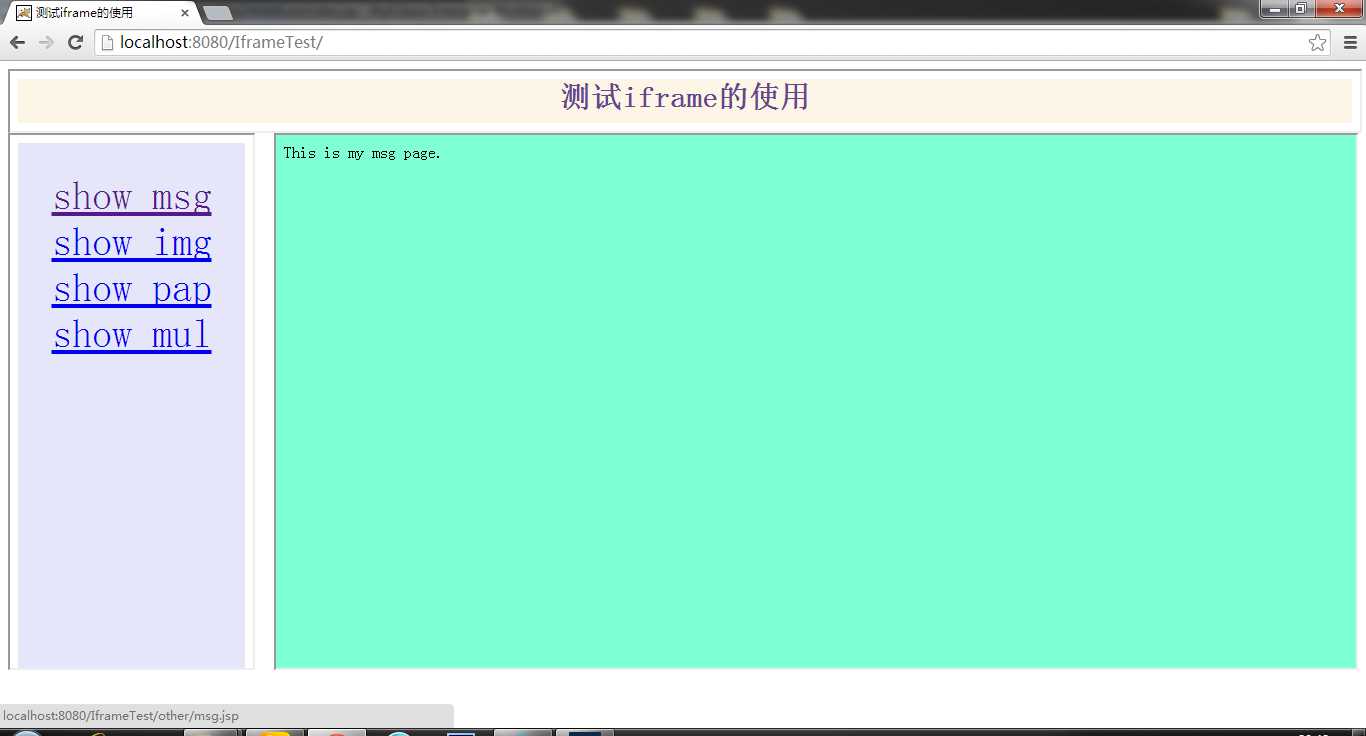
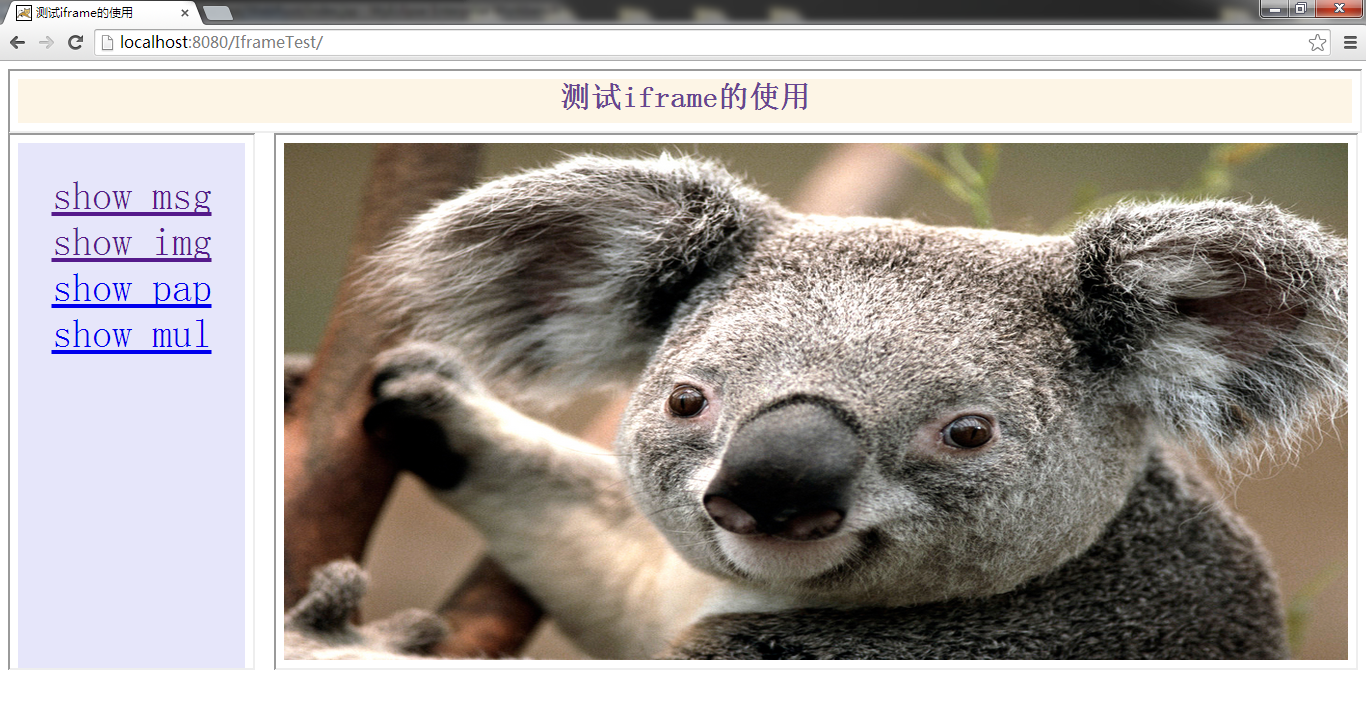
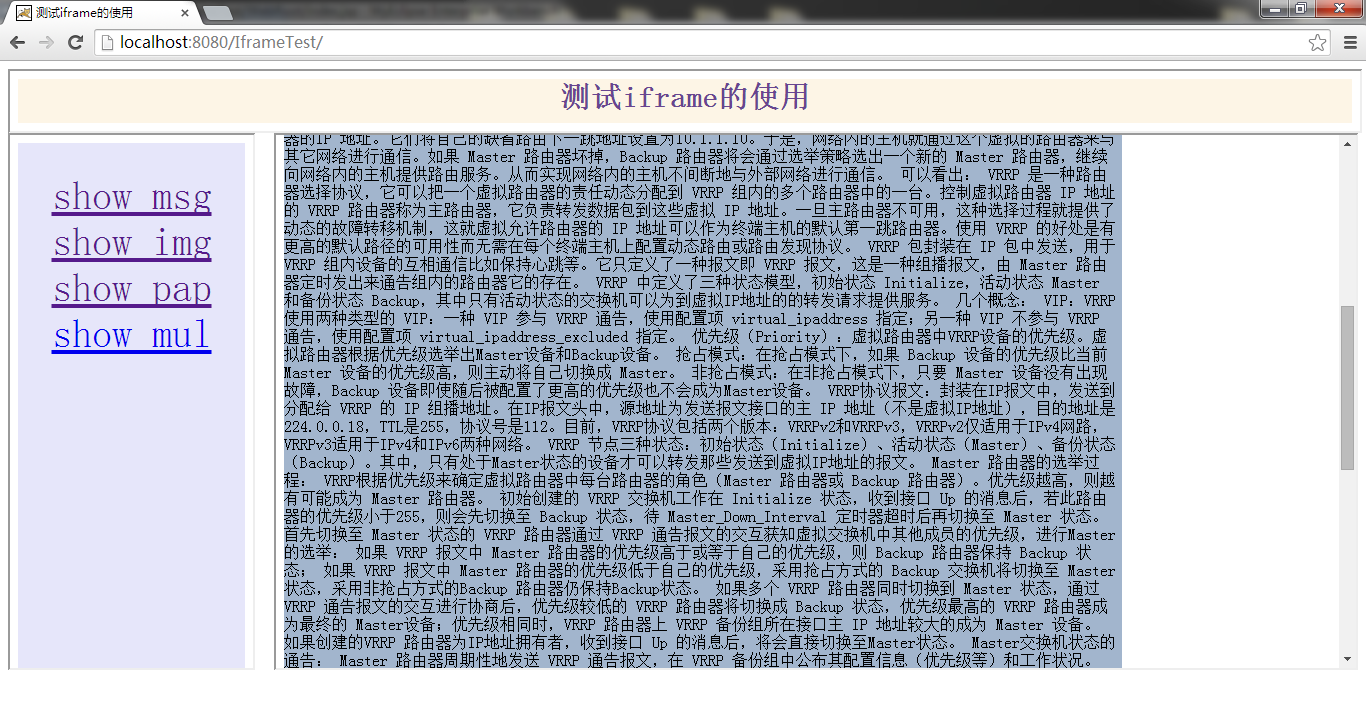
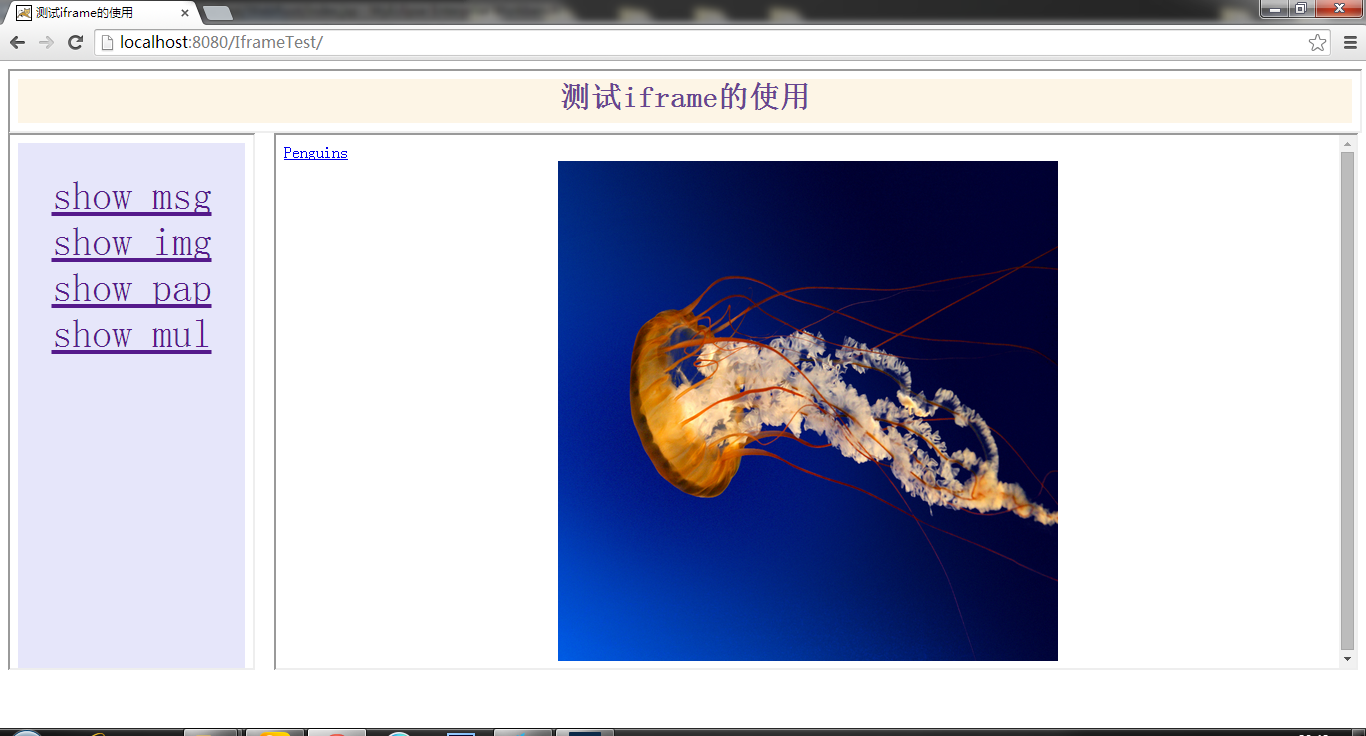
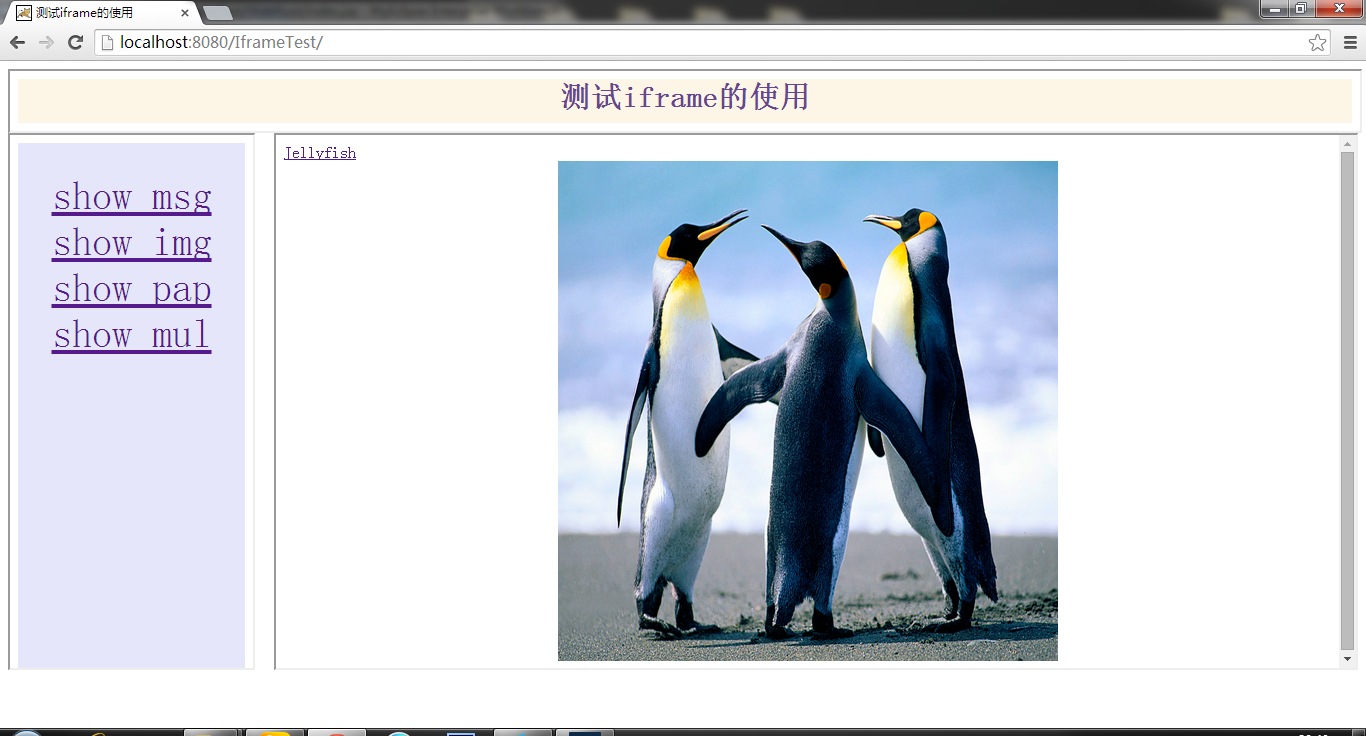
演示项目源代码
转载于:https://my.oschina.net/u/3702584/blog/1547098