Kite插件的安装
1.jupyter lab 中安装 kite 插件
查看自己的 jupyter lab 的版本:
jupyter lab --version
如果你使用的是 JupyterLab 3.0.x, 只需要执行如下命令安装:
pip install "jupyterlab-kite>=2.0.2"
如果你使用的是 JupyterLab 2.2.x, 运行以下命令:
pip install "jupyter-kite<2.0.0"
jupyter labextension install "@kiteco/jupyterlab-kite"
⚠️ JupyterLab 2.2.x requires NodeJS to be installed
conda install -c conda-forge nodejs
2.检查kite是否安装成功
- 打开 jupyter lab
jupyter lab
出现:
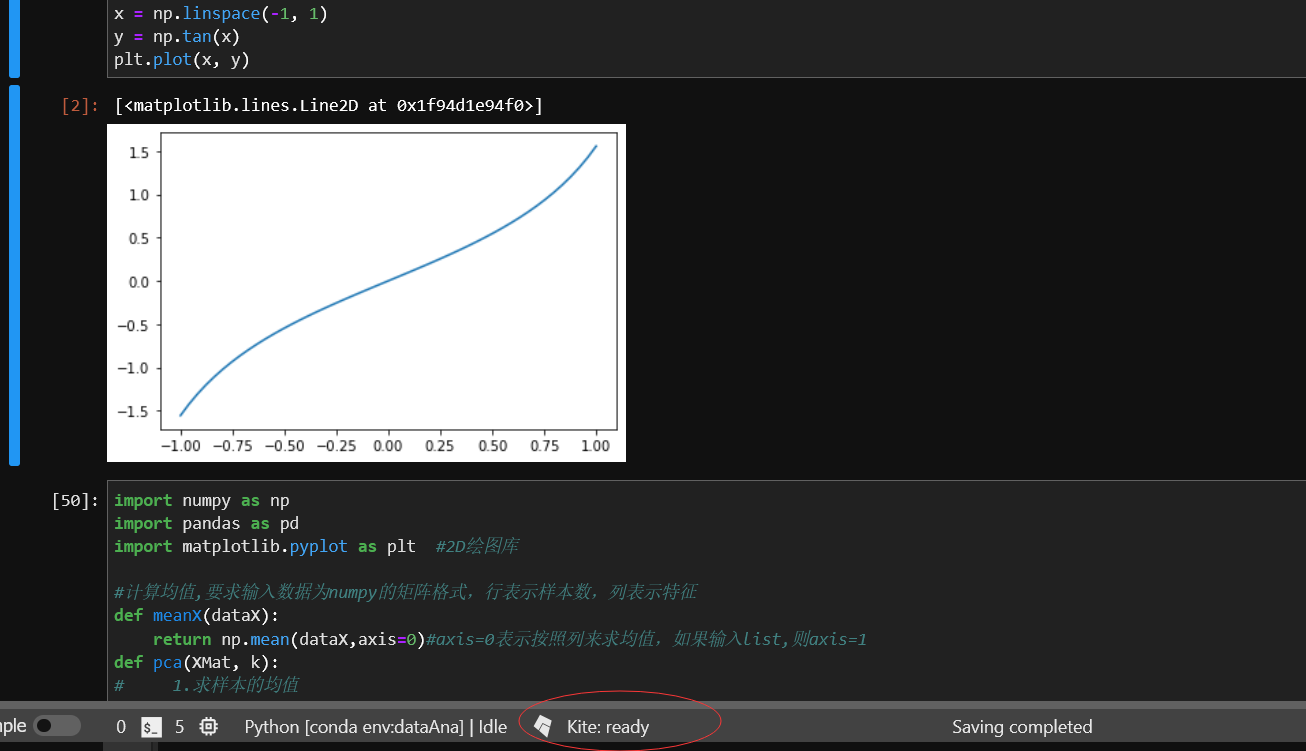
表示kite安装成功:
- 进行测试:
使用 tab 会自动提示,并且提示方法如何使用,参数都有什么意义。
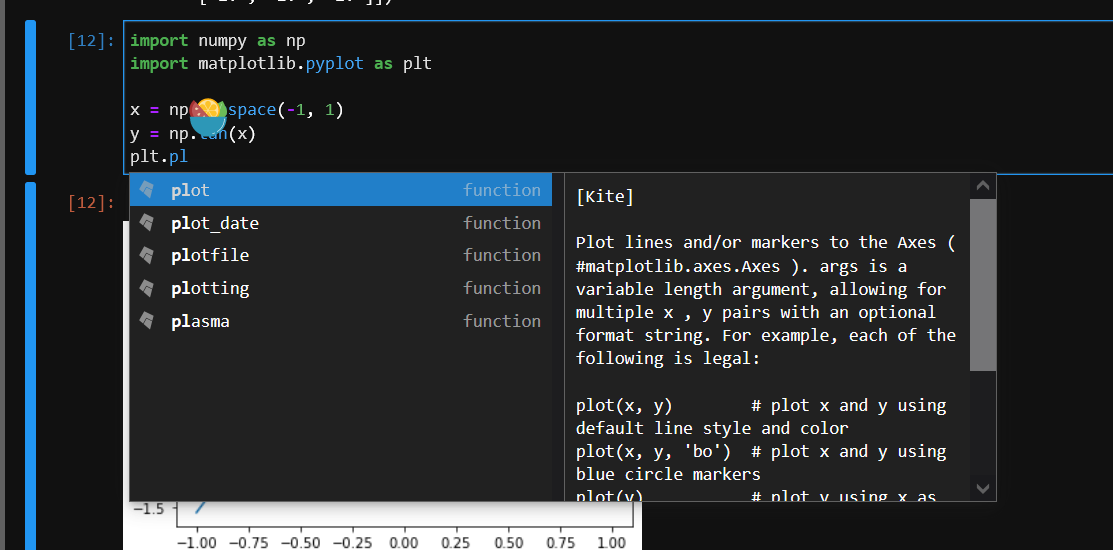
特色: 安装方便。
版权声明:本文为y_h_k_666原创文章,遵循CC 4.0 BY-SA版权协议,转载请附上原文出处链接和本声明。