
首次编译uboot时出现错误如下:
user@ubuntu:~/share/u-boot2/u-boot$ make CROSS_COMPILE=arm-linux-gnueabi-scripts/kconfig/conf --syncconfig KconfigCFG u-boot.cfgIn file included from ./include/common.h:16:0:include/config.h:4:10: fatal error: configs/.h: No such file or directory#include <configs/.h>^~~~~~~~~~~~compilation terminated.scripts/Makefile.autoconf:77: recipe for target 'u-boot.cfg' failedmake[1]: *** [u-boot.cfg] Error 1make: *** No rule to make target 'include/config/auto.conf', needed by 'include/config/uboot.release'. Stop.
出现上述问题网上也有解决方式,但是有些原因可能并没有出现在源码上。可见如下步骤:
首先将uboot下载解压好后,对uboot进行可视化界面配置
@ubuntu:~/share/u-boot$ make menuconfig界面如下,因为是刚刚下载的uboot,先简单设置一个芯片,进行可编译测试。
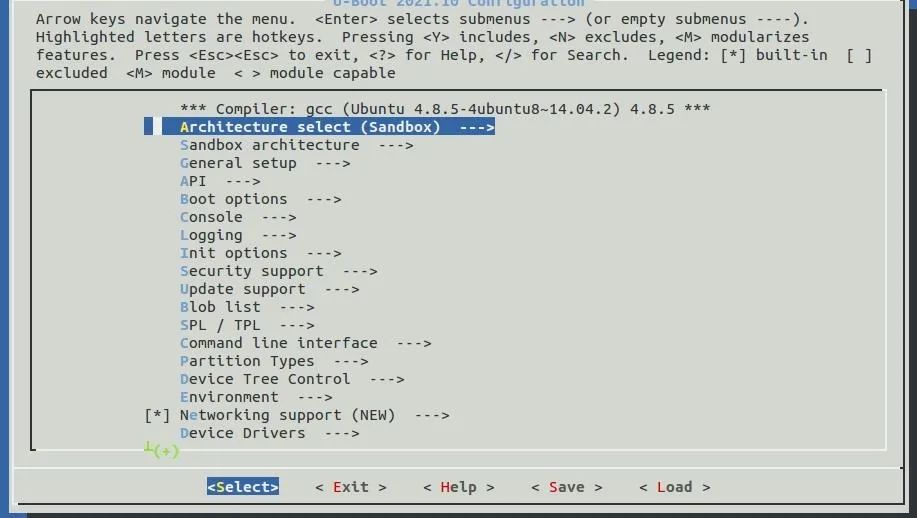
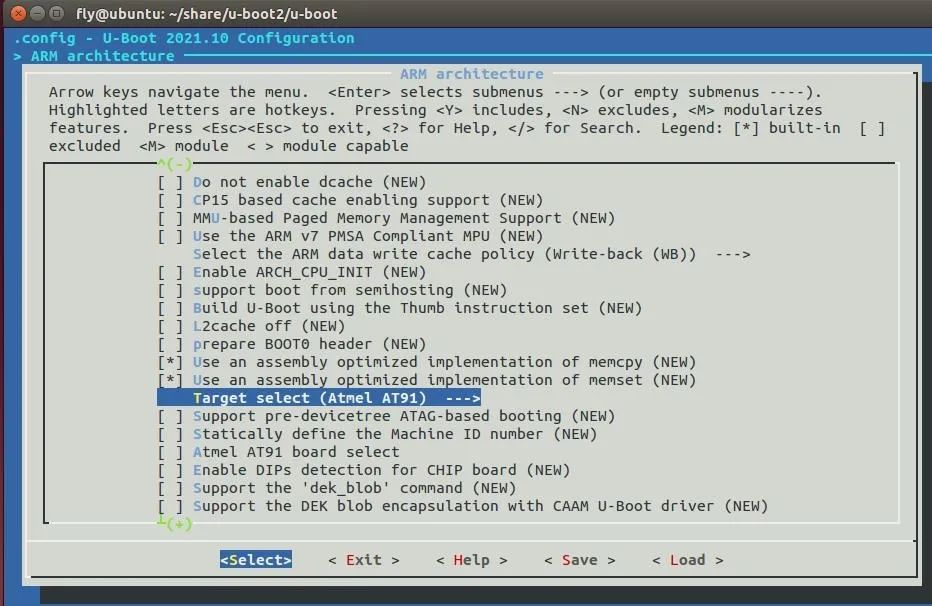
设置芯片架构类型-》选择ARM架构

在结构中选择芯片种类-》选择Atmel AT91
保存配置。
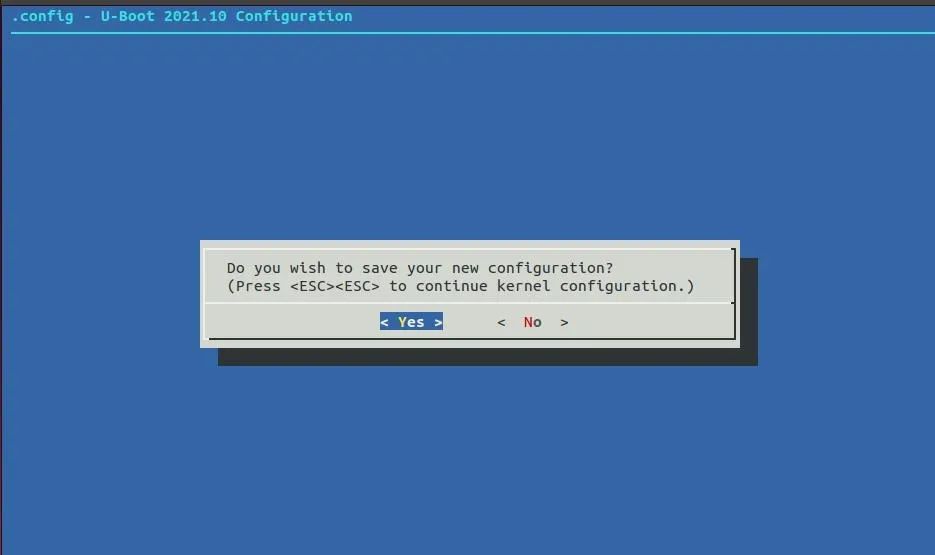
简单配置一下参数之后,进行编译
@ubuntu:~/share/u-boot$ make CROSS_COMPILE=arm-linux-gnueabi-随后 出现了如下错误
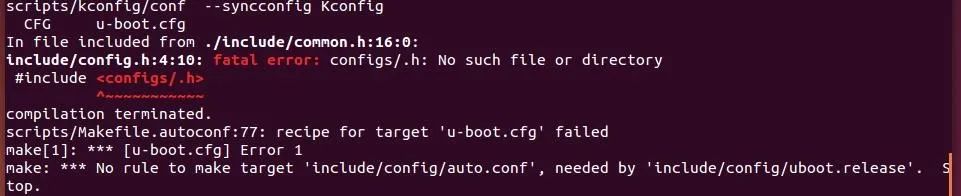

而出现这种错误的原因并不是arch/arm和所配置芯片文件夹下的Kconfig问题。原因在于第一次编译前没有选择board类型。如下图:
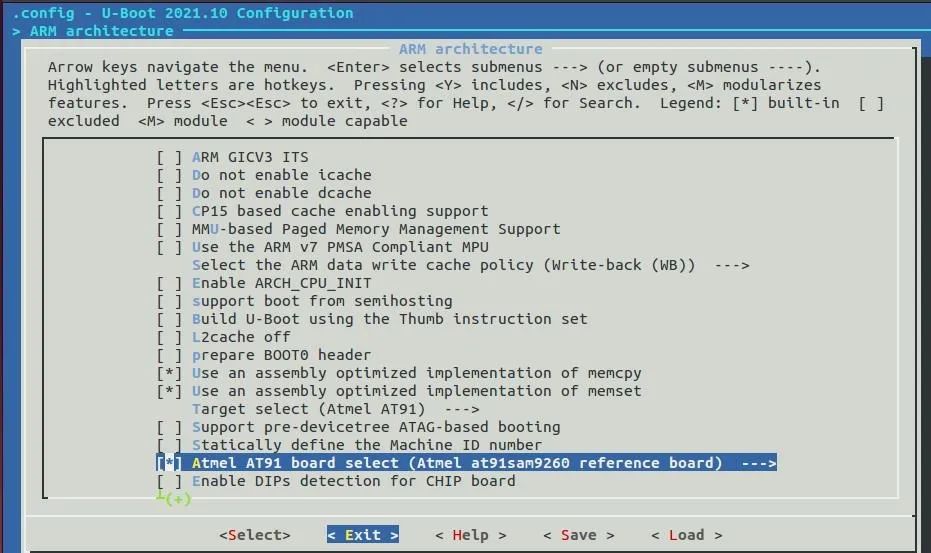
在选择芯片这一步还有一个选择board的类型。这个设置好之后,编译就可以顺利运行
版权声明:本文为longgyue原创文章,遵循CC 4.0 BY-SA版权协议,转载请附上原文出处链接和本声明。