首先设置conda的清华源
conda config --add channels https://mirrors.tuna.tsinghua.edu.cn/anaconda/pkgs/free/
conda config --add channels https://mirrors.tuna.tsinghua.edu.cn/anaconda/cloud/conda-forge
conda config --add channels https://mirrors.tuna.tsinghua.edu.cn/anaconda/cloud/msys2/
conda config --add channels https://mirrors.tuna.tsinghua.edu.cn/anaconda/cloud/pytorch/

# 设置搜索时显示通道地址
conda config --set show_channel_urls yes
然后在官网查找对应的版本,如

若要使用清华源安装,则需去掉后面的-c pytorch,即
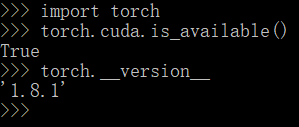
conda install pytorch torchvision torchaudio cudatoolkit=10.2安装后,import torch,再 torch.cuda.is_available(),若为true,则可使用GPU
在这里,我显示false

可见NVIDIA的驱动有些老旧,所以升级N卡驱动
在右下角右键英伟达标志,并进入GeForce experience界面,下载驱动并安装
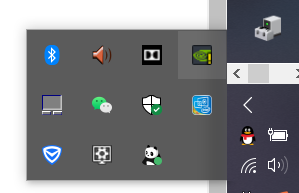

安装过程中显示geforce game ready driver无法继续安装,可能是未删除上一版本的驱动,但我们也不必手动删除
进入C:\ProgramData\NVIDIA Corporation\Downloader,选择刚刚下载好的驱动

双击进行安装
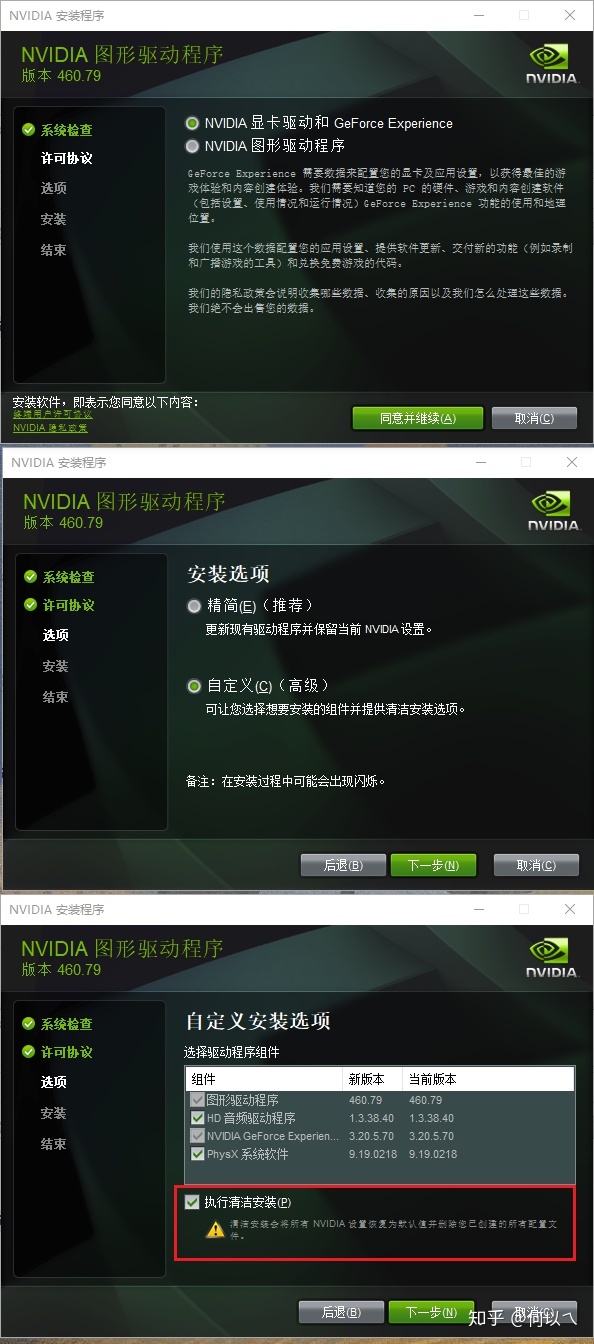
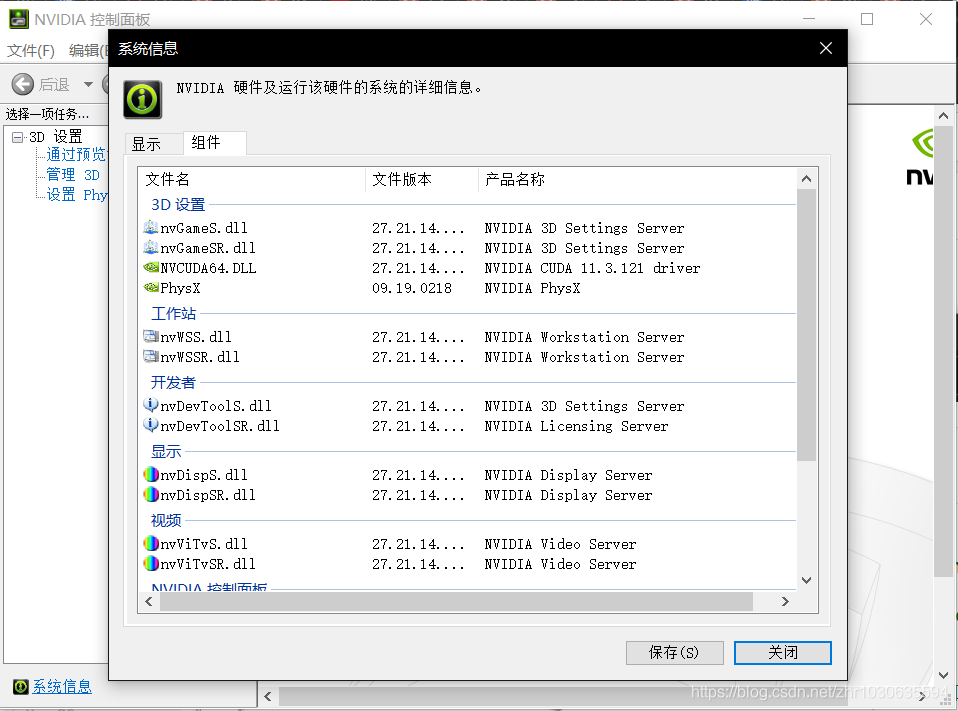
注意选择清洁安装,安装后可以看到驱动变化
版权声明:本文为zhr1030635594原创文章,遵循CC 4.0 BY-SA版权协议,转载请附上原文出处链接和本声明。