方法一
查看一下代理
git config --global http.proxy
git config --global https.proxy
有就取消,没有就换一种方法
git config --global --unset http.proxy
git config --global --unset https.proxy
方法二
查看系统环境有没有使用代理
env|grep -I proxy
出现以下类似的配置

如果有相应的代理存在就取消掉
unset http_proxy
unset https_proxy
方法三
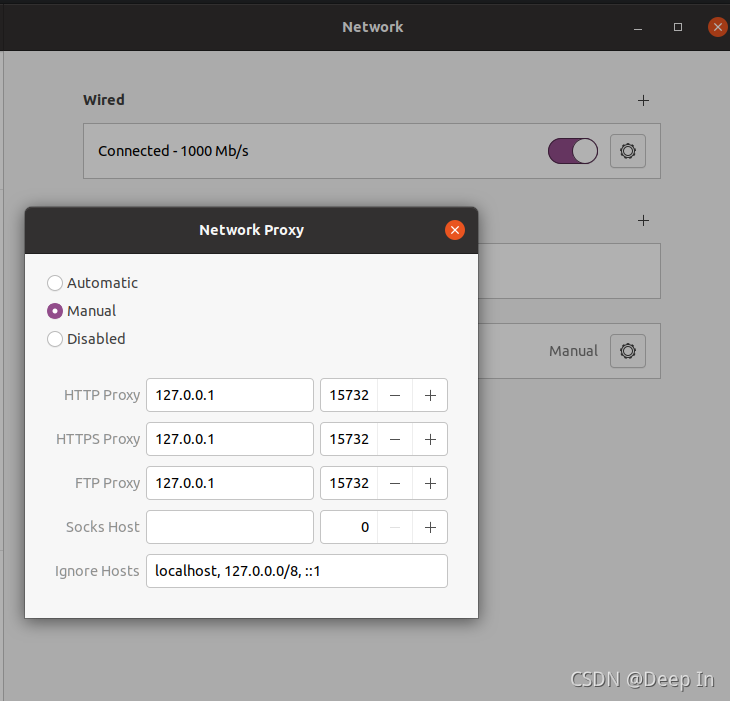
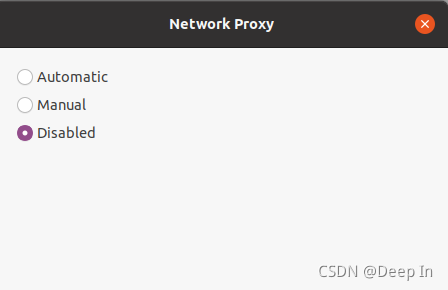
手动操作ubuntu代理,在设置中取消代理。
版权声明:本文为W1517055683原创文章,遵循CC 4.0 BY-SA版权协议,转载请附上原文出处链接和本声明。