第一步、修改nginx.conf配置文件
## 工作线程数,一般和自己电脑的CPU以及核数对应
worker_processes  1;

events {
    worker_connections  1024;
}
## 管理http请求部分
http {
    ## 服务器配置
    server {
        ## 端口
        listen       80;
        ## 域名
        server_name  localhost;
        ## 位置
        location D:\ {
            ## 具体地址  D:\nginx-1.17.6\html\为root目录,http请求在这个目录下找文件
            root nginx-1.17.6\html;
            ## 默认页面
            index  index.html index.htm;
        }

    }
}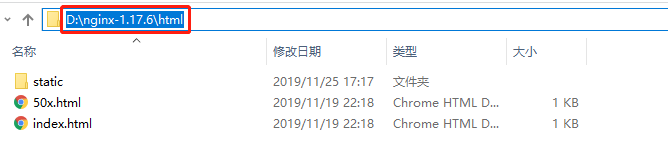
第二步、将内容放入刚才指定的目录(上面图片中的static)
第三步、开启服务器(如果开启失败,看logs目录下的error.log信息)
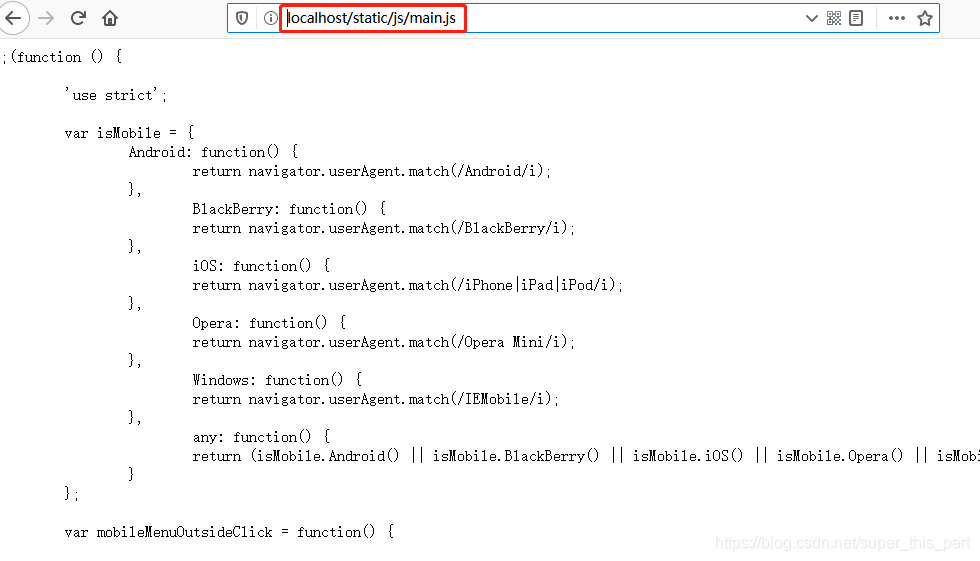
第四步、浏览器访问(输入http://localhost/static/js/main.js)
版权声明:本文为super_this_part原创文章,遵循CC 4.0 BY-SA版权协议,转载请附上原文出处链接和本声明。