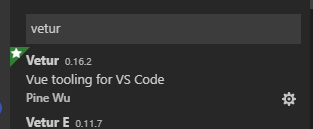
vsCode 代码不高亮显示的问题安装Vetur插件1、点击左侧菜单的扩展--》搜索Vetur--》点击安装--》安装完成重启vsCode ---》 转载于:https://www.cnblogs.com/zqyw/p/10425865.html
 ---》
---》 ---》
---》