1.H5: <a target="_blank" :href="`https://wpa.qq.com/msgrd?v=3&uin=${qqNumber}&site=qq&menu=yes`"></a>
${qqNumber}为qq号码
注意:需开通qq推广服务,否则在微信内部浏览器无法成功跳转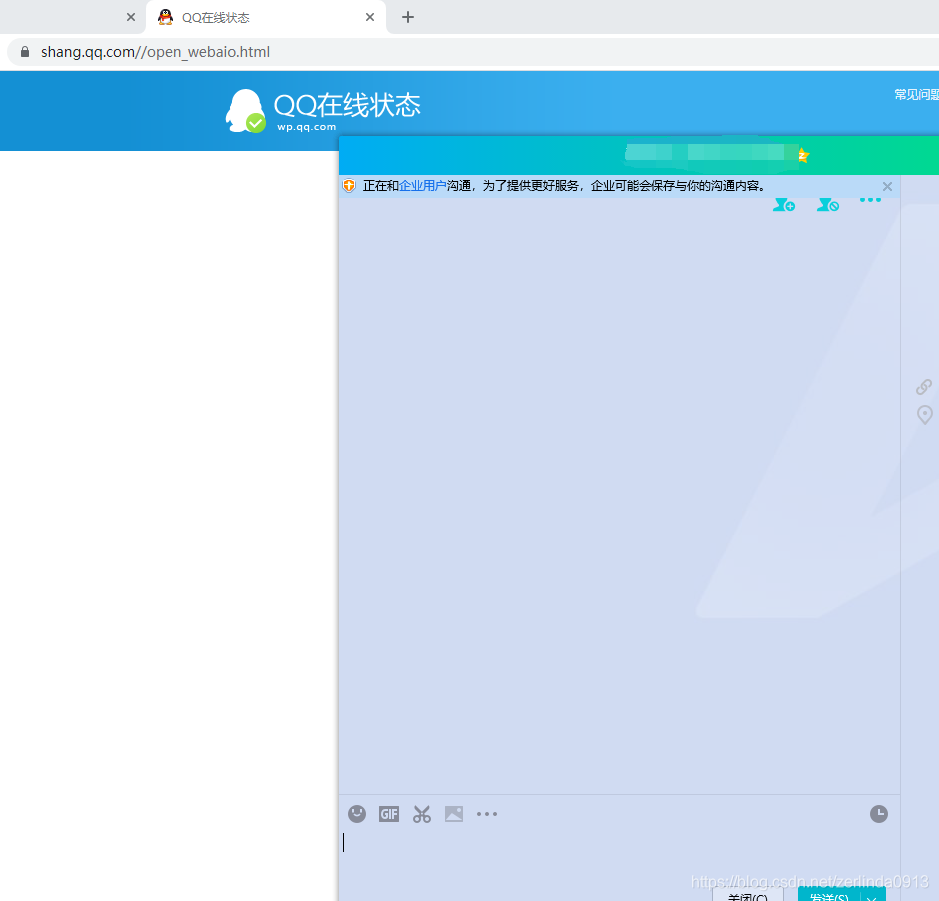
2.在代码中做限制在微信小程序中显示小程序按钮 uniapp中button组件 open-type="contact"方法(open-type:开放能力)可以联系微信后台设置的客服
	<view class="service_box">
//微信小程序
			<!--#ifdef MP-WEIXIN -->
			<button class="service" plain open-type="contact"><image src="../../../static/ic_service.png" mode="aspectFill"></image></button>
			<!--#endif -->
//h5
			<!--#ifdef H5 -->
			<a target="_blank" :href="`https://wpa.qq.com/msgrd?v=3&uin=${qqNumber}&site=qq&menu=yes`" style="text-decoration: none;">
				<button class="service" plain @tap="isShow = true"><image src="../../../static/ic_service.png" mode="aspectFill"></image></button>
			</a>
			<!--#endif -->
		</view>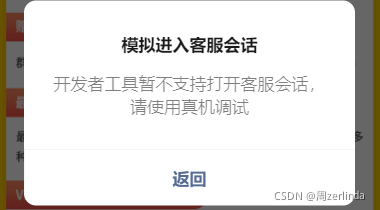
3.微信小程序中调用微信的客服api 在点击事件中调用api对应的微信客服url一起企业id 即可联系企业微信客服,需要在微信公众平台设置中关联企业微信。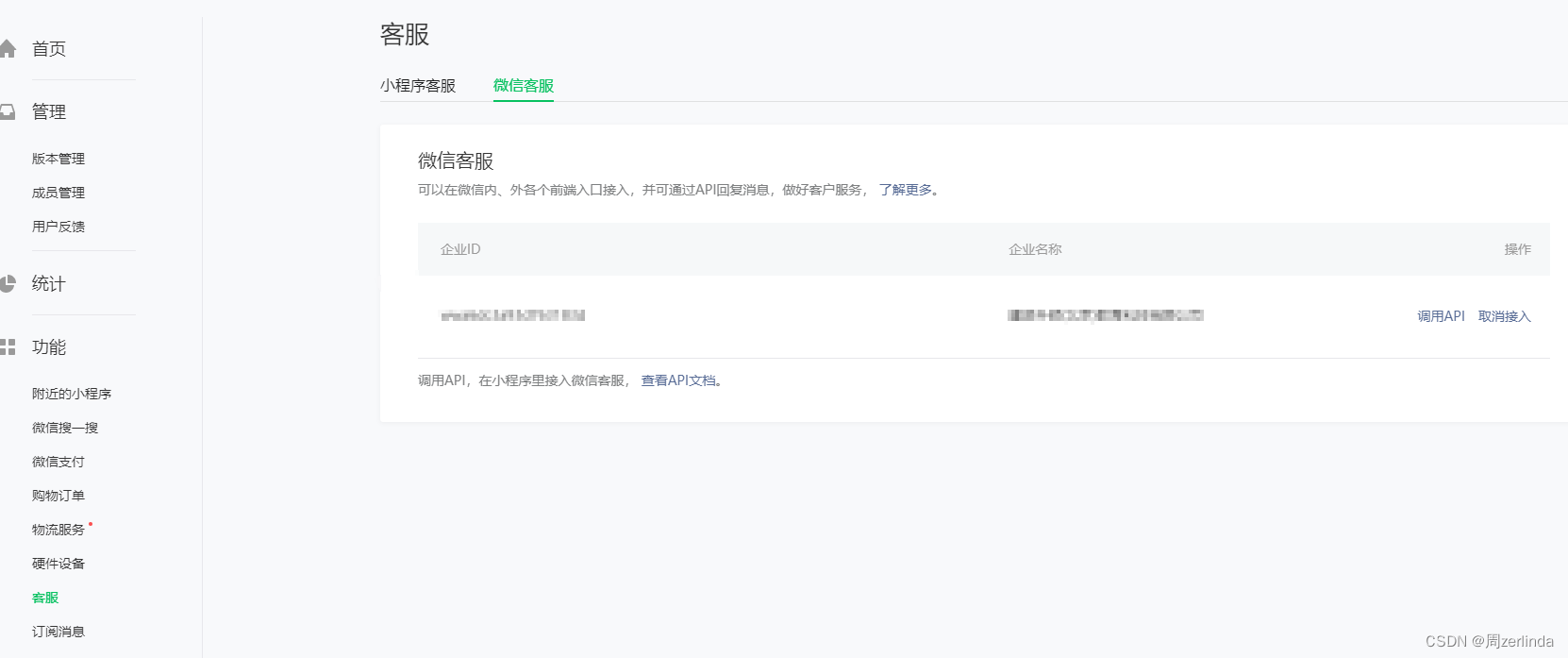
	/* extInfo:微信给的客服链接
corpId:企业微信企业id */
wx.openCustomerServiceChat({
			extInfo: {
				url: ''
			},
			corpId: '',
			success(res) {}
		})
4.字节跳动小程序
还是利用button的开放能力,前提是
在开发者平台=》功能管理=》客服 管理设置
	<!-- #ifdef MP-TOUTIAO -->
								<button class="btn-box" open-type="contact" hover-class="none"
								@click="toRelation">联系客服</button>
<!-- #endif -->版权声明:本文为zerlinda0913原创文章,遵循CC 4.0 BY-SA版权协议,转载请附上原文出处链接和本声明。