1.登录jenkins安装allure插件

2.配置全局工具allure commandline
3.本地测试
3.1安装allure
进入Allure官网http://allure.qatools.ru/ ,点击右上角DownLoad进入下载页面,下载zip文件。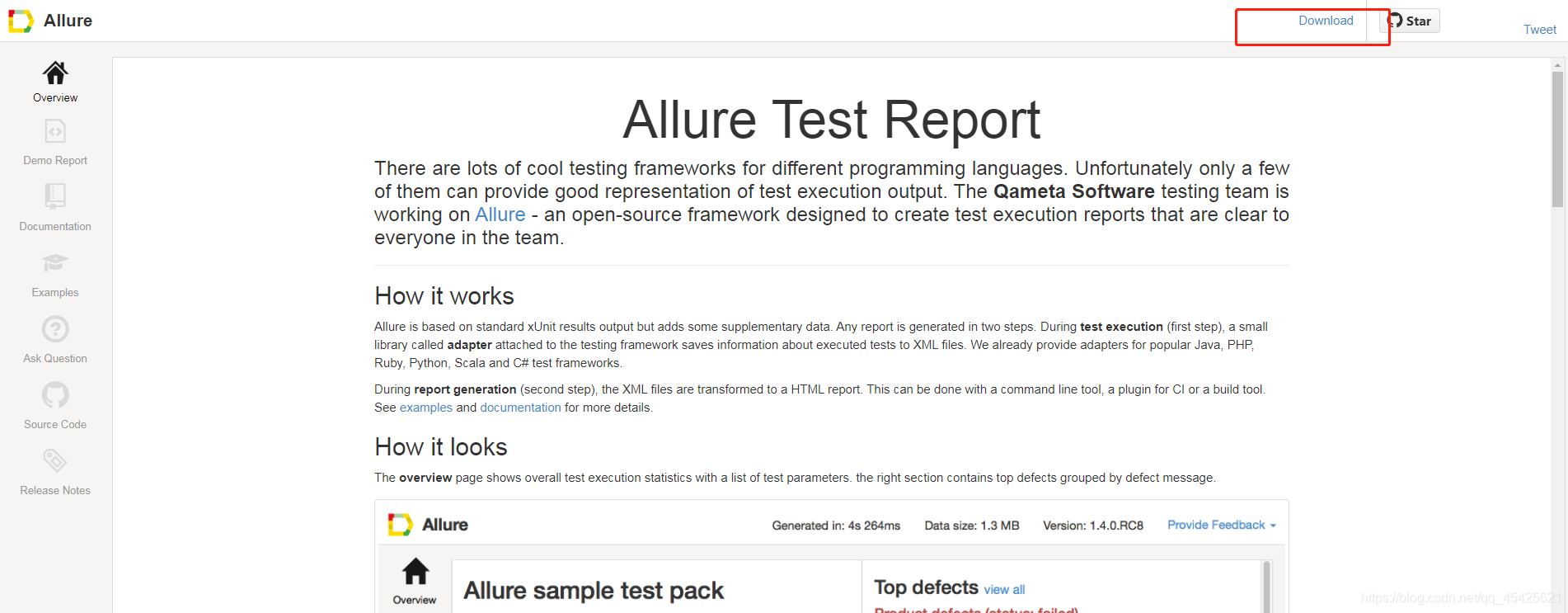
解压zip文件,配置path
D:\myprogram\allure-commandline-2.13.5\allure-2.13.5\bin
执行bat文件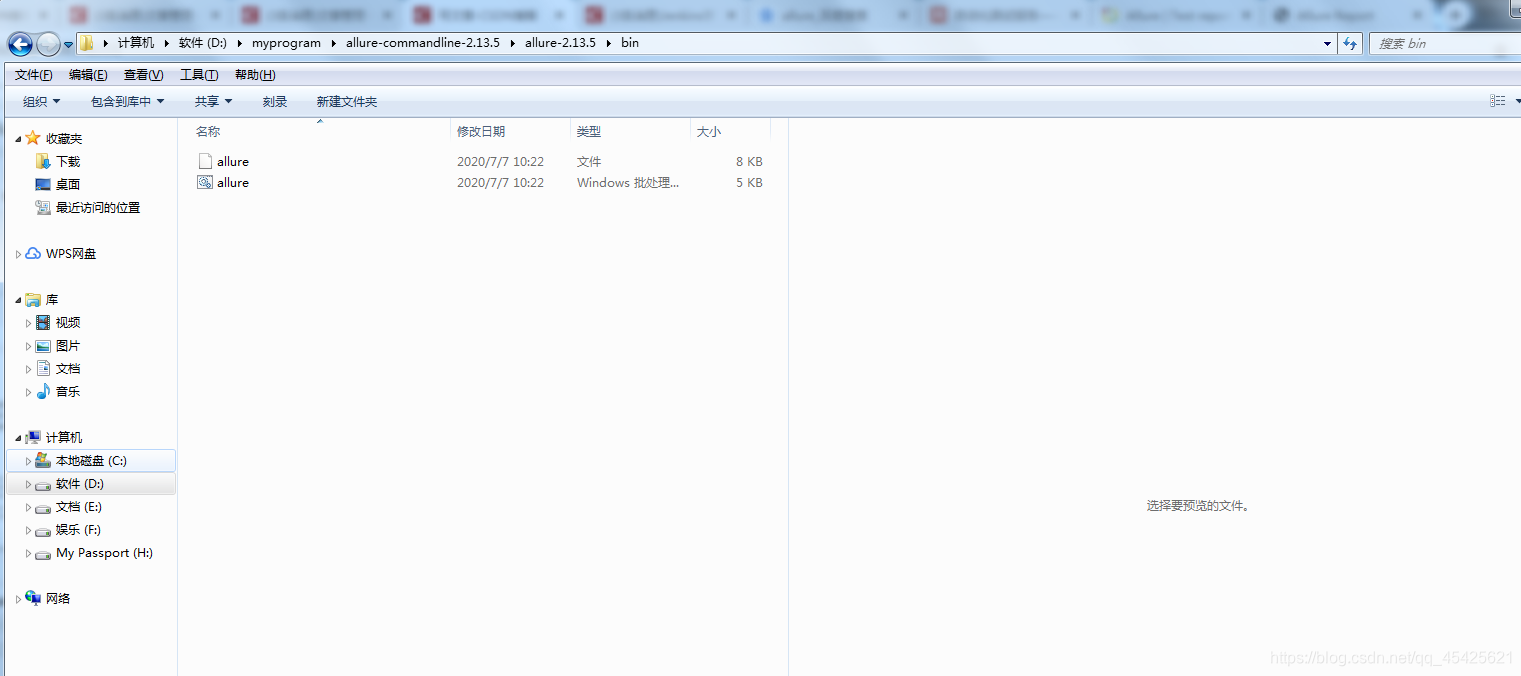
3.2给项目添加依赖
		<!--allure的testng插件-->
		<dependency>
			<groupId>ru.yandex.qatools.allure</groupId>
			<artifactId>allure-testng-adaptor</artifactId>
			<version>1.3.6</version>
			<exclusions>
				<exclusion>
					<groupId>org.testng</groupId>
					<artifactId>testng</artifactId>
				</exclusion>
			</exclusions>
		</dependency>

		<!-- 依赖Guice -->
		<dependency>
			<groupId>com.google.inject</groupId>
			<artifactId>guice</artifactId>
			<version>4.0</version>
		</dependency>

		<dependency>
			<groupId>io.qameta.allure</groupId>
			<artifactId>allure-testng</artifactId>
			<version>2.0-BETA14</version>
			<scope>test</scope>
		</dependency>
		<dependency>
			<groupId>org.testng</groupId>
			<artifactId>testng</artifactId>
			<version>6.11</version>
		</dependency>

		<plugin>
			<groupId>org.apache.maven.plugins</groupId>
			<artifactId>maven-surefire-plugin</artifactId>
			<version>2.20</version>
			<configuration>
				<argLine>
					-javaagent:"${settings.localRepository}/org/aspectj/aspectjweaver/${aspectj.version}/aspectjweaver-${aspectj.version}.jar"
				</argLine>
				<!--生成allure-result的目录-->
				<systemProperties>
					<property>
						<name>allure.results.directory</name>
						<value>./target/allure-results</value>
					</property>
				</systemProperties>
			</configuration>
			<dependencies>
				<dependency>
					<groupId>org.aspectj</groupId>
					<artifactId>aspectjweaver</artifactId>
					<version>${aspectj.version}</version>
				</dependency>
			</dependencies>
		</plugin>
3.3编写测试类
package com.example.demo;


import org.springframework.boot.test.context.SpringBootTest;
import org.testng.Assert;
import org.testng.annotations.Test;
import io.qameta.allure.Epic;


@SpringBootTest
class SpringbootHelloApplicationTests {

    @Epic("测试大目录一")
    @Test
    public void Test(){
        int a = 9;
        int b = 3;
        assert (a+b == 11);
    }

    @Epic("测试大目录二")
    @Test
    public void Test2(){

        int a = 9;
        int b = 3;
        Assert.assertEquals(a,b);
    }
}
3.4执行命令 mvn clean test 生成allure-results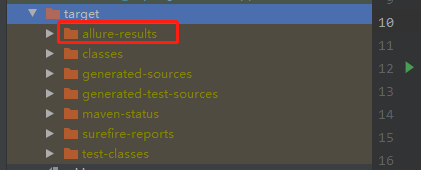
3.5执行命令allure serve target/allure-results
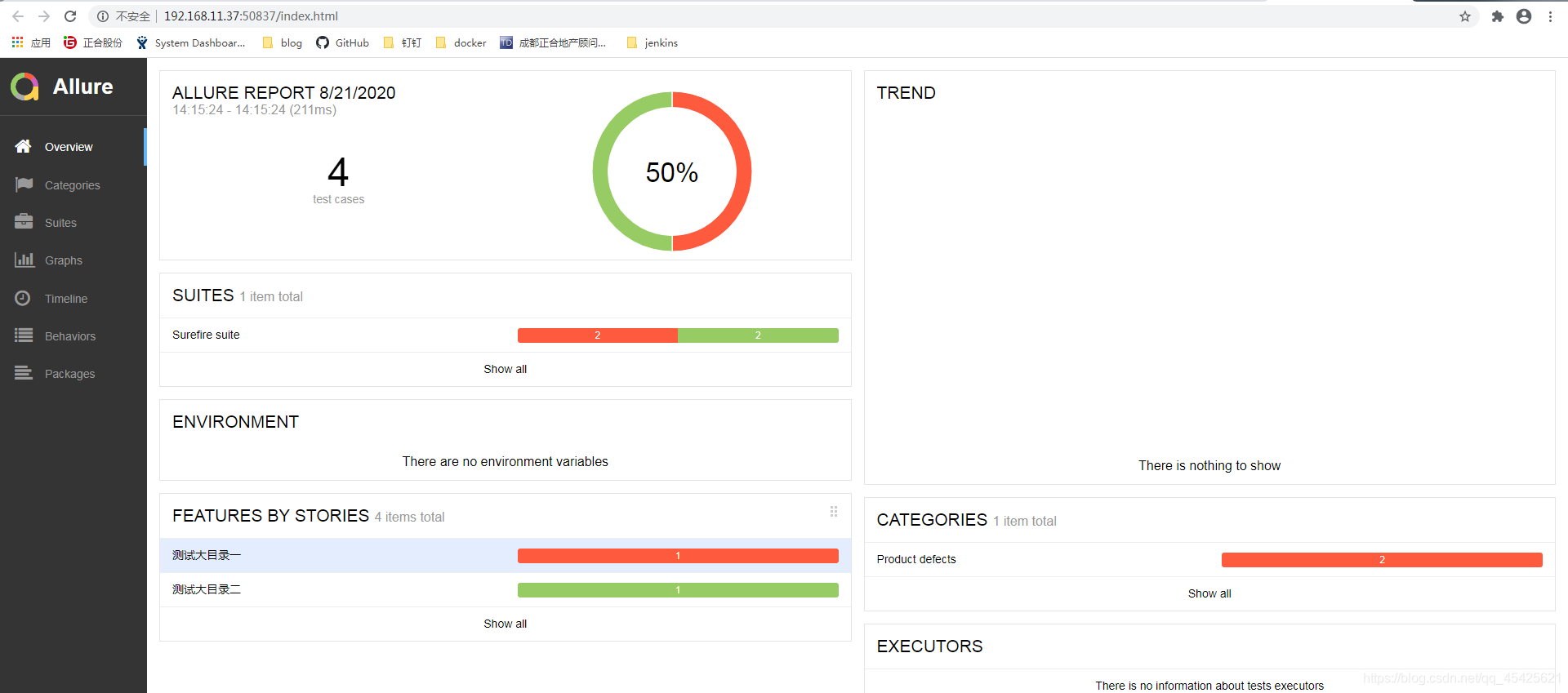
4.jenkins测试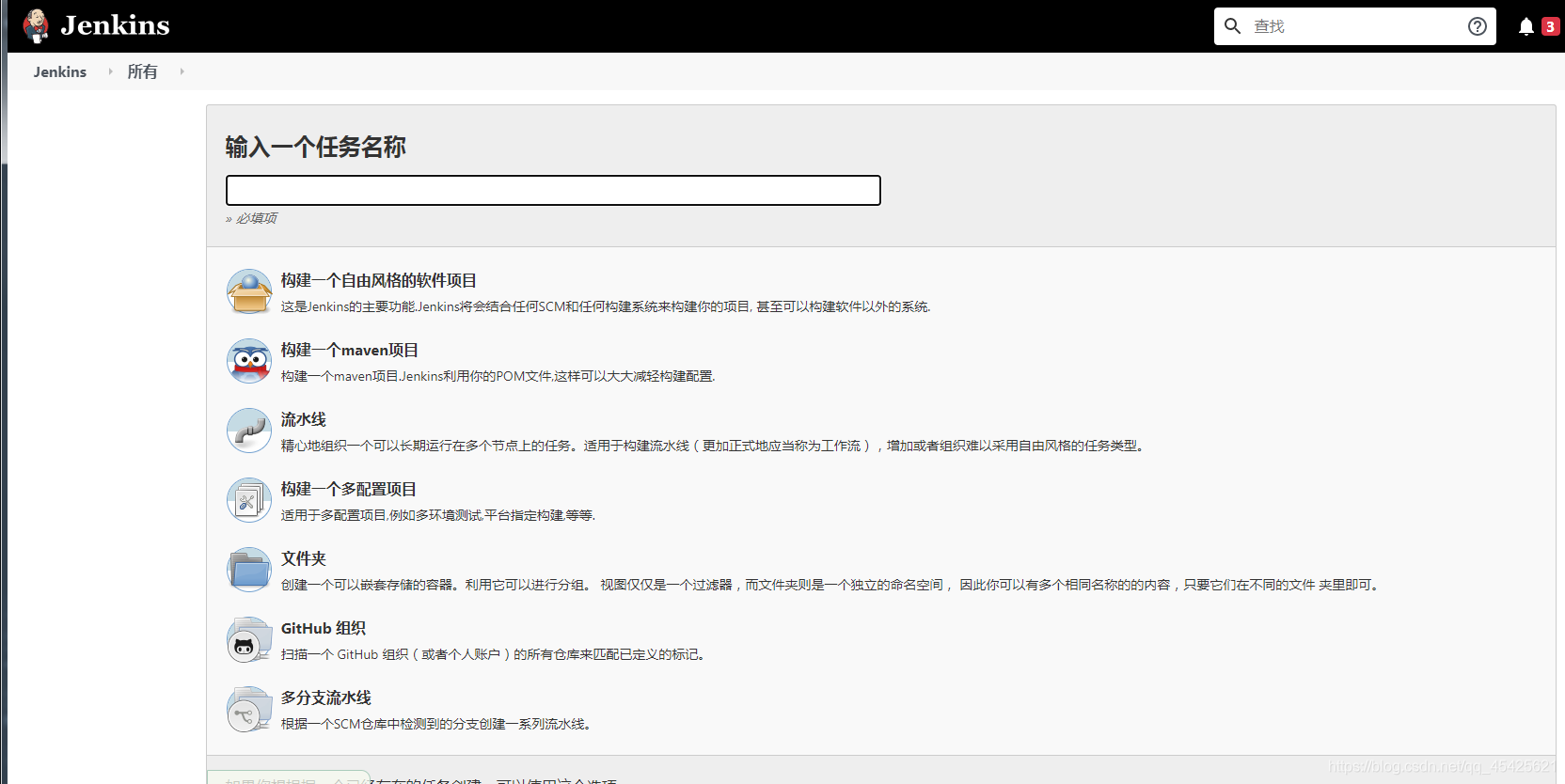
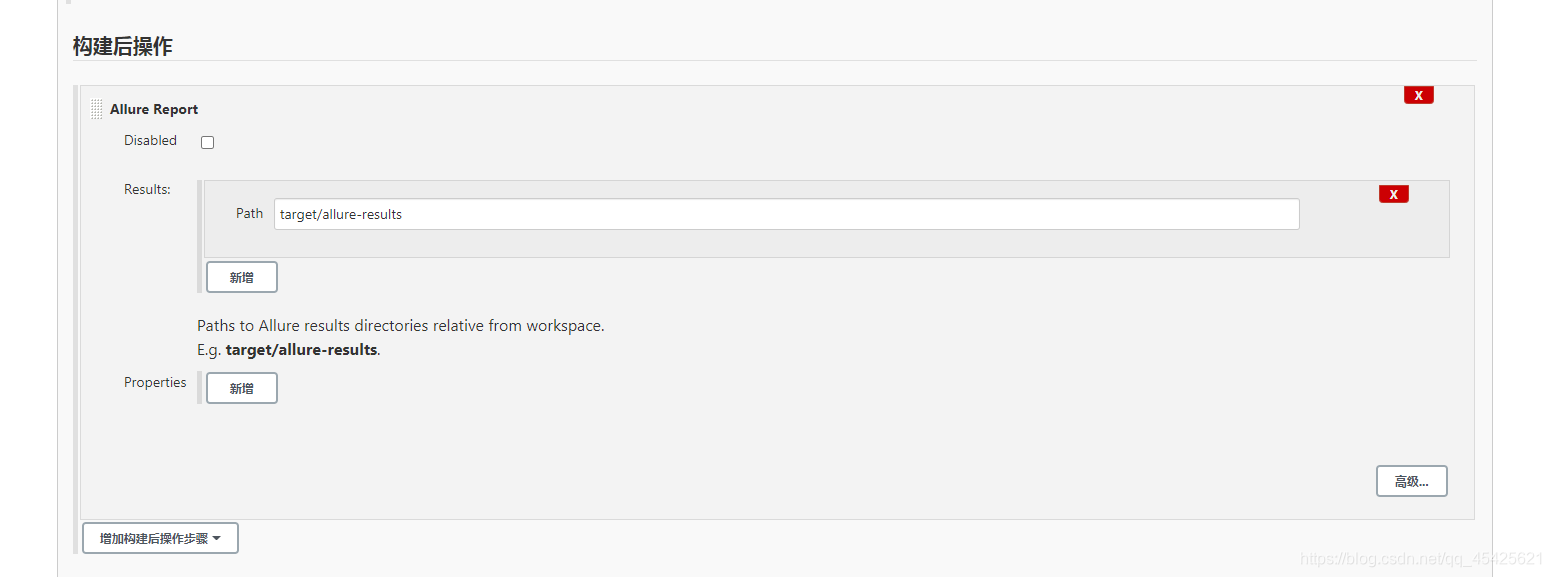
查看报告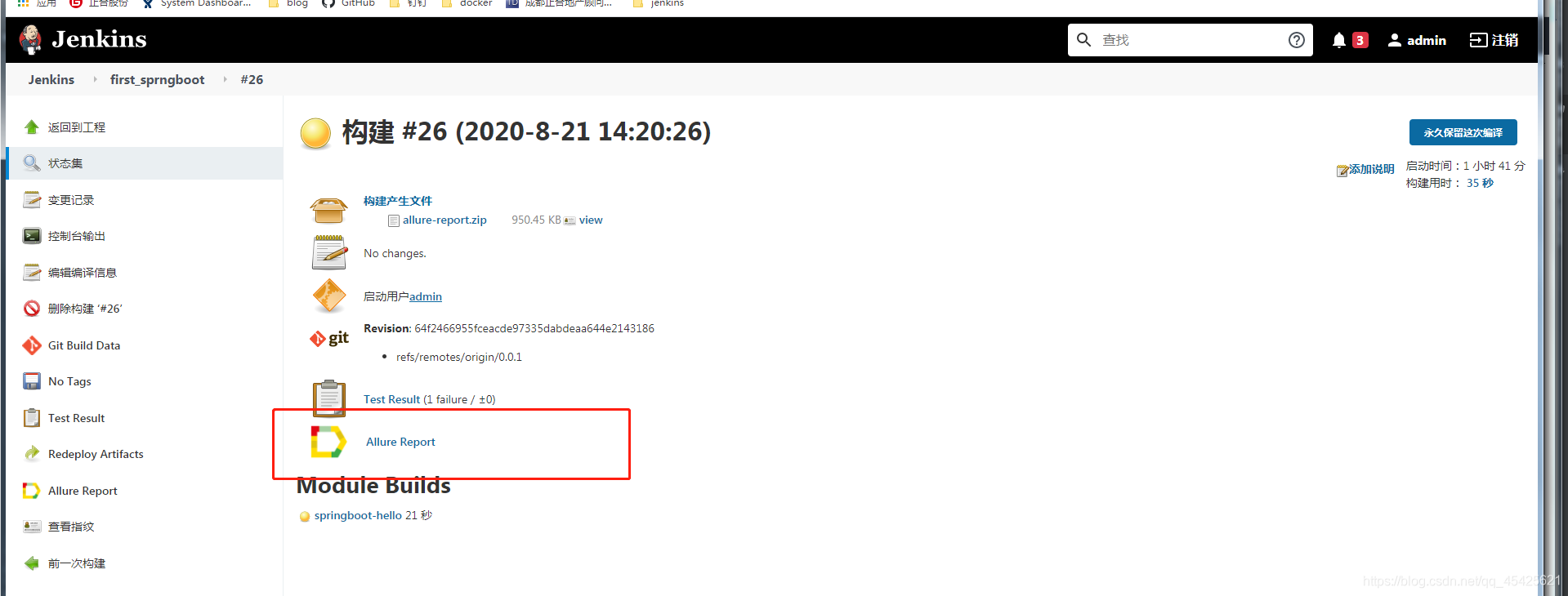
版权声明:本文为qq_45425621原创文章,遵循CC 4.0 BY-SA版权协议,转载请附上原文出处链接和本声明。