Flume中的拦截器
在Flume运行过程中 ,Flume有能力在运行阶段修改/删除Event,这是通过拦截器(Interceptors)来实现的。拦截器有下面几个特点:
拦截器需要实现org.apache.flume.interceptor.Interceptor接口。
拦截器可以修改或删除事件基于开发者在选择器中选择的任何条件。
拦截器采用了责任链模式,多个拦截器可以按指定顺序拦截。
一个拦截器返回的事件列表被传递给链中的下一个拦截器。
如果一个拦截器需要删除事件,它只需要在返回的事件集中不包含要删除的事件即可。
1.1 常用拦截器
| 名称 | 解释 |
|---|---|
Timestamp Interceptor | 时间戳拦截器,将当前时间戳(毫秒)加入到events header中,key名字为:timestamp,值为当前时间戳。用的不是很多 |
Host Interceptor | 主机名拦截器。将运行Flume agent的主机名或者IP地址加入到events header中,key名字为:host(也可自定义) |
Static Interceptor | 静态拦截器,用于在events header中加入一组静态的key和value。 |
1.2 案例演示:Syslogtcp+mem+hdfs
通过时间拦截器,数据源为SyslogTcp,传送的通道模式是FileChannel,最后输出的目的地为HDFS
1.2.1 配置方案:
[root@hadoop01 flumeconf]# vim interceptor_base.conf
# 定义组件
a1.sources = r1
a1.channels = c1
a1.sinks = s1
# 监控某个主机的某个端口,当有其他设备通过tcp向这个端口进行数据发送的时候就会检测到
a1.sources.r1.type=syslogtcp
# 监控的主机
a1.sources.r1.host=hadoop01
# 监控的端口
a1.sources.r1.port=6666
# 设置三个拦截器,并分别设置属性
a1.sources.r1.interceptors=i1 i2 i3
# 设置时间戳拦截器
a1.sources.r1.interceptors.i1.type=timestamp
# 如果存在的话则覆盖
a1.sources.r1.interceptors.i1.preserveExisting=false
# 设置主机名拦截器
a1.sources.r1.interceptors.i2.type=host
a1.sources.r1.interceptors.i2.preserveExisting=false
# true为IP地址,false为主机名
a1.sources.r1.interceptors.i2.useIP=true
# 自定义key值
a1.sources.r1.interceptors.i2.hostHeader=hostname
# 设置静态拦截器
a1.sources.r1.interceptors.i3.type=static
a1.sources.r1.interceptors.i3.preserveExisting=false
# 自定义key和value值
a1.sources.r1.interceptors.i3.key=hn
a1.sources.r1.interceptors.i3.value=hadoop01
a1.channels.c1.type=memory
a1.sinks.s1.type=hdfs
# 存储的路径
a1.sinks.s1.hdfs.path=hdfs://hadoop01:8020/flume/%Y/%m/%d/%H%M
a1.sinks.s1.hdfs.filePrefix=%{hostname}
a1.sinks.s1.hdfs.fileSuffix=.log
a1.sinks.s1.hdfs.inUseSuffix=.tmp
a1.sinks.s1.hdfs.rollInterval=60
a1.sinks.s1.hdfs.rollSize=1024
a1.sinks.s1.hdfs.rollCount=10
a1.sinks.s1.hdfs.idleTimeout=0
a1.sinks.s1.hdfs.batchSize=100
a1.sinks.s1.hdfs.fileType=DataStream
a1.sinks.s1.hdfs.writeFormat=Text
a1.sinks.s1.hdfs.round=true
a1.sinks.s1.hdfs.roundValue=1
a1.sinks.s1.hdfs.roundUnit=second
a1.sinks.s1.hdfs.useLocalTimeStamp=true
a1.sources.r1.channels=c1
a1.sinks.s1.channel=c11.2.2 启动agent的服务:
[root@hadoop01 flumeconf]# flume-ng agent -f ./interceptor_base.conf -n a1 -Dflume.root.logger=INFO,console # -f 指定配置文件路径 # -n 指定agent名字
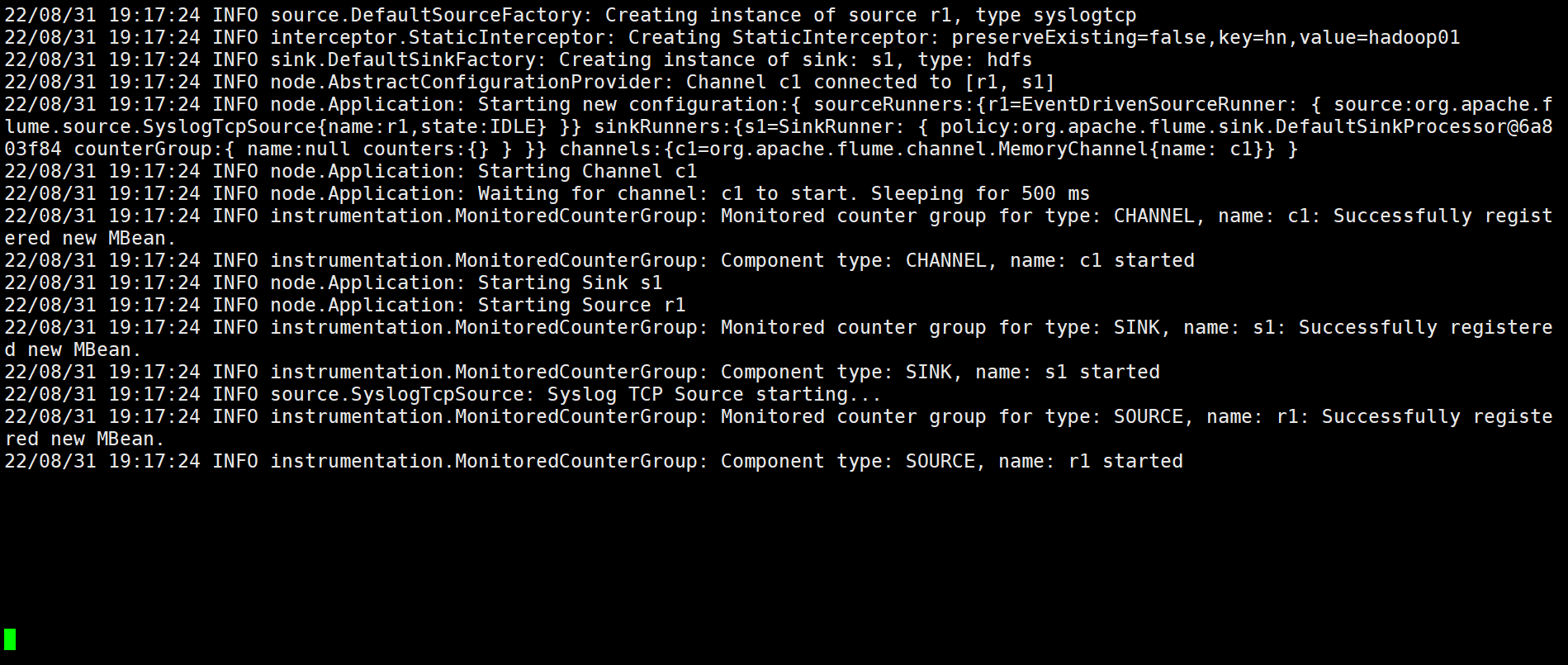
敲几个回车,方便一会区分。
从新打开一个窗口进行以下测试。
1.2.3 测试:
[root@hadoop01 flumeData]# echo "hello world hello 菜鸟进阶站" | nc hadoop01 6666 # 没有nc就用yum进行安装 如下: [root@hadoop01 flumeData]# yum install -y nmap-ncat
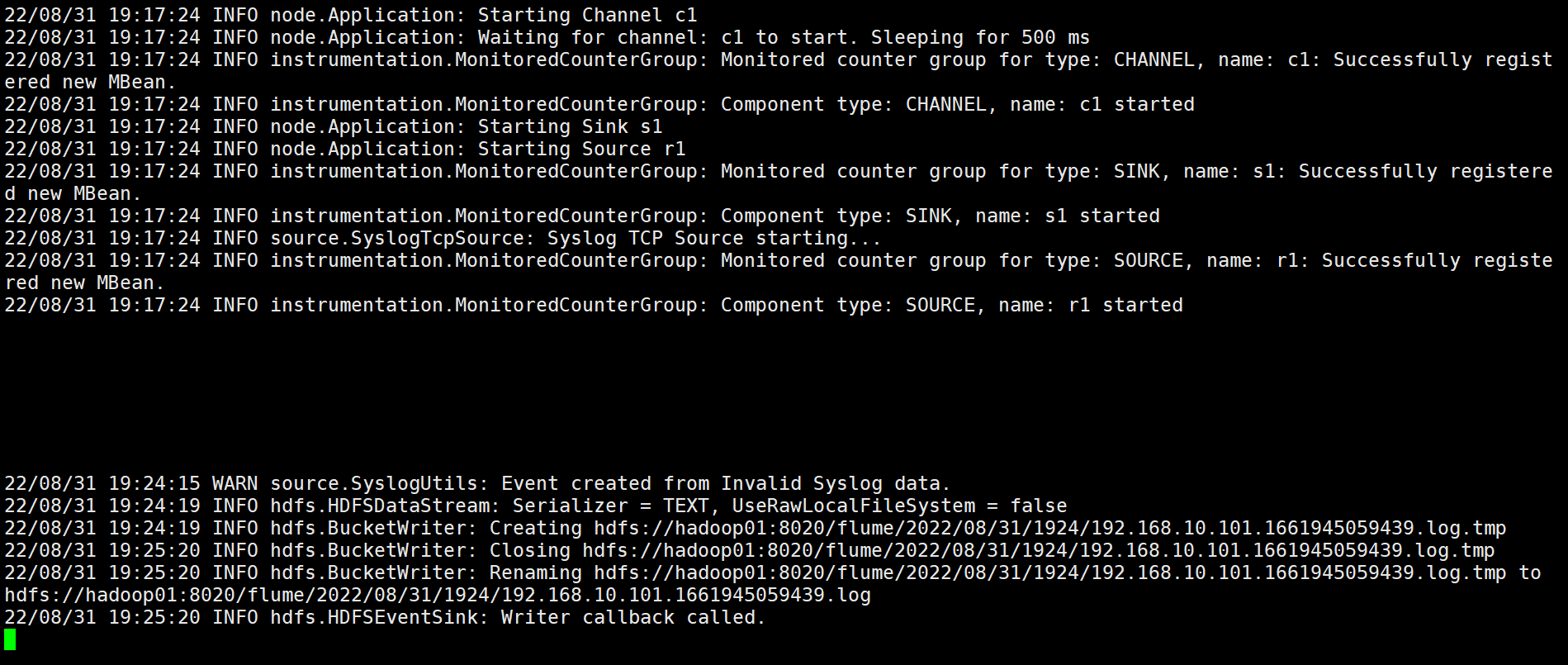
此时回到第一个窗口,发现前端程序已经拦截到了。并且可以到hdfs页面查看到。
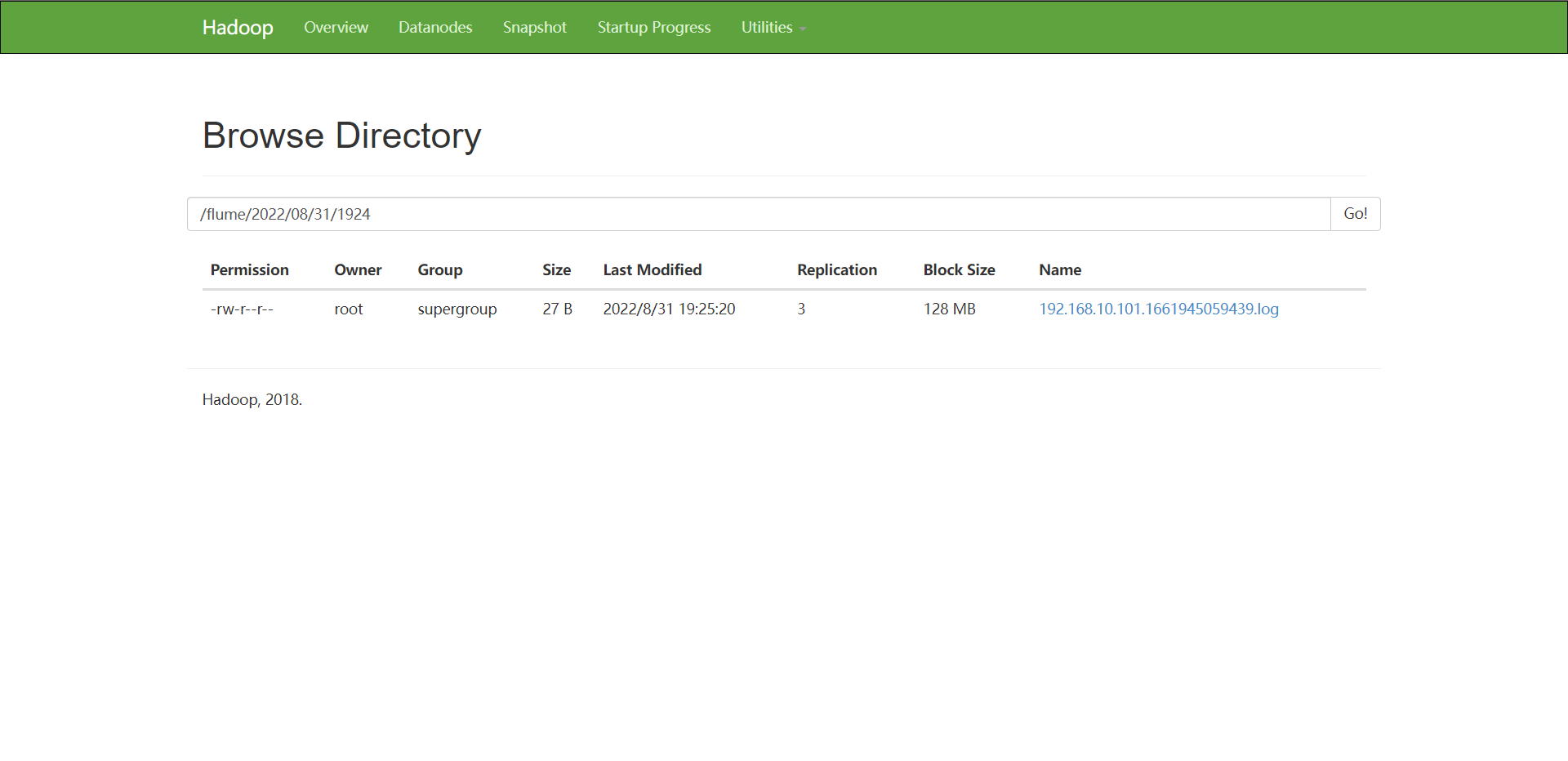
也可以通过命令查看

1.3 案例演示:regex+Syslogtcp+mem+hdfs
拦截器为正则表达式拦截器, 数据源为Syslogtcp格式,传送通道为MemChannel,最后传送的目的地是HDFS
1.3.1 配置方案
[root@hadoop01 flumeconf]# vim interceptor-regex.conf
a1.sources = r1
a1.channels = c1
a1.sinks = s1
a1.sources.r1.type=syslogtcp
a1.sources.r1.host = hadoop01
a1.sources.r1.port = 6666
a1.sources.r1.interceptors=i1
a1.sources.r1.interceptors.i1.type=regex_filter
#不要加引号包裹正则
a1.sources.r1.interceptors.i1.regex=^[0-9].*$
a1.sources.r1.interceptors.i1.excludeEvents=false
a1.channels.c1.type=memory
a1.channels.c1.capacity=1000
a1.channels.c1.transactionCapacity=100
a1.channels.c1.keep-alive=3
a1.channels.c1.byteCapacityBufferPercentage=20
a1.channels.c1.byteCapacity=800000
a1.sinks.s1.type=hdfs
a1.sinks.s1.hdfs.path=hdfs://hadoop01:8020/flume/%Y/%m/%d/%H%M
a1.sinks.s1.hdfs.filePrefix=%{hostname}
a1.sinks.s1.hdfs.fileSuffix=.log
a1.sinks.s1.hdfs.inUseSuffix=.tmp
a1.sinks.s1.hdfs.rollInterval=60
a1.sinks.s1.hdfs.rollSize=1024
a1.sinks.s1.hdfs.rollCount=10
a1.sinks.s1.hdfs.idleTimeout=0
a1.sinks.s1.hdfs.batchSize=100
a1.sinks.s1.hdfs.fileType=DataStream
a1.sinks.s1.hdfs.writeFormat=Text
a1.sinks.s1.hdfs.round=true
a1.sinks.s1.hdfs.roundValue=1
a1.sinks.s1.hdfs.roundUnit=second
a1.sinks.s1.hdfs.useLocalTimeStamp=true
a1.sources.r1.channels=c1
a1.sinks.s1.channel=c11.3.2 启动agent的服务:
[root@hadoop01 flumeconf]# flume-ng agent -f ./interceptor-regex.conf -n a1 -Dflume.root.logger=INFO,console
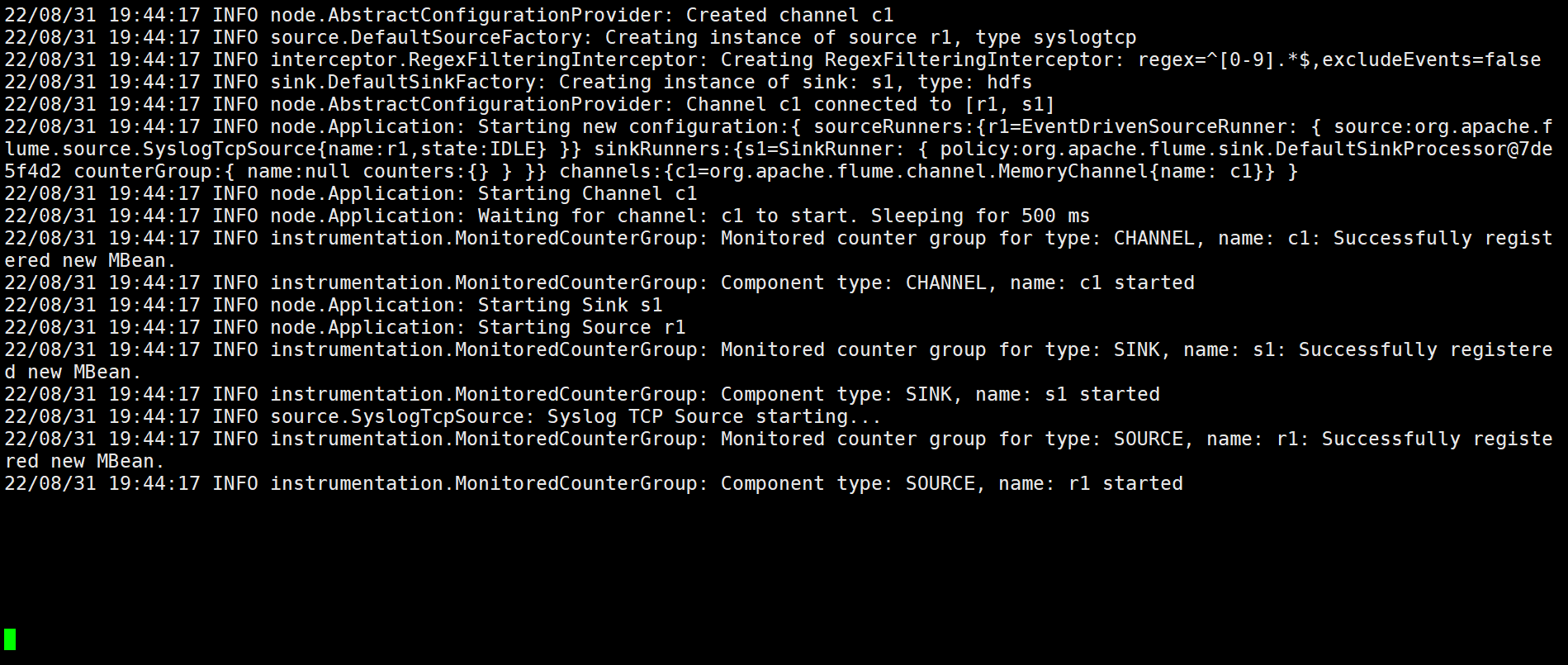
敲几个回车,方便一会区分。
然后切换到第二个窗口,进行测试。
1.3.3 测试:
[root@hadoop01 flumeData]# echo "hello world hello 菜鸟进阶站" | nc hadoop01 6666
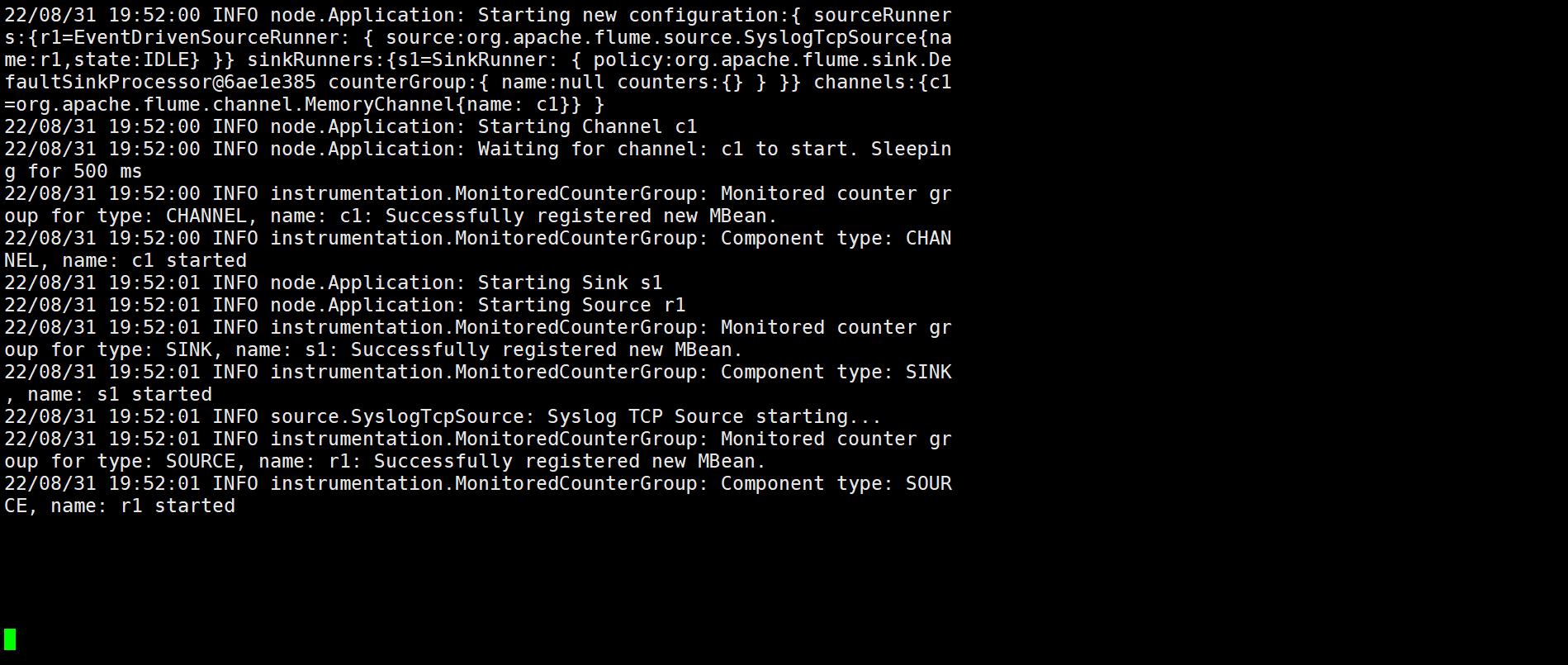
回到第一个窗口发现,并没有采集到,那是因为我流入的数据并不符合我配置方案中的正则表达式。
再次测试:
[root@hadoop01 flumeData]# echo "123123123 hello world hello 菜鸟进阶站" | nc hadoop01 6666
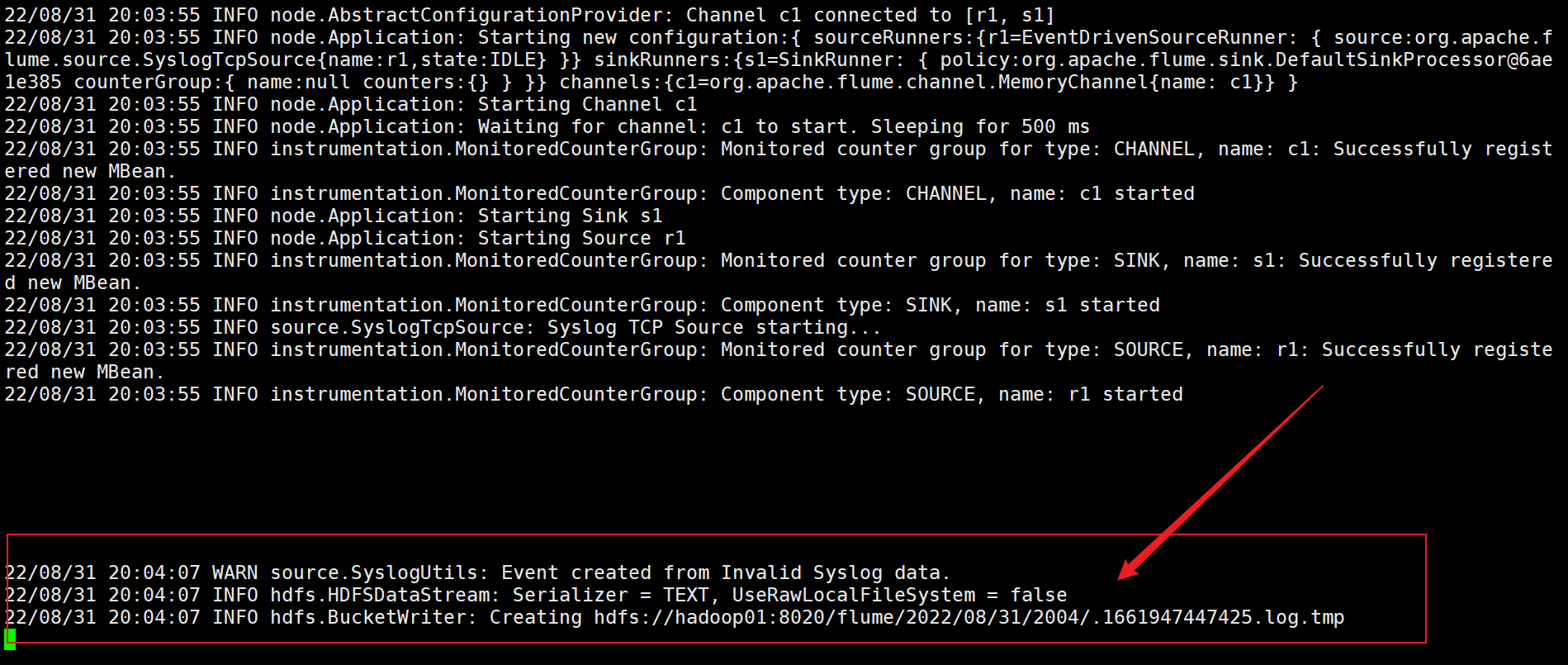
切换到第一个窗口,发现已经被采集到了。因为我后面的例子符合了正则表达式。
从hdfs页面查看
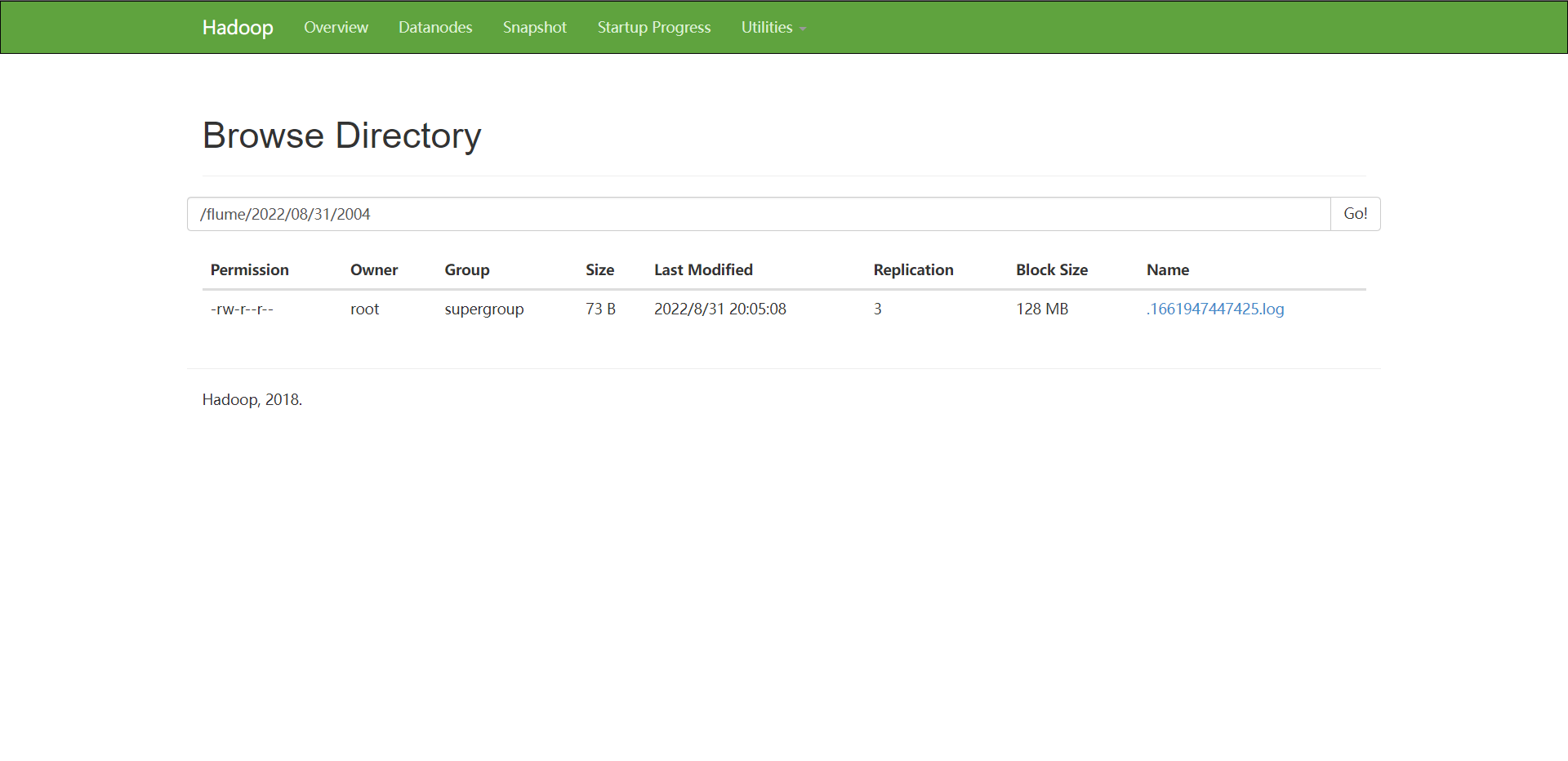
通过命令查看
[root@hadoop01 flumeData]# hdfs dfs -cat /flume/2022/08/31/2004/*

版权声明:本文为Hao1999_原创文章,遵循CC 4.0 BY-SA版权协议,转载请附上原文出处链接和本声明。