阅读源码第一步一定是要先把代码跑起来,跑不起来的代码就不用读了。我认为想要知道代码的执行过程具体方法调用过程必须通过debug+断点的方式才是最合理也是最准确的。
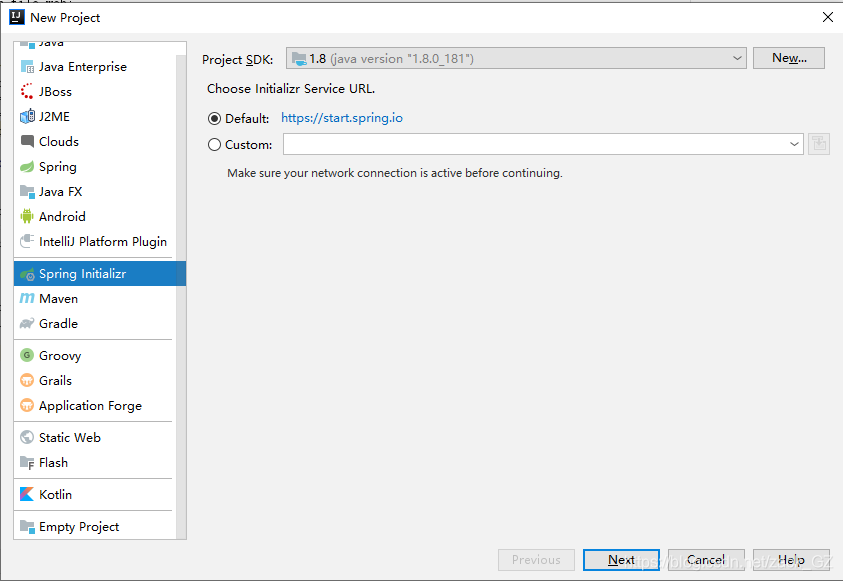
秉着跑不起来的代码不读的原则,首先我们需要搭建一个demo帮助我们阅读源码。我习惯用IDEA作为开发工具,所以这里也是借助IDEA阅读springboot源码。这里简便起见我直接使用IDEA的项目搭建工具Spring Initiallizr初始化一个springboot项目,过程比较简单
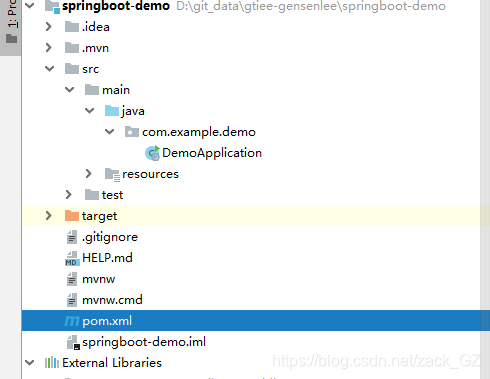
初始化的项目结构
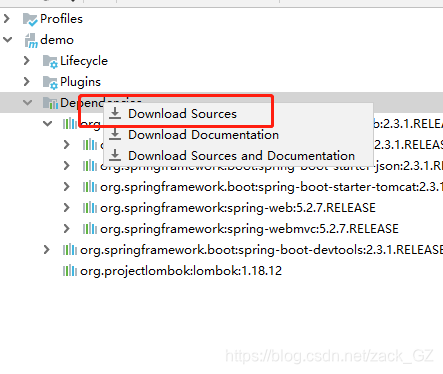
在IDEA的依赖管理中右键,选择下载源码
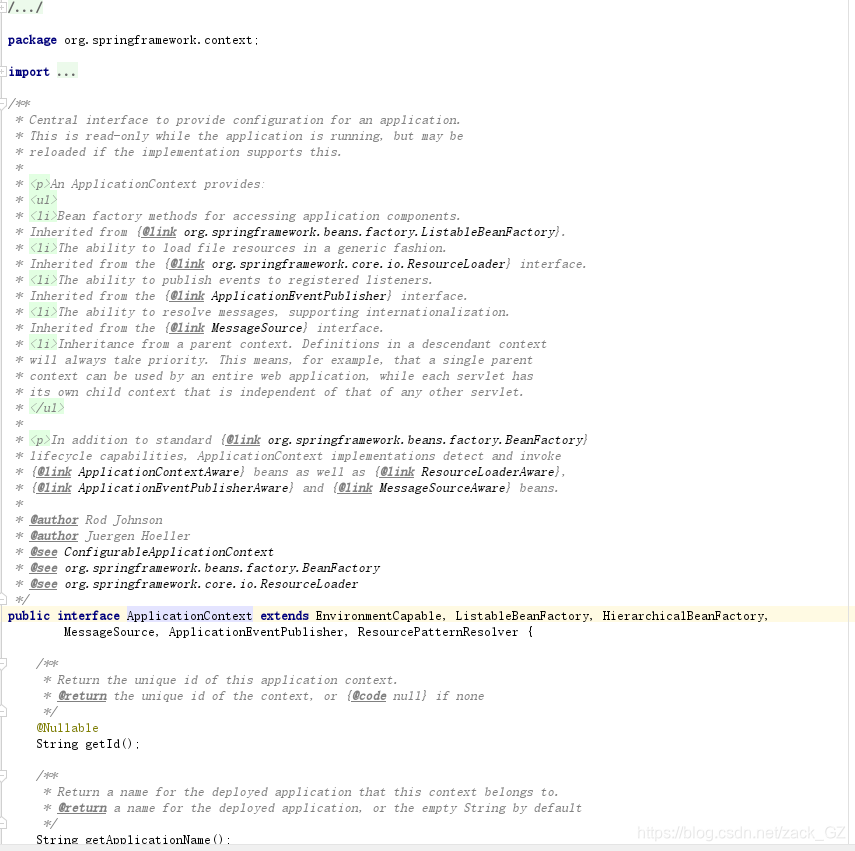
这样我们就可以在跟踪项目启动过程中看代码上的注释
添加两个测试类
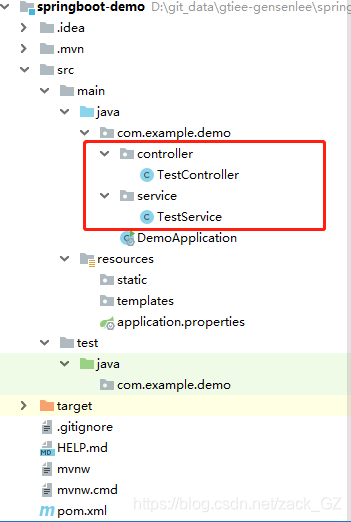
package com.example.demo.controller;

import com.example.demo.service.TestService;
import org.springframework.beans.factory.annotation.Autowired;
import org.springframework.web.bind.annotation.GetMapping;
import org.springframework.web.bind.annotation.RestController;

/**
 * @author Gensen.Lee
 * @date 2020/7/1 11:21
 */
@RestController
public class TestController {

    @Autowired
    private TestService testService;

    @GetMapping("/test")
    public Object test(){
        return testService.test();
    }
}
package com.example.demo.service;
import org.springframework.beans.factory.annotation.Autowired;
import org.springframework.context.ApplicationContext;
import org.springframework.stereotype.Service;
/**
* @author Gensen.Lee
* @date 2020/7/1 11:18
*/
@Service
public class TestService {
@Autowired
ApplicationContext context;
public Object test(){
return context.getId();
}
}
application.properties配置文件中添加两个基本信息
#应用名称
spring.application.name=Demo project for Spring Boot
#启动端口,默认8080
server.port=8080
启动项目
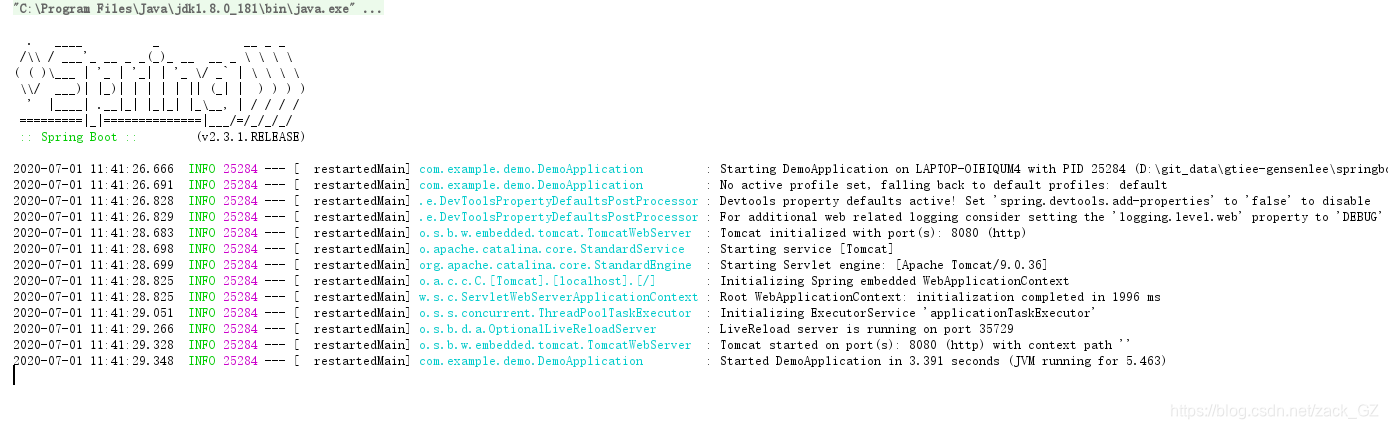
浏览器打开地址http://localhost:8080/test
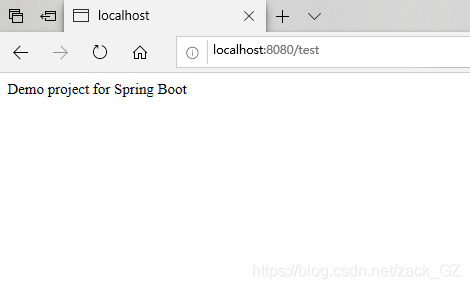
demo项目搭建完成
版权声明:本文为zack_GZ原创文章,遵循CC 4.0 BY-SA版权协议,转载请附上原文出处链接和本声明。