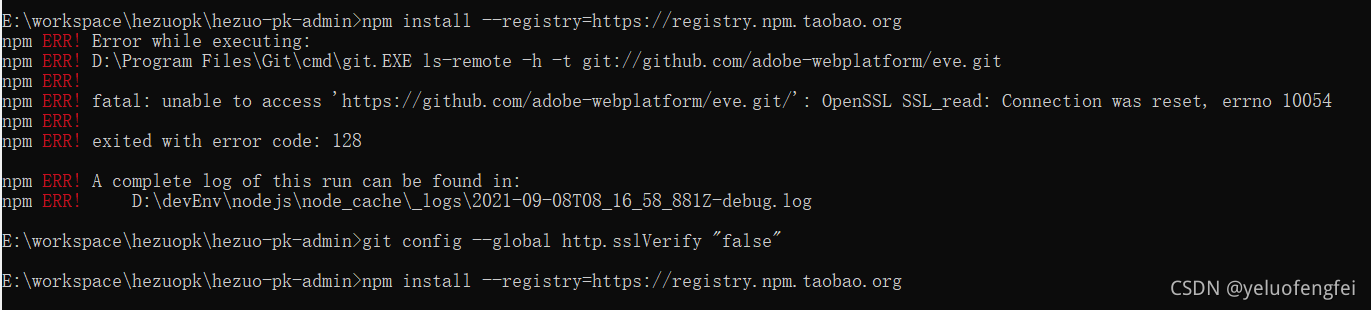
npm ERR! Error while executing:
npm ERR! D:\Program Files\Git\cmd\git.EXE ls-remote -h -t git://github.com/adobe-webplatform/eve.git
npm ERR!
npm ERR! fatal: unable to access 'https://github.com/adobe-webplatform/eve.git/': OpenSSL SSL_read: Connection was reset, errno 10054
npm ERR!
npm ERR! exited with error code: 128
看了这个文章 https://blog.csdn.net/weixin_43945983/article/details/110882074
设置 git config --global http.sslVerify "false" 然后ok了
git config --global url."https://".insteadOf git:// 对我没用
gitconfig文件添加下面的
[url "https://"]
insteadOf = git:// 也没用
版权声明:本文为yeluofengfei原创文章,遵循CC 4.0 BY-SA版权协议,转载请附上原文出处链接和本声明。