文章目录

1.配置类方式(实现WebMvcConfigurer)
2.使用@CrossOrigin注解
3.使用nginx反向代理解决跨域
4.Vue中配置代理服务器
方式一
- 配置vue.config.js
module.exports = {
//开启代理服务器
	devServer: {
		proxy: 'http://localhost:5000',
	}
}
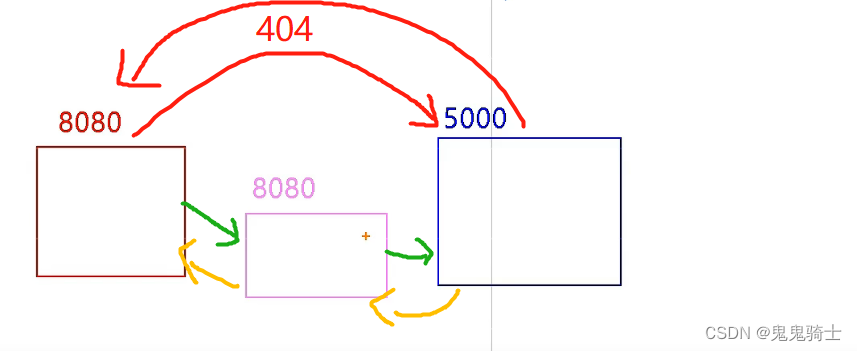
更改请求端口为本机端口
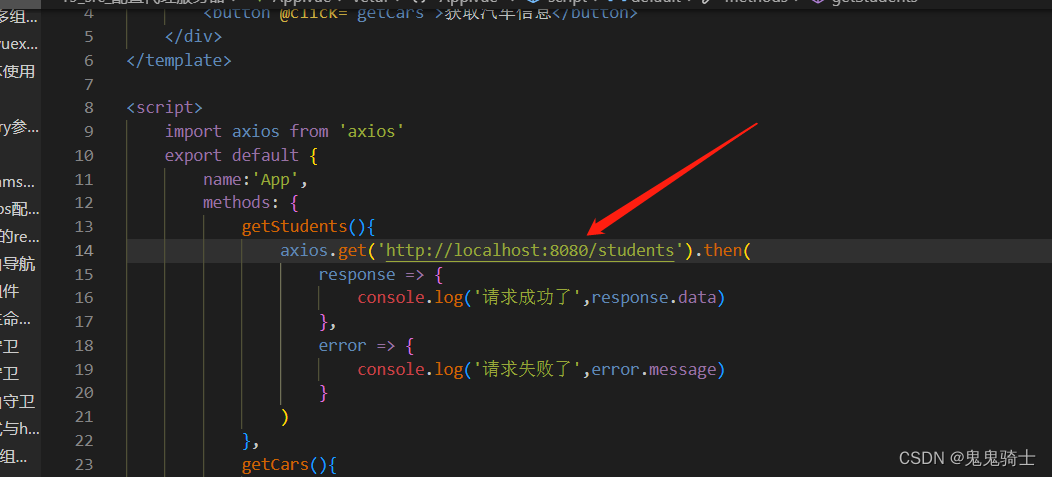
问题解决
重启服务器,重启脚手架
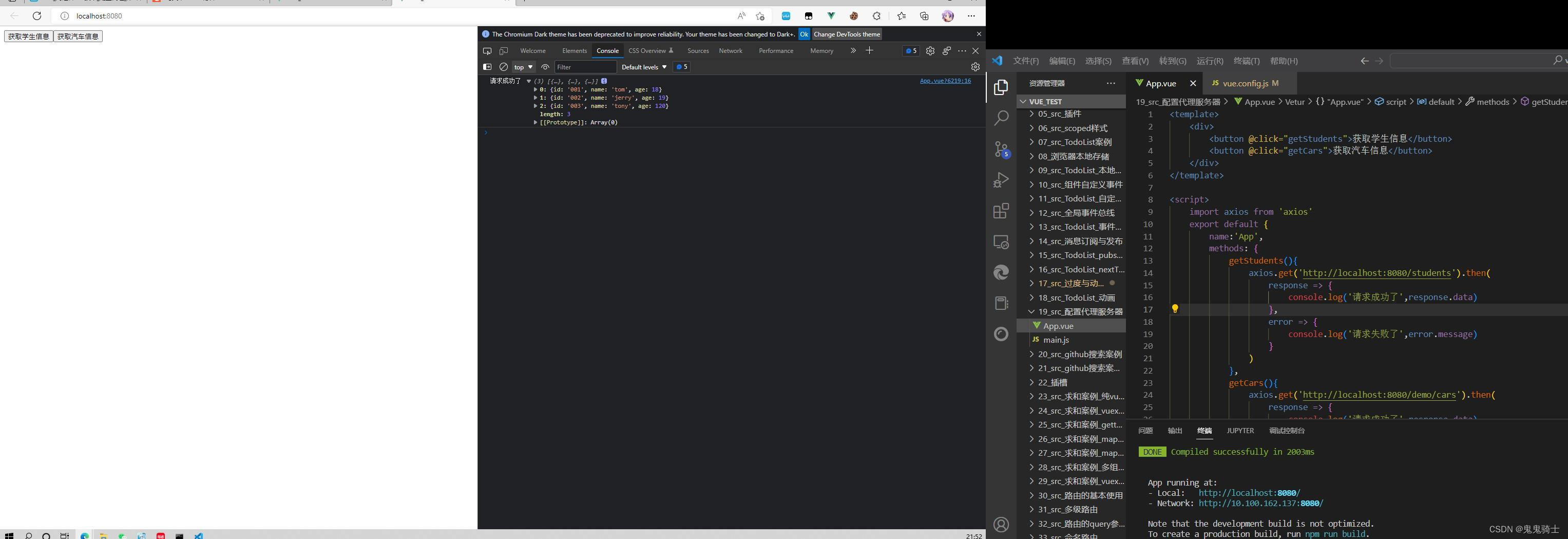
思维图
Vue代理缺点
- 不能控制是否需要代理
- 只能代理一个服务器
方式二
初始原始
	devServer: {
		proxy: {
			//请求前缀
			'api': {
				target: '',
				ws: true, //用于支持websocket
				changeOrigin: true, //用于控制请求头中的host值,默认是true
			},
			 '/foo': {
			 target: '<other_url>',
			 },
		},
	},
开启代理
	devServer: {
		proxy: {
			//请求前缀
			'/atguigu': {
				target: 'http://localhost:5000',

			},
		},
	},
- 加上前缀
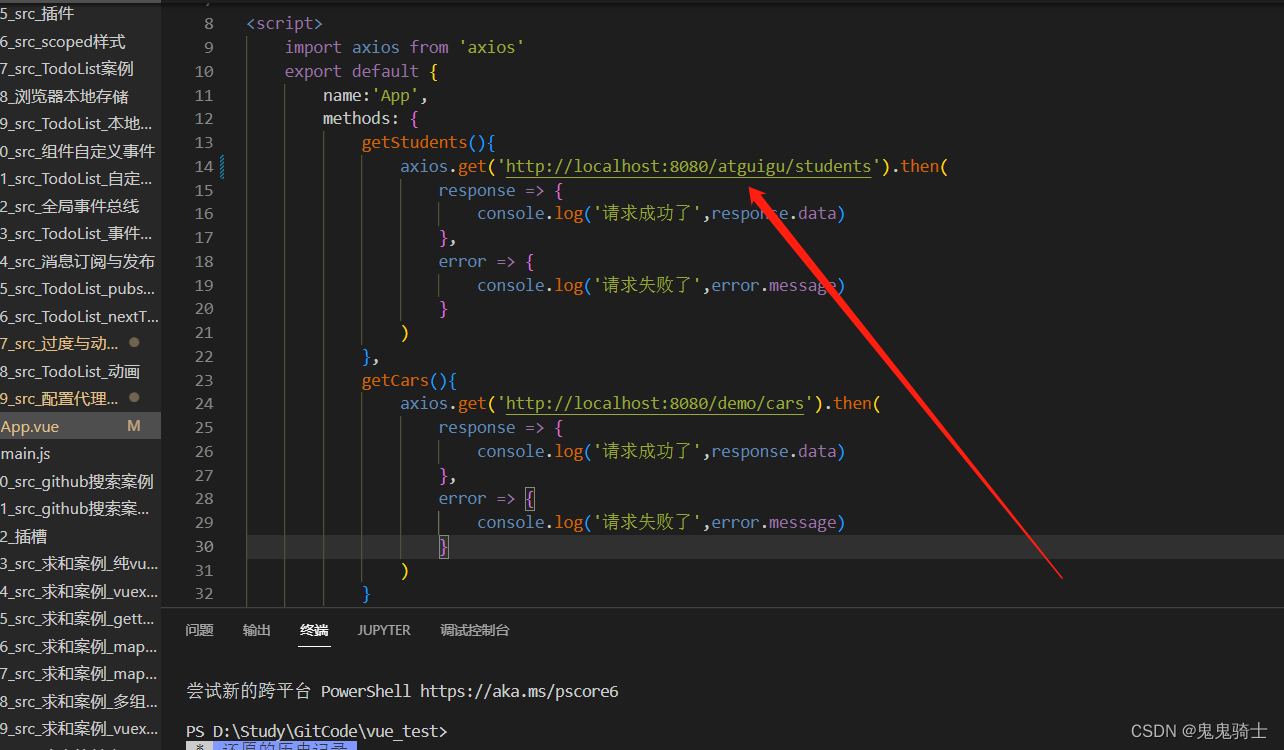
注意
- 让目标服务器规避这个请求头
pathRewrite: { '^/atguigu': '' },
	devServer: {
		proxy: {
			//请求前缀
			'/atguigu': {
				target: 'http://localhost:5000',
				pathRewrite: { '^/atguigu': '' },
			},
		},
	},
其他功能介绍
				ws: true, //用于支持websocket
				changeOrigin: true, //用于控制请求头中的host值,默认是true
开启多个代理
	devServer: {
		proxy: {
			//请求前缀
			'/atguigu': {
				target: 'http://localhost:5000',
				pathRewrite: { '^/atguigu': '' },
				ws: true, //用于支持websocket
				changeOrigin: true, //用于控制请求头中的host值,默认是true
			},
			// '/foo': {
			// target: '<other_url>',
			// },

			'/demo': {
				target: 'http://localhost:5001',
				pathRewrite: { '^/demo': '' },
				ws: true, //用于支持websocket
				changeOrigin: true, //用于控制请求头中的host值,默认是true
			},
		},
	},
版权声明:本文为qq_39123467原创文章,遵循CC 4.0 BY-SA版权协议,转载请附上原文出处链接和本声明。