微信小程序二维码识别
准备工作
在微信公众平台(https://mp.weixin.qq.com/)注册账号获APPID
下载微信开发者工具 (https://developers.weixin.qq.com/miniprogram/dev/devtools/download.html)
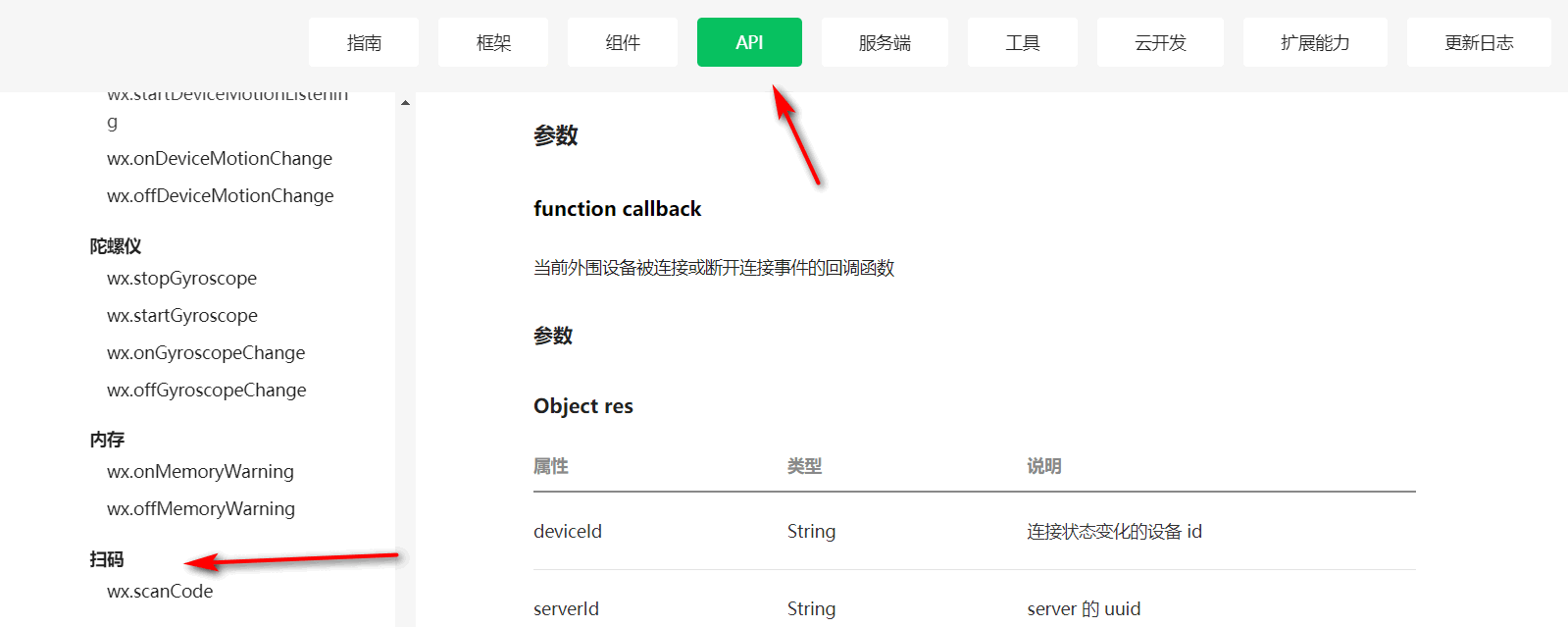
在小程序文档中找到API下的设备下的扫码API(https://developers.weixin.qq.com/miniprogram/dev/api/device/bluetooth-peripheral/wx.onBLEPeripheralConnectionStateChanged.html)
代码编写
- 通过点击按钮来调用函数进行扫码,将返回的信息显示在文本标签中
<button class="Scan" type="primary" bindtap="GetInfo">扫码识别</button>
<view class="message">获取到的信息为:</view>
<textarea class="GetText" maxlength="-1" value="{{info}}"></textarea>
- 样式设计
.Scan{
  margin-top: 80px;
  text-align: center;
}

.GetText{
  margin-left: 5px;
  margin-top: 20px;
  width: 403px;
  height: 500px;
  background-color: lightgray;
}
.message{
  height: 5px;
  margin-top: 5px;
}
- js代码
Page({
  data:{
    info:" ",
  },
  GetInfo(){
    var that = this
    wx.scanCode({
      onlyFromCamera: false, //设置为可以使用本机图片
      scanType:['barCode','datamatrix','pdf417','qrCode'], //可以扫描的类型
        //成功后
      success:function(res){
        //console.log(res.result)
        that.info = res.result
        console.log(that.info)
        that.setData({
          info:res.result
        })
      }
    })
  }
})
版权声明:本文为weixin_43618105原创文章,遵循CC 4.0 BY-SA版权协议,转载请附上原文出处链接和本声明。