总结
pointer-events: none;
none 元素不能对鼠标事件做出反应
也就是,鼠标点击链接不能 跳转到指定路径
div.ex2 { pointer-events: auto; }
auto 默认值,设置该属性链接可以正常点击访问。
也就是,鼠标点击链接可以 跳转到指定路径
设置元素是否对鼠标事件做出反应:

div.ex1 {   pointer-events: none; }   //

none	元素不能对鼠标事件做出反应

div.ex2 {   pointer-events: auto; }

auto	默认值,设置该属性链接可以正常点击访问。
演示案例
<!DOCTYPE html>
<html>
<head>
<meta charset="utf-8">
<title>菜鸟教程(runoob.com)</title>

<style>
div.ex1 {
  pointer-events: none;
}

div.ex2 {
  pointer-events: auto;
}
</style>
</head>
<body>

<h1>pointer-events 属性</h1>

<p>鼠标移动到链接上查看元素的反应。</p>

<h2>pointer-events: none:</h2>
<div class="ex1">访问(不会跳转) <a href="http://www.runoob.com/">菜鸟教程 》</a></div>

<h2>pointer-events: auto (默认):</h2>
<div class="ex2">访问  <a href="http://c.runoob.com/">菜鸟工具 》</a></div>


</body>
</html>
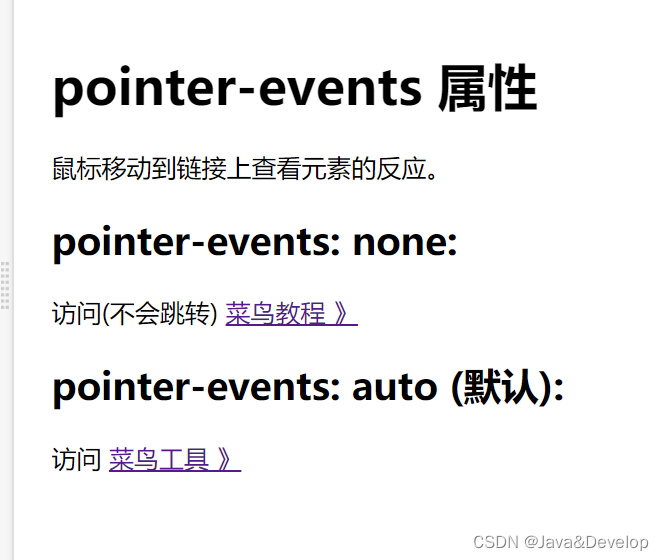
效果
版权声明:本文为weixin_48616345原创文章,遵循CC 4.0 BY-SA版权协议,转载请附上原文出处链接和本声明。