1、如果说双击打开本地 dist 文件夹里面的 index,浏览器窗口一片空白,如下图所示:
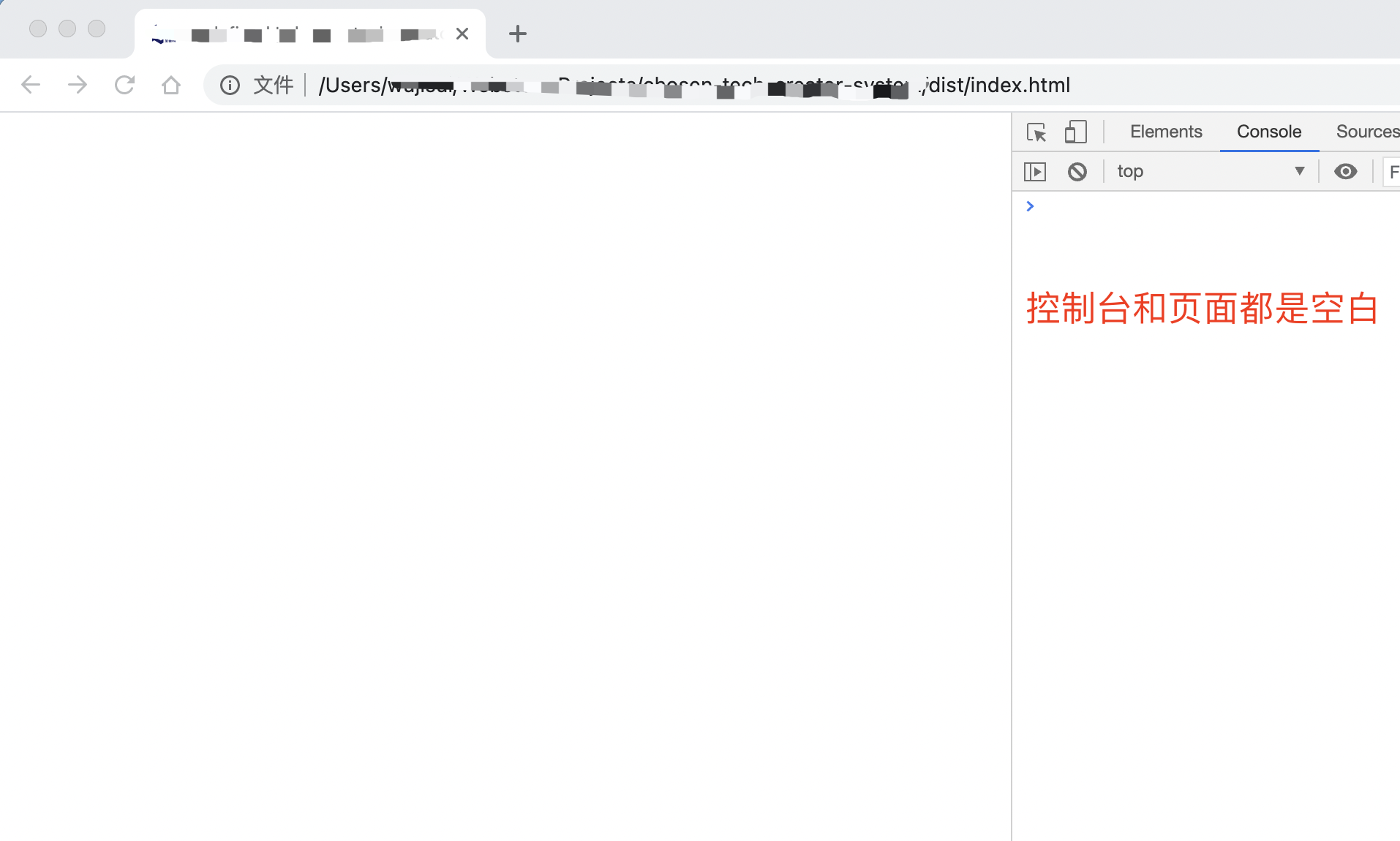
这个时候需要检查一下路由 history 配置,默认是:

const router =createRouter({

  history:createWebHistory(process.env.BASE_URL),

  routes

});
需要把 createWebHistory 修改为 createWebHashHistory:
const router =createRouter({

  history:createWebHashHistory(process.env.BASE_URL),

  routes

});
然后就大功告成啦

2、如果打包之后控制台报错 Failed to load resource: net::ERR_FILE_NOT_FOUND :
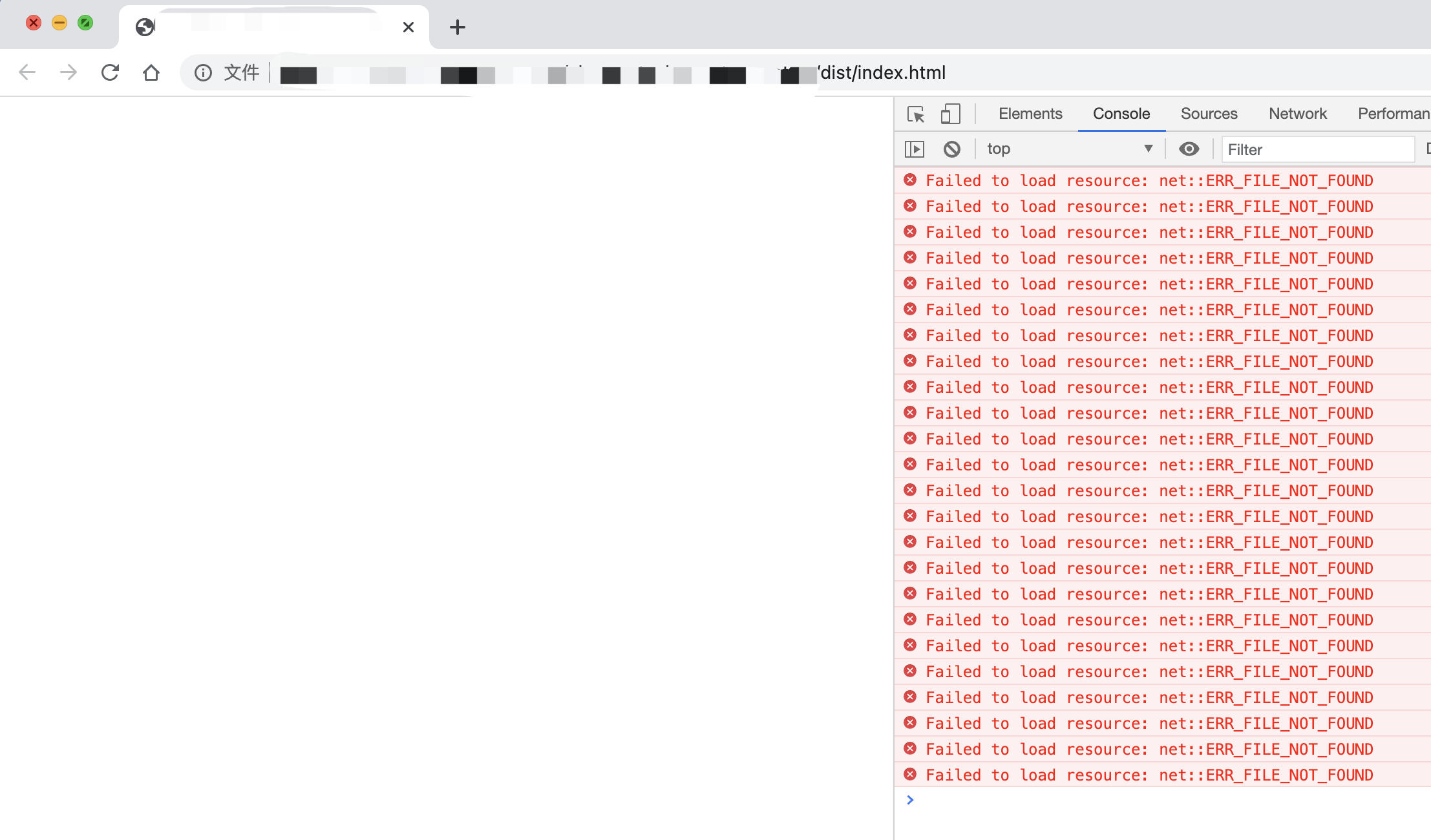
这个时候需要检查一下 vue.config.js文件的 publicPath配置
module.exports ={

  // 部署应用包时的基本 URL

  publicPath:process.env.NODE_ENV ==='production' ?'./' :'/',

}
修改 publicPath :'./',参考官网:配置参考。这样就 ok 啦。
版权声明:本文为qq_38682174原创文章,遵循CC 4.0 BY-SA版权协议,转载请附上原文出处链接和本声明。