Getting Started with Jetson Nano 2GB Developer Kit
https://developer.nvidia.com/embedded/learn/get-started-jetson-nano-2gb-devkit#prepare
sd格式化软件 镜像软件和镜像烧录软件
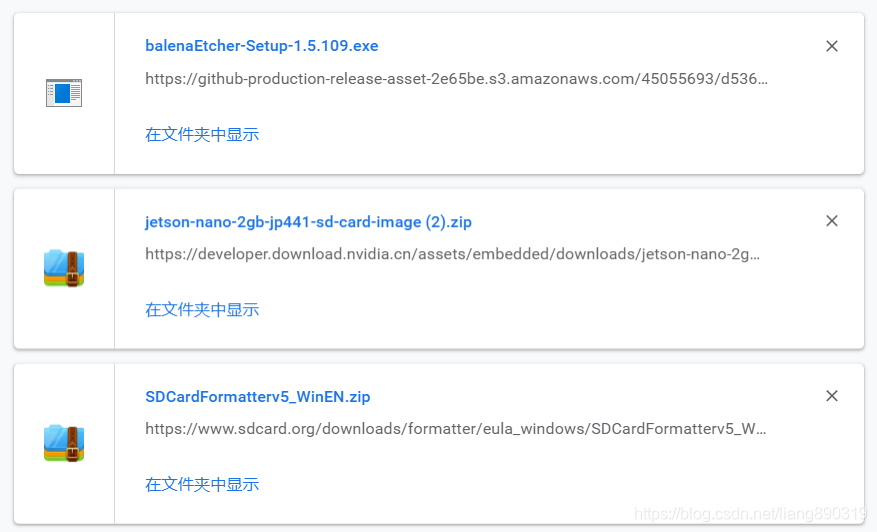
https://www.sdcard.org/downloads/formatter/eula_windows/SDCardFormatterv5_WinEN.zip
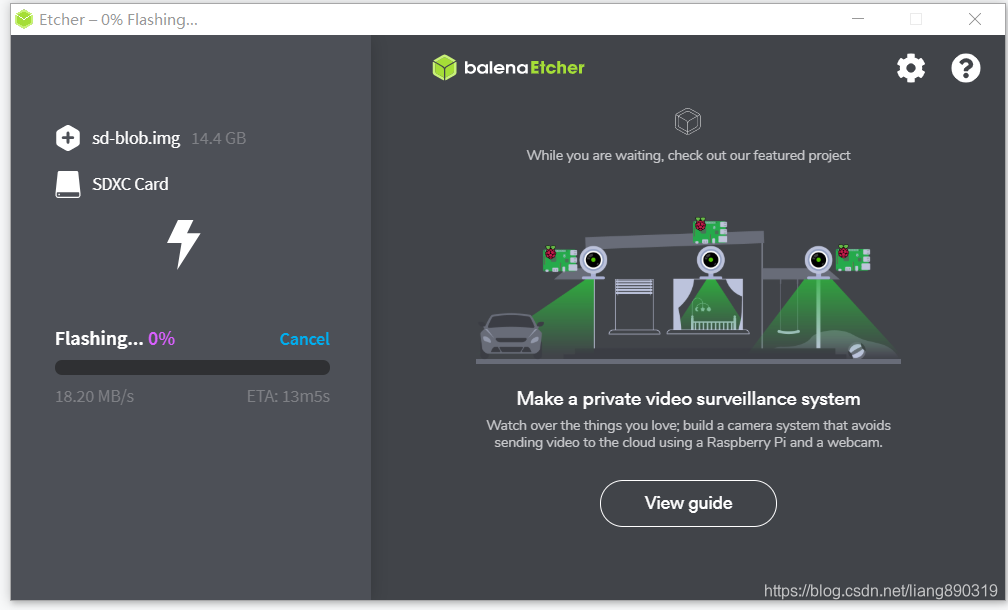
下载 中心
https://developer.nvidia.com/embedded/downloads#?search=Developer%20Kit%20User%20Guide
https://developer.nvidia.com/embedded/jetpack
插入SD卡 并开始供电引导
https://developer.nvidia.com/embedded/learn/get-started-jetson-nano-2gb-devkit#setup
这里我没有使用hdmi显示器
Headless Operation
Headless mode is handy when you don’t have a display around (or for some special purposes). After setting up in headless mode, you can use the developer kit either via network connection or simply by connecting it to another computer with a Micro USB cable.
If no display is attached to the developer kit during first boot, the initial configuration process will be headless. You will need to complete initial setup via serial application (e.g., puTTY) on another computer connected to the developer kit’s Micro-USB port.
Refer to instructions here for headless mode setup.
micro USB线接到开发板
开发板插入网线
开发板供电
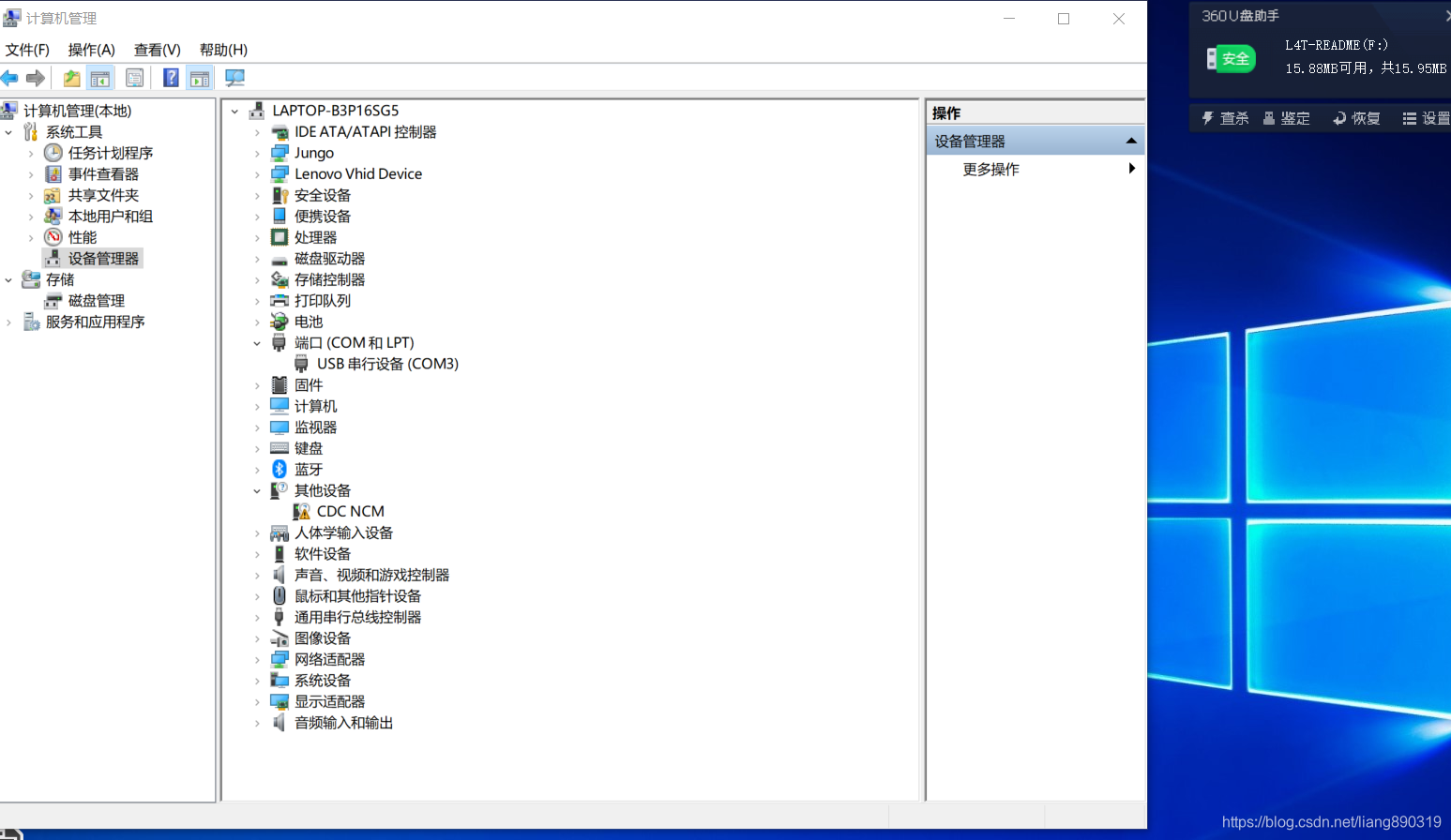
查看笔记本电脑串口号 准备用putty通过串口连接 COM3 115200
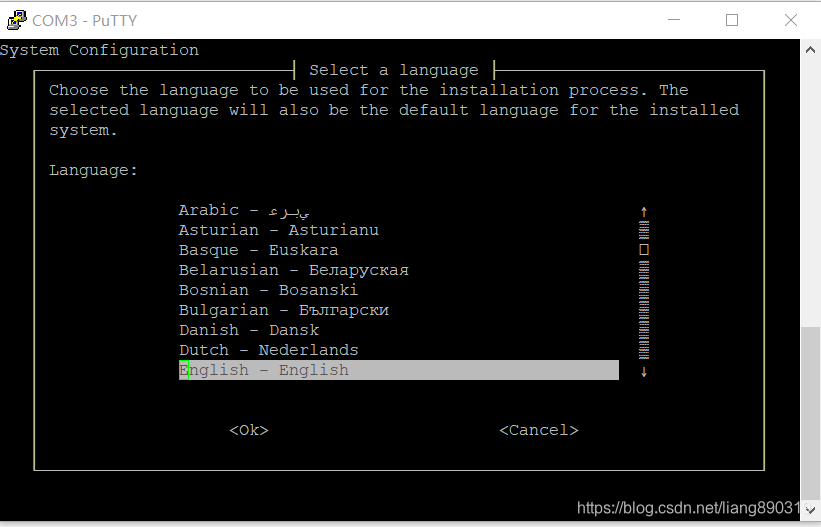
时区香港
默认UTC
lonzhang admin78x
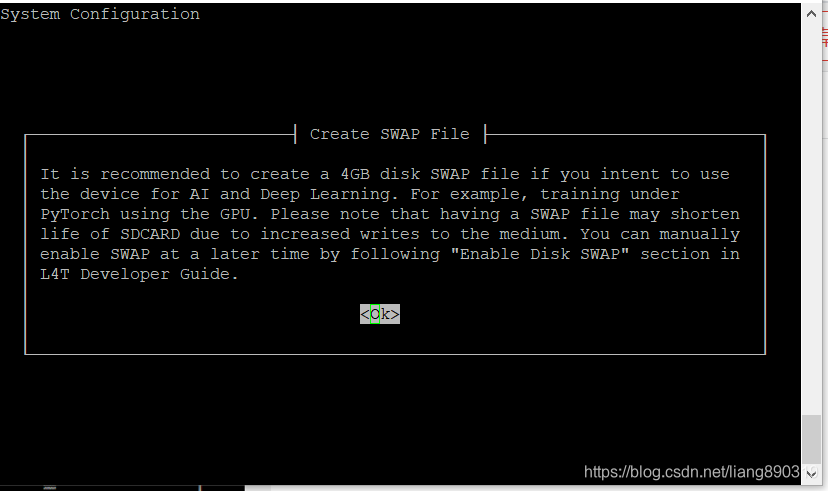
启用SWAP
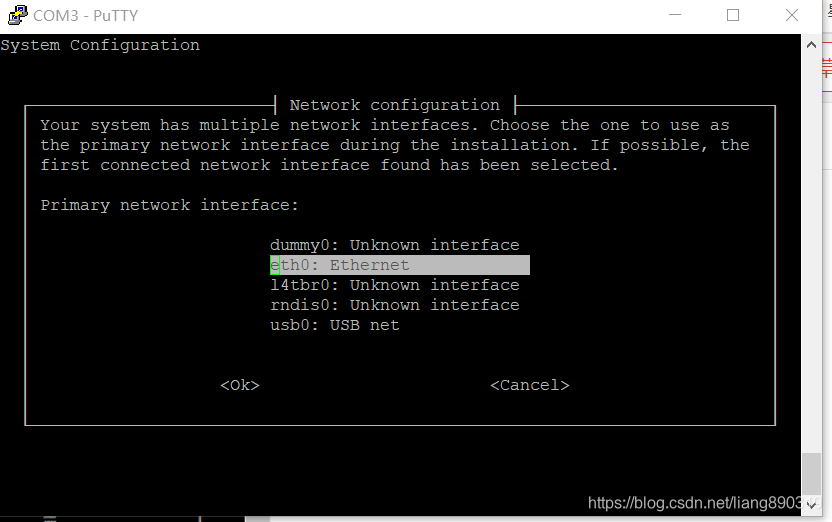
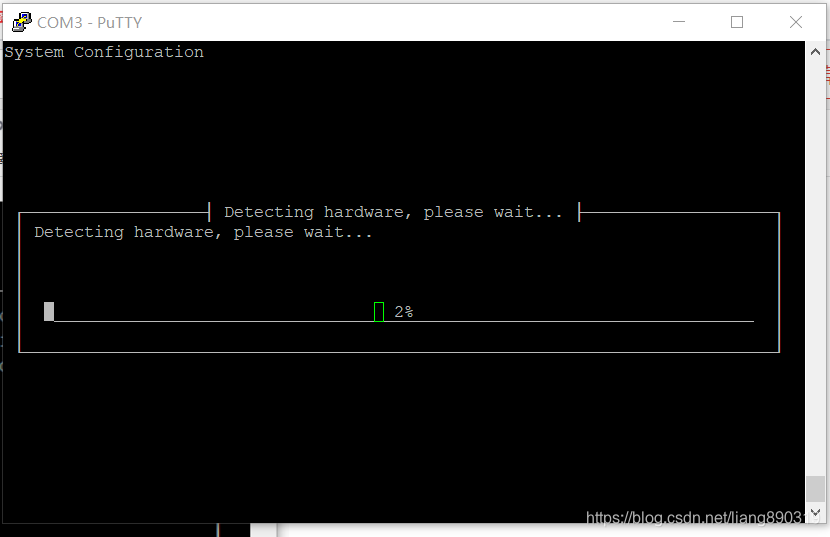
安装完成后会重启
重新用putty登录
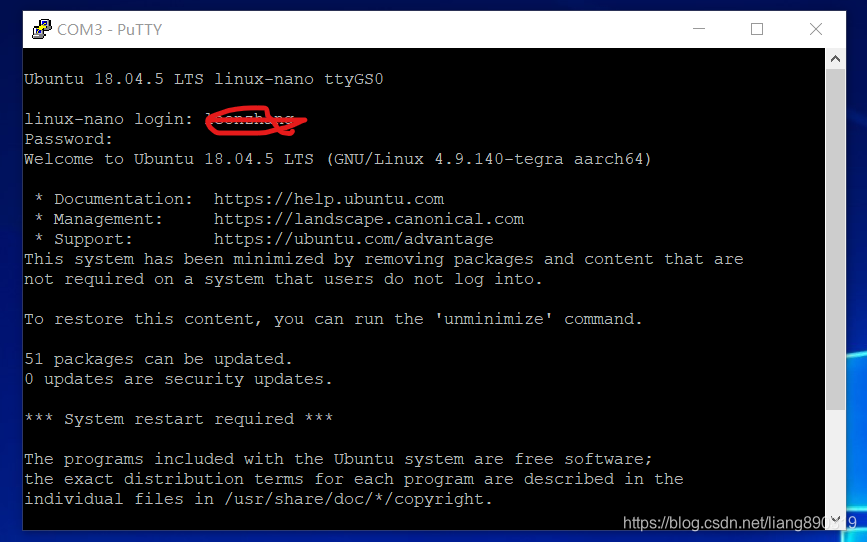
可以看到登录成功
下一步
随心所欲
祝贺您设置了Jetson Nano 2GB开发人员套件!
以下指南将帮助您了解有关开发人员工具包的更多信息并设置理想的开发人员环境:
- Jetson 2GB开发人员工具包用户指南 硬件介绍和相机安装测试
此页面包含有关开发人员工具包的所有输入和输出以及如何使用它们的更多详细信息。 - 入门指南
- 您的第一个Jetson容器
- https://developer.nvidia.com/embedded/jetson-cloud-native
了解什么是容器,以及如何在开发人员工具包上下载和使用它们。 - docker pull nvcr.io/nvidia/l4t-base:r32.4.4
sudo docker run -it --rm --net=host --runtime nvidia -e DISPLAY=$DISPLAY -v /tmp/.X11-unix/:/tmp/.X11-unix nvcr.io/nvidia/l4t-base:r32.4.4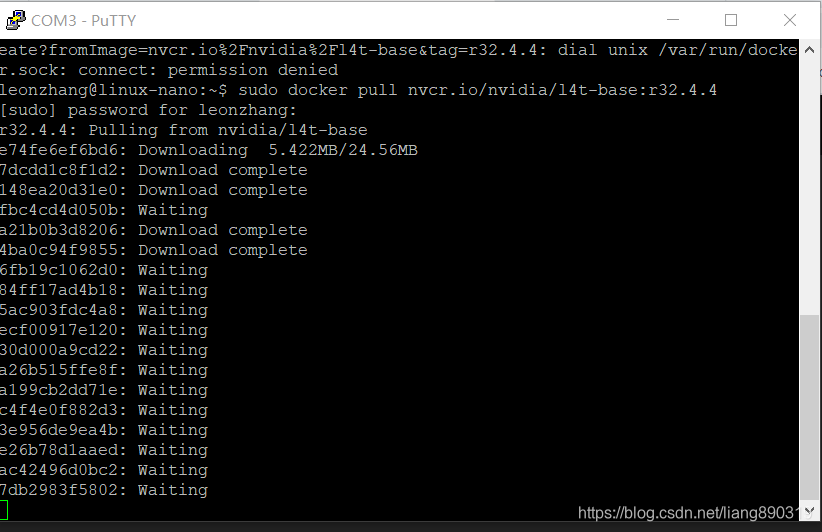
https://github.com/NVIDIA/nvidia-docker/wiki/NVIDIA-Container-Runtime-on-Jetson
# Allow containers to communicate with Xorg
$ sudo xhost +si:localuser:root
$ sudo docker run --runtime nvidia --network host -it -e DISPLAY=$DISPLAY -v /tmp/.X11-unix/:/tmp/.X11-unix nvcr.io/nvidia/l4t-base:r32.3.1

root@nano:/# apt-get update && apt-get install -y --no-install-recommends make g++
root@nano:/# cp -r /usr/local/cuda/samples /tmp
root@nano:/# cd /tmp/samples/5_Simulations/nbody
root@nano:/# make
root@nano:/# ./nbody
- NVIDIA AI教程和课程
- Hello AI World您好
开始探索AI的经典方法 - JetBot
动手,开源AI机器人平台 - Jetson AI基础知识课程
通过本实用课程开始学习AI
- Hello AI World您好
- 杰森社区
- 从最新的Jetson社区项目中获得启发。尝试以下出色的项目开始:
- 杰森论坛
- 在Jetson Nano论坛上提问并回答问题
- 杰森维基
- 不要错过Jetson Zoo,其中包含有关安装各种开源附件包和机器学习,计算机视觉,机器人技术等框架的说明。