通过uni.createSelectorQuery() 来实现,注意:要获得的高度,是在页面上已经有了dom之后才能获得
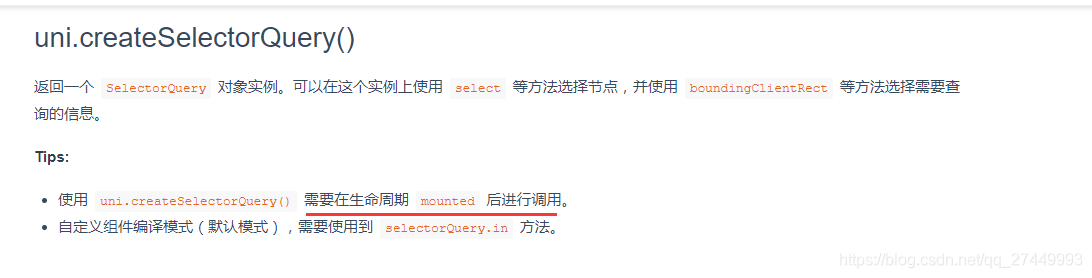
const query = uni.createSelectorQuery()
query.select('#ListConS').boundingClientRect()
query.selectViewport().scrollOffset()
query.exec(function(res){
debugger
res[0].top // #the-id节点的上边界坐标
res[1].scrollTop // 显示区域的竖直滚动位置
_this.height=resu.windowHeight-res[0].top +'px'
console.log('打印高度',res[0].height);
console.log('打印demo的元素的信息',res);
})
 var _this=this
            uni.getSystemInfo({
                success:(resu)=>{
                    _this.height=resu.windowHeight-80+'px'
                    const query = uni.createSelectorQuery()
                    query.select('#ListConS').boundingClientRect()
                    query.selectViewport().scrollOffset()
                    query.exec(function(res){
                        debugger
                        res[0].top       // #the-id节点的上边界坐标
                        res[1].scrollTop // 显示区域的竖直滚动位置
                        _this.height=resu.windowHeight-res[0].top +'px'
                        console.log('打印高度',res[0].height);
                        console.log('打印demo的元素的信息',res);
                    })
                },
                fail:(res)=>{}
            })
版权声明:本文为qq_27449993原创文章,遵循CC 4.0 BY-SA版权协议,转载请附上原文出处链接和本声明。