1、使用准备
开发文档:https://lbs.qq.com/
1、注册开发者账号:
手机号、邮箱
创建应用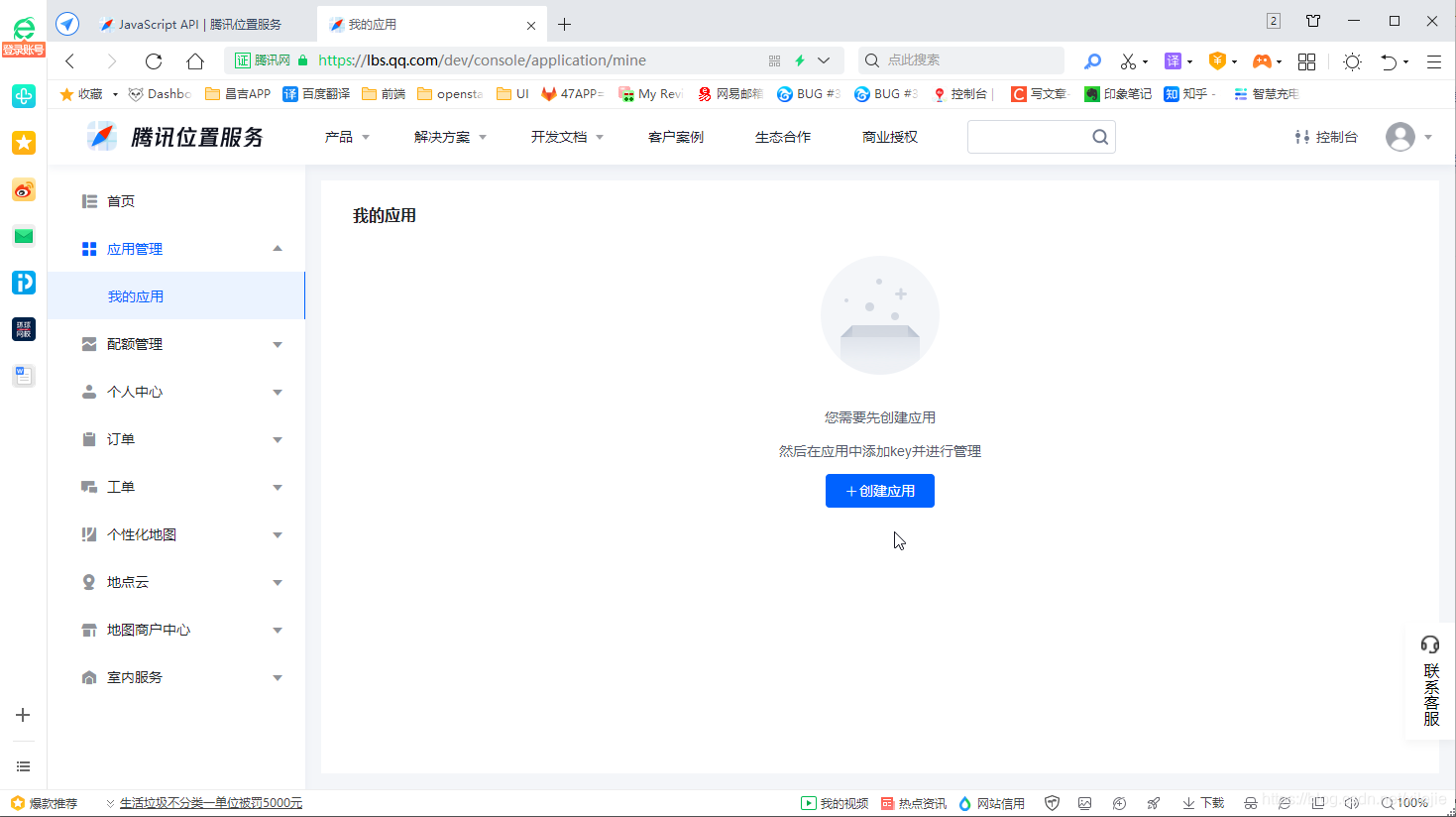
二、需求及实现
需求:
1、点击地图上的点, 获取该点的经纬度, 并点标记。
2、通过地址查询, 获取经纬度并标记。
实现:
https://lbs.qq.com/webDemoCenter/javascriptV2/marker/showMarker (官网示例源码)
我的项目关键代码:
index.html文件引入:
<script charset="utf-8"
    src="https://map.qq.com/api/js?v=2.exp&key=你的key">
</script>
//初始化地图
  initMap(lat, lng) {
    var that = this;
    var markersArray = [];
    var center = new qq.maps.LatLng(39.916527, 116.397128);
    if (lat && lng) center = new qq.maps.LatLng(lat, lng);
    var map = new qq.maps.Map(document.getElementById('mapContainer'), {
      center: center,
      zoom: 17
    });
    this.map = map;
    // 点标记
    var marker;
    if (lat && lng) addMarker(center);
    function addMarker(position) {
      if (!marker) {
        marker = new qq.maps.Marker({
          position: position,
          map: map
        });
        return;
      }
      marker.setPosition(position);
    }
    qq.maps.event.addListener(map, "click", function (event) {
      that.form.stationLng = event.latLng.lng;// 使用经纬度
      that.form.stationLat = event.latLng.lat;
      addMarker(event.latLng);
    });

    //调用地址显示地图位置并设置地址
    that.getAddress = new qq.maps.Geocoder({
      complete: function (result) {
        that.map.setCenter(result.detail.location);
        that.form.stationLng = result.detail.location.lng;
        that.form.stationLat = result.detail.location.lat;
        addMarker(result.detail.location);
      },
      error: function () { that.$Msg('没有查到位置,请在地址加上城市再试', 'warning'); }
    });
  },
  // 搜索地址获取经纬度
  getGeoInfo(event) {
    if (event && event.keyCode !== 13) return;
    let that = this;
    let address = this.address;
    this.getAddress.getLocation(this.address);
  },
版权声明:本文为xilejie原创文章,遵循CC 4.0 BY-SA版权协议,转载请附上原文出处链接和本声明。