Python Jupyter 网站编辑器
jupyter 是 python的网站编辑器可以直接在网页内编写python代码并执行,内置是通过ipython来调用的。很方便灵活。
安装
1、安装ipython,jupyter
pip install ipython
pip install jupyter
2、生成配置文件
jupyter notebook --generate-config


Writing default config to: /root/.jupyter/jupyter_notebook_config.py
输出
3、生成密码
#进入ipython
ipython#引入模块
from notebook.auth importpasswd#输入方法
passwd()#填写密码
Enter password:
Verify password:#复制下方加密密码
Out[2]: 'sha1:43b95b731276:5d330ee6f6054613b3ab4cc59c5048ff7c70f549' In [3]:
4、修改配置文件
#进入配置文件下
vi /root/.jupyter/jupyter_notebook_config.py#设置访问notebook的ip *表示所有IP,这里设置ip为都可访问
c.NotebookApp.ip='*'
#填写刚刚生成的密文
c.NotebookApp.password = u'sha1:5df252f58b7f:bf65d53125bb36c085162b3780377f66d73972d1'
#禁止notebook启动时自动打开浏览器(在linux服务器一般都是ssh命令行访问,没有图形界面的。所以,启动也没啥用)
c.NotebookApp.open_browser =False#指定访问的端口,默认是8888。
c.NotebookApp.port =8889
5、启动 jupyter 服务
jupyter notebook --no-browser
6、访问
浏览器: http://xxx:8889/
使用
1、创建使用文件

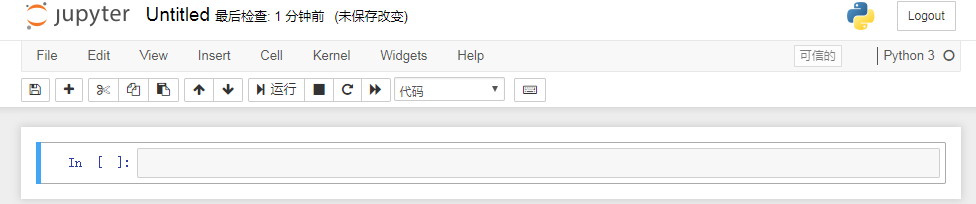
使用快捷键
- 插入cell:a b
- 删除:x
- 执行:shift+enter
- tab:自动补全
- cell模式切换:y(m->code) m(code->m)
- 打开帮助文档:shift+tab
案例:
import numpy as np
np.linspace() # 按shift+tab 有提供使用案例