编译环境安装及基础软件包
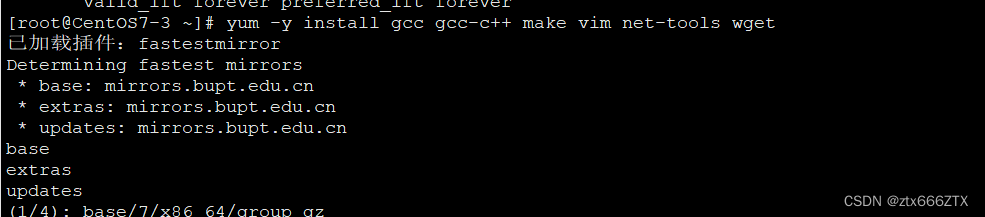
yum -y install gcc gcc-c++ make vim net-tools wget
下载
wget https://download.redis.io/releases/redis-6.2.7.tar.gz

解包
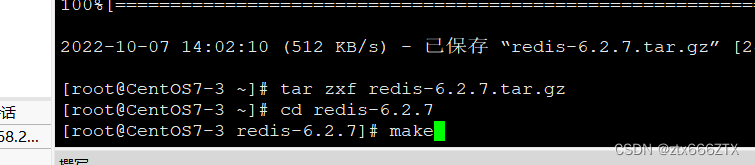
1 tar zxf redis-6.2.7.tar.gz
编译安装
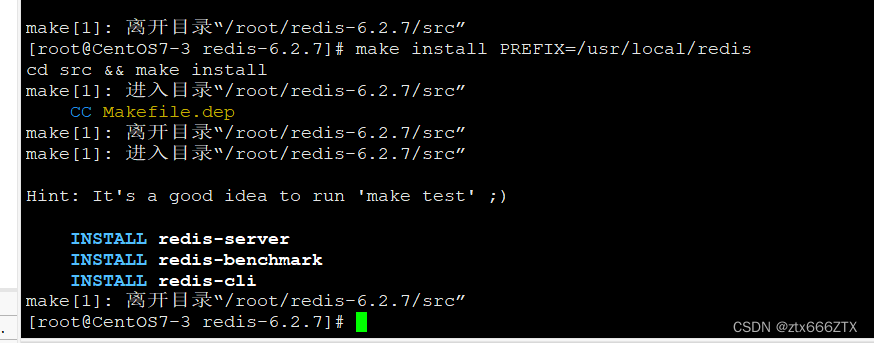
cd redis-6.2.7makemake install PREFIX=/usr/local/redis
配置服务器
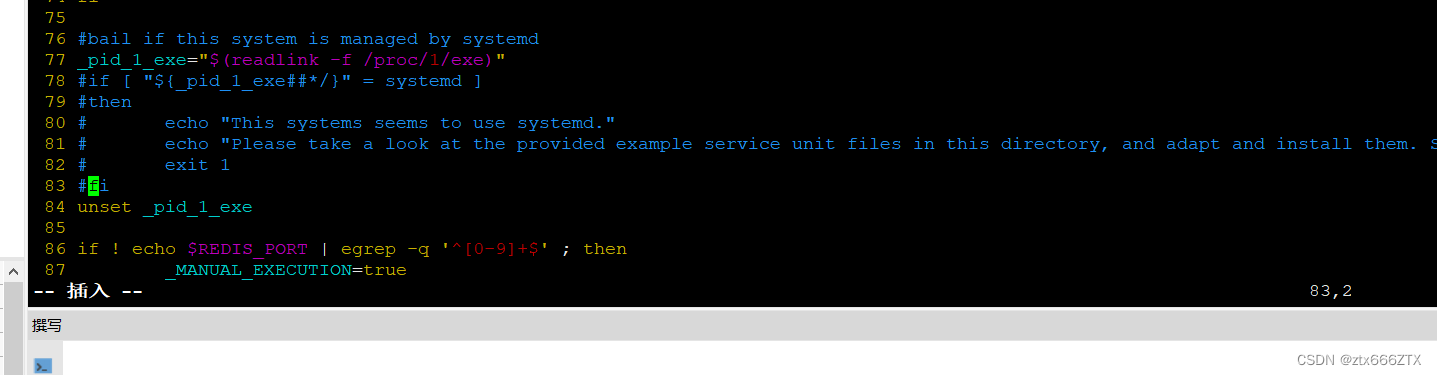
[root@localhost redis-6.2.7]# ./utils/install_server.sh #执行会报错Welcome to the redis service installerThis script will help you easily set up a running redis serverThis systems seems to use systemd.Please take a look at the provided example service unit files in this directory, and adapt and install them. Sorry![root@localhost redis-6.2.7]# vim ./utils/install_server.sh将77行到83行内容全部注释[root@localhost redis-6.2.7]# ln -s /usr/local/redis/bin/* /usr/local/bin/ #将redis执行放入到PATH变量的搜索路径中,从而就可以直接执行里面的命令


[root@localhost redis-6.2.7]# ./utils/install_server.sh #一路回车Welcome to the redis service installerThis script will help you easily set up a running redis serverPlease select the redis port for this instance: [6379]Selecting default: 6379Please select the redis config file name [/etc/redis/6379.conf]Selected default - /etc/redis/6379.confPlease select the redis log file name [/var/log/redis_6379.log]Selected default - /var/log/redis_6379.logPlease select the data directory for this instance [/var/lib/redis/6379]Selected default - /var/lib/redis/6379Please select the redis executable path [/usr/local/bin/redis-server]Selected config:Port : 6379Config file : /etc/redis/6379.conf #redis服务器的主配置文件Log file : /var/log/redis_6379.log #日志文件Data dir : /var/lib/redis/6379 #数据库存放目录Executable : /usr/local/bin/redis-server #服务器执行文件Cli Executable : /usr/local/bin/redis-cliIs this ok? Then press ENTER to go on or Ctrl-C to abort.Copied /tmp/6379.conf => /etc/init.d/redis_6379Installing service...Successfully added to chkconfig!Successfully added to runlevels 345!Starting Redis server...Installation successful!
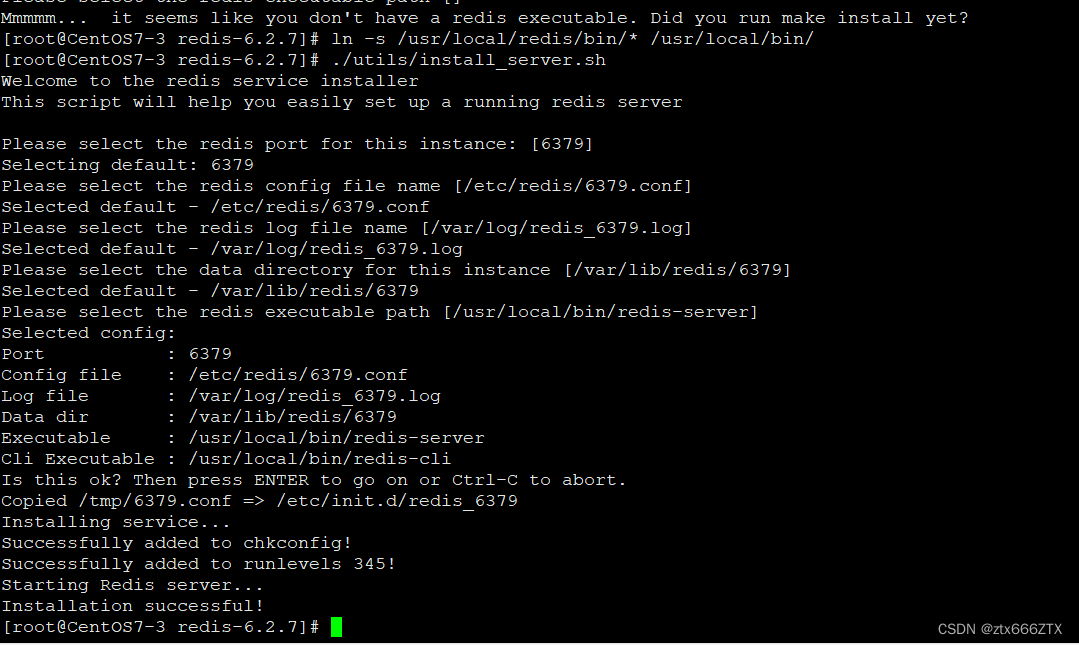
启动redis
redis-server& #后台运行redis服务器

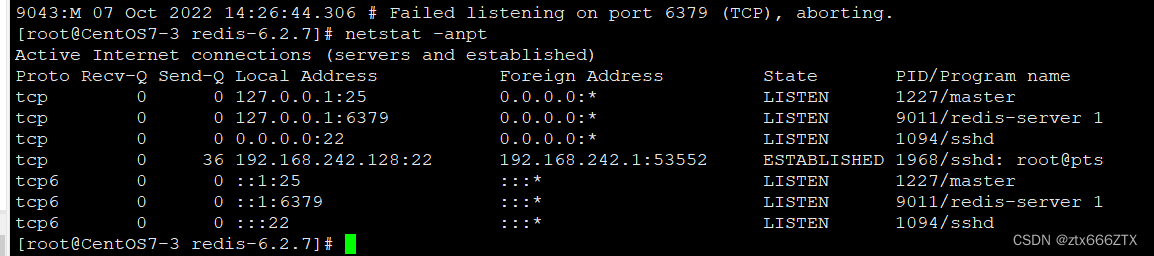
显示server 1就是正常的
使用本机进入redis数据
redis-cli127.0.0.1> set woniu wangan14 #新建一个key为woniu,value为wangan14127.0.0.1> get woniu #获取key为woniu的value值"wangan14"
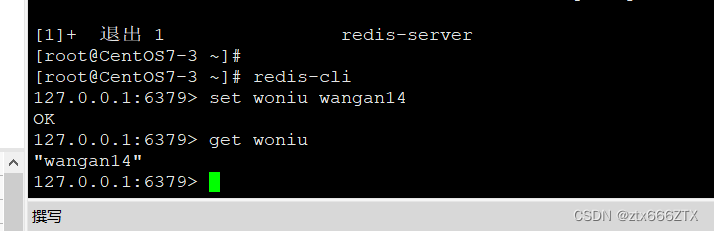
完成
版权声明:本文为ztx666ZTX原创文章,遵循CC 4.0 BY-SA版权协议,转载请附上原文出处链接和本声明。