成功安装selenium后,导入失败,报错如下
Traceback (most recent call last):
File "E:\project\venv\lib\site-packages\selenium\webdriver\common\service.py", line 76, in start
stdin=PIPE)
File "E:\Anaconda3\lib\subprocess.py", line 709, in __init__
restore_signals, start_new_session)
File "E:\Anaconda3\lib\subprocess.py", line 997, in _execute_child
startupinfo)
FileNotFoundError: [WinError 2] 系统找不到指定的文件。
During handling of the above exception, another exception occurred:
Traceback (most recent call last):
File "E:/project/cuiqingcai/001.py", line 6, in <module>
driver = webdriver.Chrome()
File "E:\project\venv\lib\site-packages\selenium\webdriver\chrome\webdriver.py", line 68, in __init__
self.service.start()
File "E:\project\venv\lib\site-packages\selenium\webdriver\common\service.py", line 83, in start
os.path.basename(self.path), self.start_error_message)
selenium.common.exceptions.WebDriverException: Message: 'chromedriver' executable needs to be in PATH. Please see https://sites.google.com/a/chromium.org/chromedriver/home
因为没有安装ChromeDriver,取下载ChromeDriver (32位)
下载网址:http://npm.taobao.org/mirrors/chromedriver/
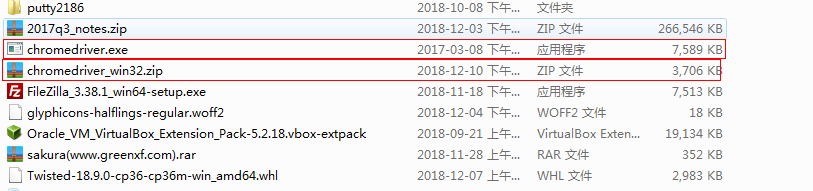
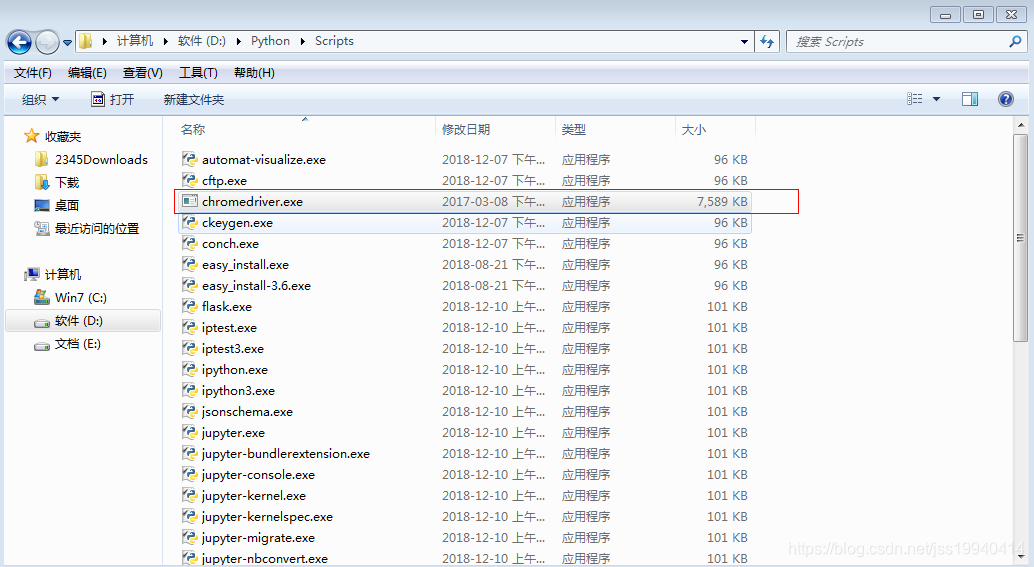
下载解压后将chromedriver.exe放到你的安装路径下的Scripts下即可
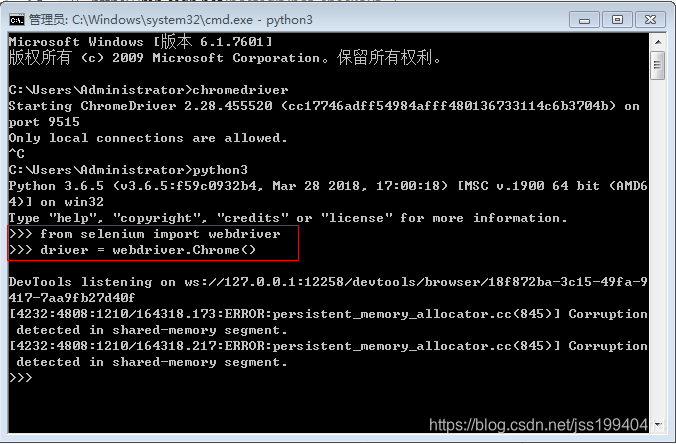
再次执行
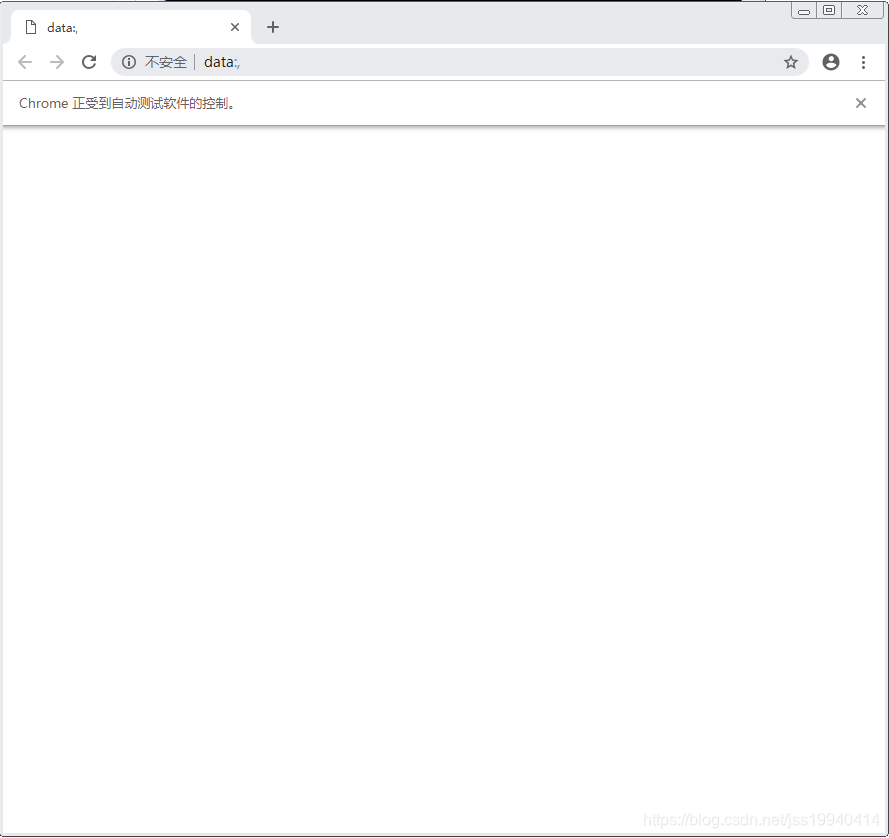
自动弹出的chrome窗口
补充:
有些在安装chromedriver后仍不能运行,是因为chrome的浏览器版本太低导致的,如下网址可查看chrome和chromedriver对应的版本适应号